
Fmcco - Minecraft Skins & Skin History
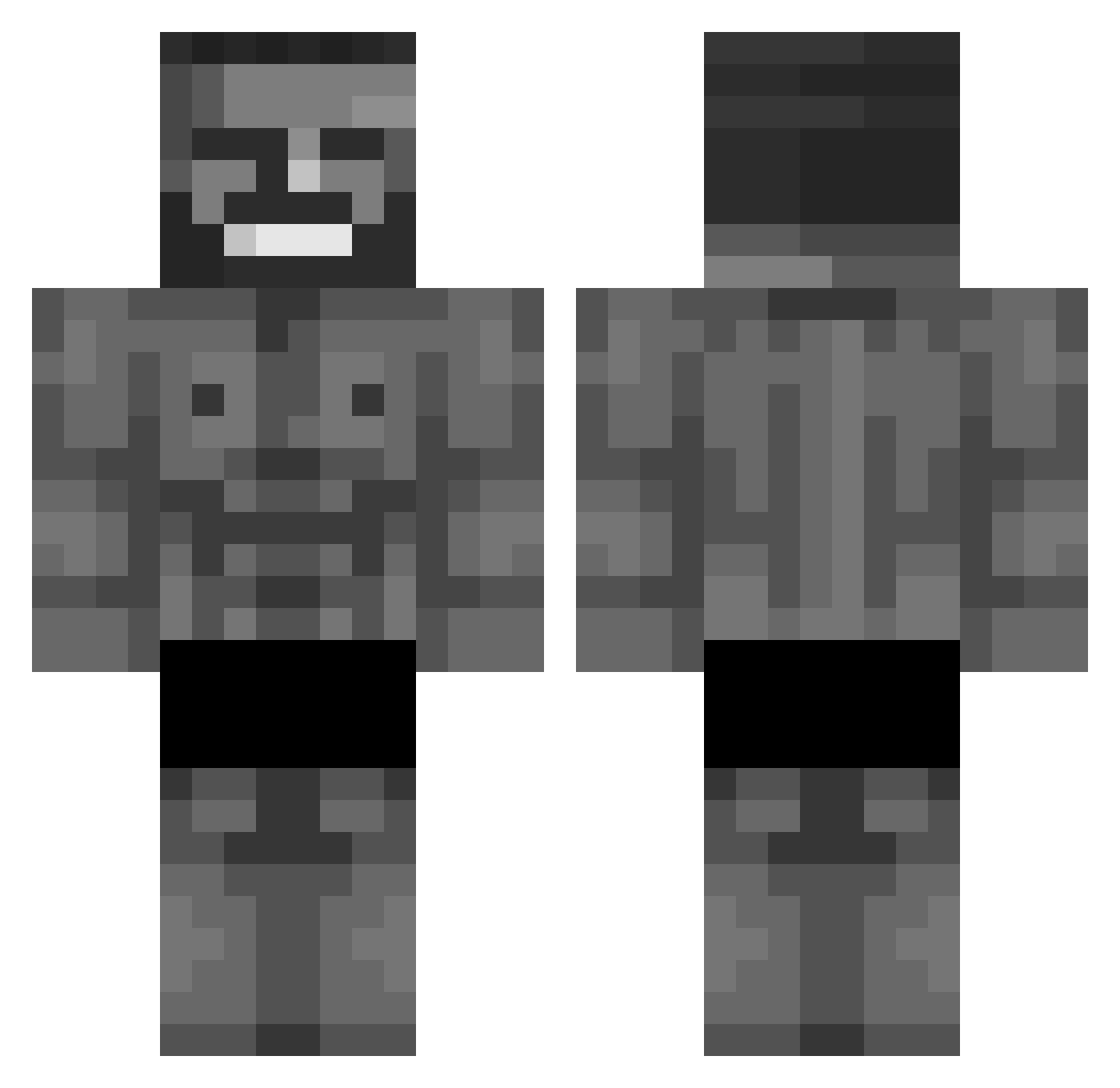
Current Minecraft skin of the player Fmcco, loaded from the official Mojang API. Rotate the 3D model with your mouse or finger, then download the skin as a PNG file and use it in Minecraft: Bedrock Edition or Java Edition for free. When Fmcco changes their skin, this page updates automatically and the old skin stays in the history below.
Other players with this skin (876)
Fmcco was the 685th player we have seen with this skin, first spotted on 15.10.2026. The same skin was seen on these players. Open a nickname to see their current skin and skin history.
 ssubhe JBarry2468 SHASHEEESH ALEXTHEDRAG0N ImRealNasty FishMcBites123 AktivPrikelnd Aidan7083 zaiN_1118 sansasyorr Tima333 browaswillstdu LisaUwU axsi_ PhrazeL MezzzENP D26900 blake2609 Base_Hunter54 stattique sierako_ NoisySea Torrin98 Svinbonanza DasCrankey vchop AvillaNext8 xDrC1x iAqRose Czarlskox Syvillion Amiii2404 updatebee anomalouscircus Koleslav Godfather6 Zamis13 Eiuss BeekyBoy VincentMares elda1901 Spiderboy900X martyba Cepillin28 um0g NotRTw Mr_Stea1YoGr1 ScremerMemer IsquouaZe SK_MORNINGSTAR Baby_Punter p0tato42o brkcbr PorrDawg lyaire TellyWelle lynx12705 HaiTeng bat2ten ReZero6386
More Gigachad Minecraft skins
How to install the Fmcco skin
- Press the Download button above to save the skin as a PNG file.
- Minecraft: Bedrock Edition (PE): open the Dressing Room from the main menu (or tap your character → Edit Character), go to Classic Skins → Owned, press the + (new skin) button, choose the downloaded PNG and pick the Classic (Steve) model. Works on PC and mobile; consoles cannot import custom skins.
- Minecraft: Java Edition: open the Minecraft Launcher, go to the Skins tab, click New Skin, load the PNG, pick the Classic (Steve) model and press Save & Use. You can also upload it at minecraft.net → Profile → Change Skin.
The skin does not show up after import - what should I do?
Restart Minecraft and open the Dressing Room again - imported skins sometimes appear only after a restart. Also make sure you selected the imported skin and picked the Classic (Steve) model.
Which model should I choose, Classic or Slim?
This skin is designed for the Classic (Steve) model. If you pick the wrong model, the arms of the skin will look stretched or squeezed.
Is the skin of Fmcco free to download?
Yes. Press Download, save the PNG file and use it in Minecraft: Bedrock Edition or Java Edition - no payment or registration needed. The skin also works on multiplayer servers and Realms.
More skins
Looking for more? Go back to all Minecraft skins and check the top skins of the week, month and all time, or find any player's skin by nickname.