
FluxPanda23 - Minecraft Skins & Skin History
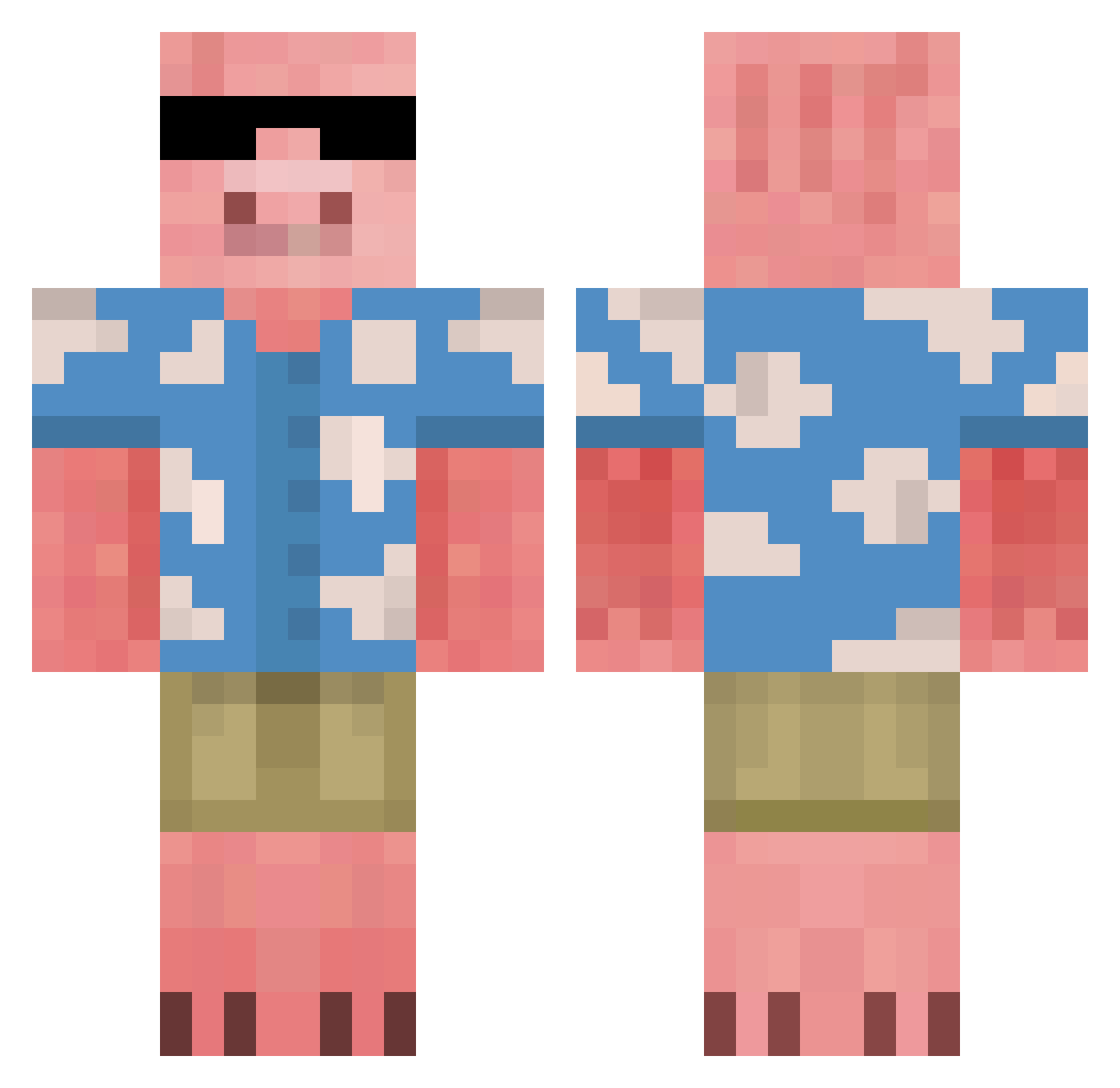
Current Minecraft skin of the player FluxPanda23, loaded from the official Mojang API. Rotate the 3D model with your mouse or finger, then download the skin as a PNG file and use it in Minecraft: Bedrock Edition or Java Edition for free. When FluxPanda23 changes their skin, this page updates automatically and the old skin stays in the history below.
Other players with this skin (676)
FluxPanda23 was the 43rd player we have seen with this skin, first spotted on 30.07.2026. The same skin was seen on these players. Open a nickname to see their current skin and skin history.
 standzero SUPREMACYTRONE Lekelestkel TheOinker Dragonmonkey19 OCH545 EkaPark dandeedoo axsha96 andersonshell Brodyplayzvr Dolphinboy7 Gerdulu pookieaynonce enhyfen miikaluh El_Jorgais Ricardo_C RNA_Tower RBII ambervberlo n0xfer rinkxd MichelleLover66 krkx zazallama little_yellowtw Revenual Matral2137xd SRKFAN Bentyfn MrPigglyWiggly7 PeppaBor Alexander_boy MonsieurGamerPig
 ArttuBM ERat09 GoofyAhhSosa Masterlolislayer DialalPT Brazuquin SillyCrazy RedSky33
 Beny_25 spacesite DmRebornx gavinawesomedude izzyyshawtyy fiercecat8 FancyChicken911 WIZARKHD Mrpigluver ChortleDaTortle schmee_dog
 NuggetsiX Angrestaa drxuzy Byggarebob119 PorkPleaser xixinhagamer
More Piglin Minecraft skins
How to install the FluxPanda23 skin
- Press the Download button above to save the skin as a PNG file.
- Minecraft: Bedrock Edition (PE): open the Dressing Room from the main menu (or tap your character → Edit Character), go to Classic Skins → Owned, press the + (new skin) button, choose the downloaded PNG and pick the Classic (Steve) model. Works on PC and mobile; consoles cannot import custom skins.
- Minecraft: Java Edition: open the Minecraft Launcher, go to the Skins tab, click New Skin, load the PNG, pick the Classic (Steve) model and press Save & Use. You can also upload it at minecraft.net → Profile → Change Skin.
The skin does not show up after import - what should I do?
Restart Minecraft and open the Dressing Room again - imported skins sometimes appear only after a restart. Also make sure you selected the imported skin and picked the Classic (Steve) model.
Which model should I choose, Classic or Slim?
This skin is designed for the Classic (Steve) model. If you pick the wrong model, the arms of the skin will look stretched or squeezed.
Is the skin of FluxPanda23 free to download?
Yes. Press Download, save the PNG file and use it in Minecraft: Bedrock Edition or Java Edition - no payment or registration needed. The skin also works on multiplayer servers and Realms.
More skins
Looking for more? Go back to all Minecraft skins and check the top skins of the week, month and all time, or find any player's skin by nickname.