
Flugdracheen - Minecraft Skins & Skin History
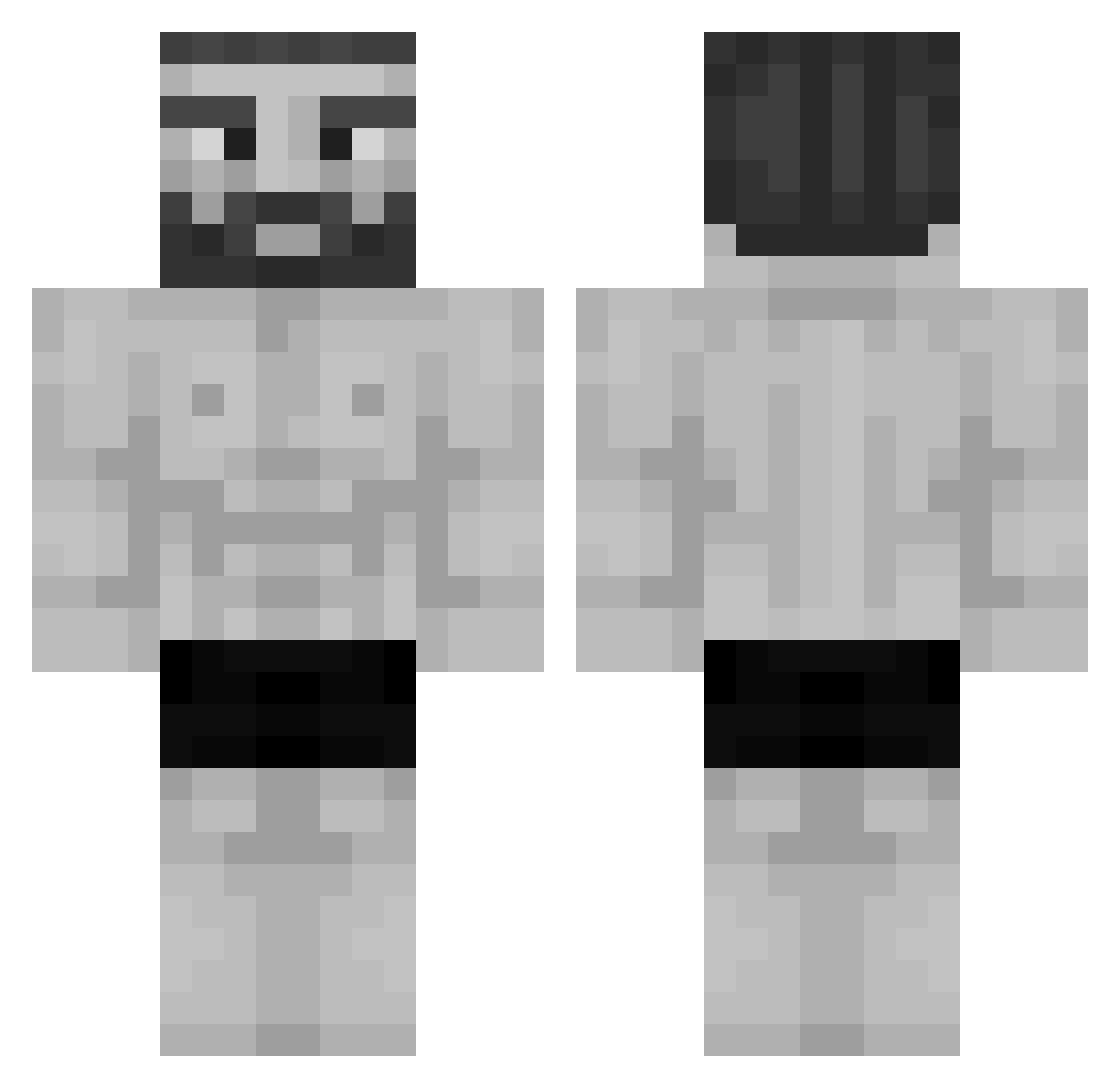
Current Minecraft skin of the player Flugdracheen, loaded from the official Mojang API. Rotate the 3D model with your mouse or finger, then download the skin as a PNG file and use it in Minecraft: Bedrock Edition or Java Edition for free. When Flugdracheen changes their skin, this page updates automatically and the old skin stays in the history below.
Other players with this skin (955)
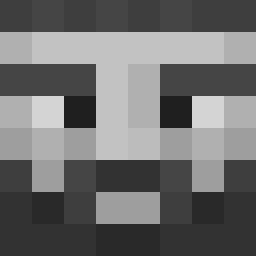
Flugdracheen was the 599th player we have seen with this skin, first spotted on 22.09.2026. The same skin was seen on these players. Open a nickname to see their current skin and skin history.
 CristianDDO Xx_Bisqui_xX nobaguy einhornpups12345 Wisdo_ 1FreeKit DeeneyBOI FXSGIOVANNI killershark657 SpazticWhale ChariaPourTous gmasterflash usersiname123 Akelias AdamSnaky W_Lxl_L Doryong1 Galactick45 ccrv GenarKinq AussieArc ek4984 P0rnelius ZMark11 SpicyKnob Diskoh Bliggaballs1 Berkant1923 NothinToSomethin budslug ShaxGG fpsx_ Eufoe MAXCRIMEJY Atandr0s TheProFeik NoWayIDidntAsk DapperDrewBlue FrijolesHead REXONAROL rickr2d2 Djal1l anv333t Xman3R tyONI qqobbk1128 Mekase_TR wee21_ LeeHenry1402 kenworthT800_ Little_Badger6 wtam Squidbilly215 Saiyaman6711 Azizzz1 Codygb2000 XaVar0 Dantekoko friggin_paket_yo szybkiryszard
More Gigachad Minecraft skins
How to install the Flugdracheen skin
- Press the Download button above to save the skin as a PNG file.
- Minecraft: Bedrock Edition (PE): open the Dressing Room from the main menu (or tap your character → Edit Character), go to Classic Skins → Owned, press the + (new skin) button, choose the downloaded PNG and pick the Classic (Steve) model. Works on PC and mobile; consoles cannot import custom skins.
- Minecraft: Java Edition: open the Minecraft Launcher, go to the Skins tab, click New Skin, load the PNG, pick the Classic (Steve) model and press Save & Use. You can also upload it at minecraft.net → Profile → Change Skin.
The skin does not show up after import - what should I do?
Restart Minecraft and open the Dressing Room again - imported skins sometimes appear only after a restart. Also make sure you selected the imported skin and picked the Classic (Steve) model.
Which model should I choose, Classic or Slim?
This skin is designed for the Classic (Steve) model. If you pick the wrong model, the arms of the skin will look stretched or squeezed.
Is the skin of Flugdracheen free to download?
Yes. Press Download, save the PNG file and use it in Minecraft: Bedrock Edition or Java Edition - no payment or registration needed. The skin also works on multiplayer servers and Realms.
More skins
Looking for more? Go back to all Minecraft skins and check the top skins of the week, month and all time, or find any player's skin by nickname.