
Flookiewookie - Minecraft Skins & Skin History
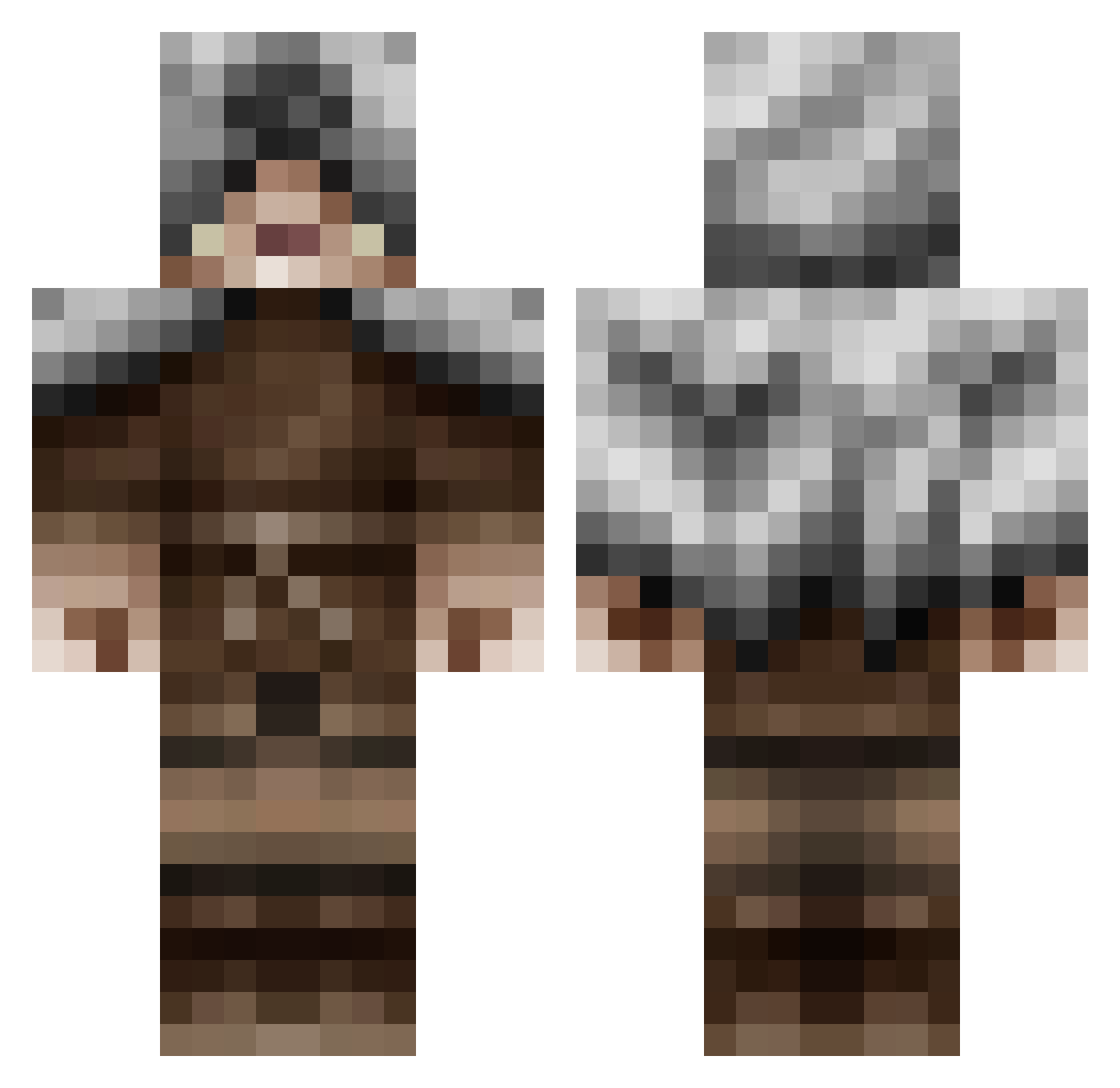
Current Minecraft skin of the player Flookiewookie, loaded from the official Mojang API. Rotate the 3D model with your mouse or finger, then download the skin as a PNG file and use it in Minecraft: Bedrock Edition or Java Edition for free. When Flookiewookie changes their skin, this page updates automatically and the old skin stays in the history below.
Other players with this skin (479)
Flookiewookie was the 199th player we have seen with this skin, first spotted on 06.09.2026. The same skin was seen on these players. Open a nickname to see their current skin and skin history.
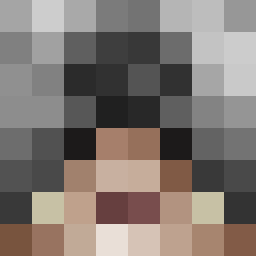 Operative_Reaper campbell31 kcschwa Karth1 wolfnight221 Kirelc ElibottMC Aaresm Rockman101 Isbird100 benster1199 www_coolguy_com Shep_boy angoliver Magmoth CPTNzCLUTCH likelikestuff77 thedark231 theinnovater minecraft1311577 BlueHorizons Mambabite anthonybarrio assasini4 Yannick_19 Nike_sprayslover Dsilexic Si1entReaper Nexasy Vakoma96 Aluka bicycledennis wolfjester Pellgrain Mojang_Mayhem pimke2001 Lelindre Antedilluvian19 maxident19998 tharma fritzinger7 blackdakkon Skott155 Cobra800 Gigacat87 Freezerinozeros Zaynne _HotSpotAJ_ priesthood pengmas Kulak23 guzkid NobleRC bullpup775 Ruthlez PrayerBear7 Winter_traveler AdriLuck Legendxry boester08
More Rogue Minecraft skins
How to install the Flookiewookie skin
- Press the Download button above to save the skin as a PNG file.
- Minecraft: Bedrock Edition (PE): open the Dressing Room from the main menu (or tap your character → Edit Character), go to Classic Skins → Owned, press the + (new skin) button, choose the downloaded PNG and pick the Classic (Steve) model. Works on PC and mobile; consoles cannot import custom skins.
- Minecraft: Java Edition: open the Minecraft Launcher, go to the Skins tab, click New Skin, load the PNG, pick the Classic (Steve) model and press Save & Use. You can also upload it at minecraft.net → Profile → Change Skin.
The skin does not show up after import - what should I do?
Restart Minecraft and open the Dressing Room again - imported skins sometimes appear only after a restart. Also make sure you selected the imported skin and picked the Classic (Steve) model.
Which model should I choose, Classic or Slim?
This skin is designed for the Classic (Steve) model. If you pick the wrong model, the arms of the skin will look stretched or squeezed.
Is the skin of Flookiewookie free to download?
Yes. Press Download, save the PNG file and use it in Minecraft: Bedrock Edition or Java Edition - no payment or registration needed. The skin also works on multiplayer servers and Realms.
More skins
Looking for more? Go back to all Minecraft skins and check the top skins of the week, month and all time, or find any player's skin by nickname.