
Flabwq - Minecraft Skins & Skin History
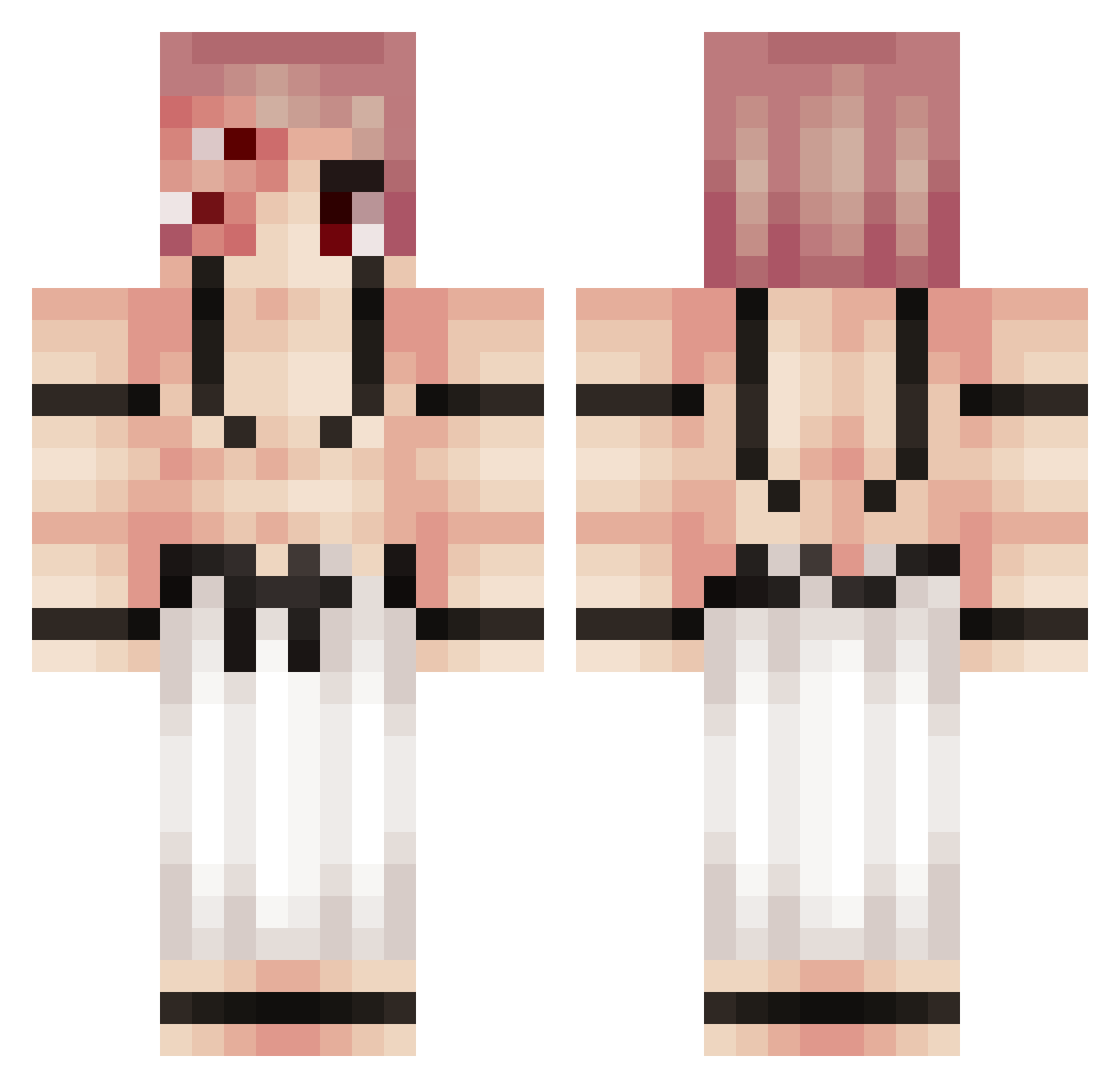
Current Minecraft skin of the player Flabwq, loaded from the official Mojang API. Rotate the 3D model with your mouse or finger, then download the skin as a PNG file and use it in Minecraft: Bedrock Edition or Java Edition for free. When Flabwq changes their skin, this page updates automatically and the old skin stays in the history below.
Other players with this skin (217)
Flabwq was the 34th player we have seen with this skin, first spotted on 09.08.2026. The same skin was seen on these players. Open a nickname to see their current skin and skin history.
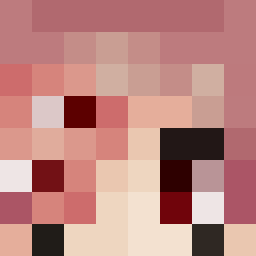 zUn3A
zUn3A Pink_Pilot
 Wetakon BoniMc jthaylwert Ilovekittes Mikkellunding senrishiki TYGRYSEKPL1 AlexTierGod Taecup zorgnut11 connorgizmo tapdawg Ryyo18 Vinninm cutelildemon Ruined_kim
 SaintEx0 k1dk CornFlexx26 Guy2029 camiiloox
 macs8804 Shingeki42 YokainFromAbyss lebrownieJr Cl0udV3nom OptimusPwime Iresetmygame Chiin0024
 Colostomy_bag nitrogaming6 slenq GucciBeltBih ArgenRussian Sukuna xIsaacNewton
 Seinix Perkapita ScorchedCloud redstonestart Roskovicia Bomblaadin GoggleOcto SukunaLover11359 zaravas0 Novak404 shofito BonzinBonzo Alanz777
 Chancesoul Noratola_812 childkicker96 Zenus4 01Nightmare01 _____0 Dr_Dragioxx TheMafioso_
 fraaxic
More Kokushibo Minecraft skins
How to install the Flabwq skin
- Press the Download button above to save the skin as a PNG file.
- Minecraft: Bedrock Edition (PE): open the Dressing Room from the main menu (or tap your character → Edit Character), go to Classic Skins → Owned, press the + (new skin) button, choose the downloaded PNG and pick the Classic (Steve) model. Works on PC and mobile; consoles cannot import custom skins.
- Minecraft: Java Edition: open the Minecraft Launcher, go to the Skins tab, click New Skin, load the PNG, pick the Classic (Steve) model and press Save & Use. You can also upload it at minecraft.net → Profile → Change Skin.
The skin does not show up after import - what should I do?
Restart Minecraft and open the Dressing Room again - imported skins sometimes appear only after a restart. Also make sure you selected the imported skin and picked the Classic (Steve) model.
Which model should I choose, Classic or Slim?
This skin is designed for the Classic (Steve) model. If you pick the wrong model, the arms of the skin will look stretched or squeezed.
Is the skin of Flabwq free to download?
Yes. Press Download, save the PNG file and use it in Minecraft: Bedrock Edition or Java Edition - no payment or registration needed. The skin also works on multiplayer servers and Realms.
More skins
Looking for more? Go back to all Minecraft skins and check the top skins of the week, month and all time, or find any player's skin by nickname.