
FisheesPlayz - Minecraft Skins & Skin History
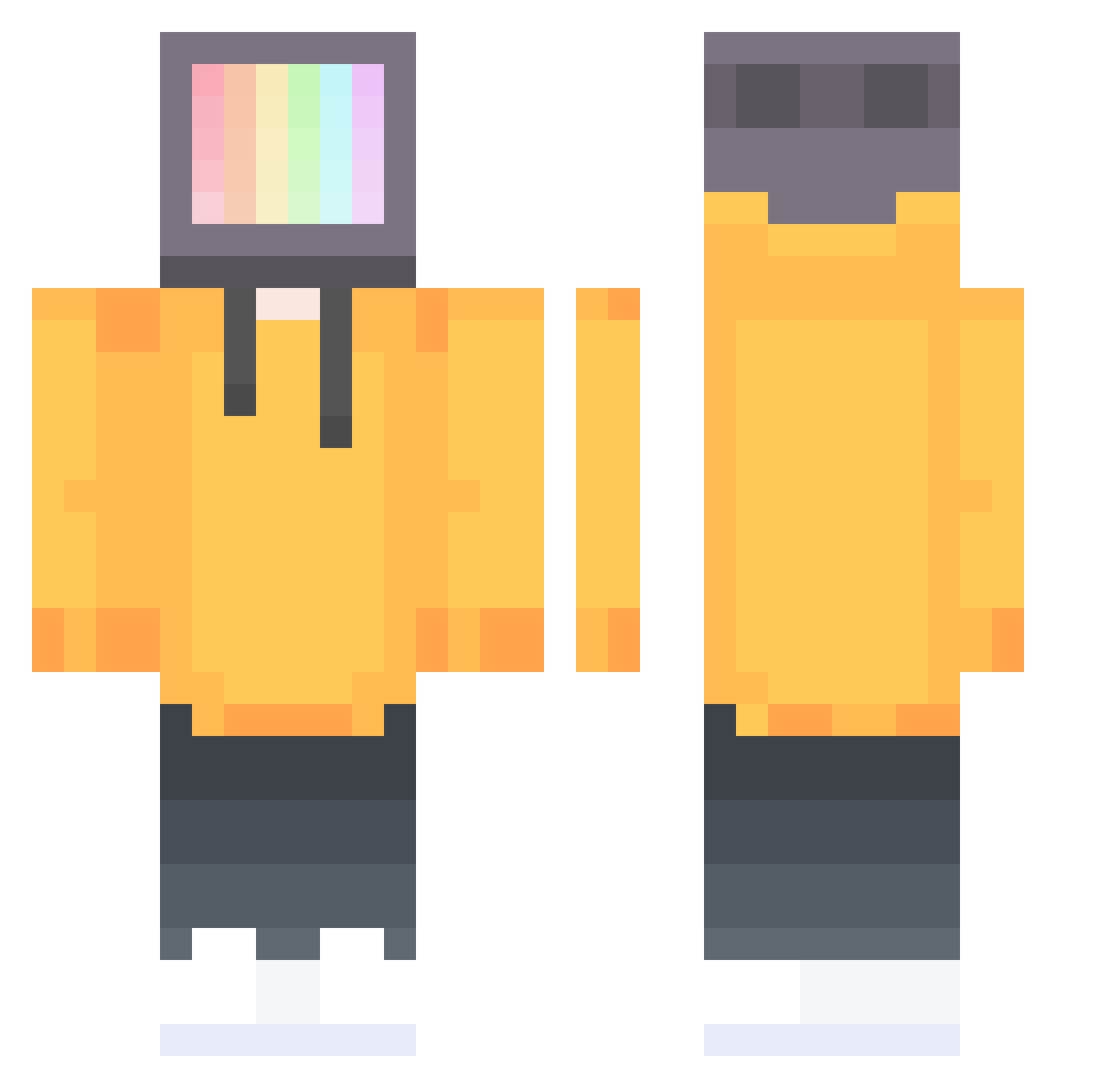
Current Minecraft skin of the player FisheesPlayz, loaded from the official Mojang API. Rotate the 3D model with your mouse or finger, then download the skin as a PNG file and use it in Minecraft: Bedrock Edition or Java Edition for free. When FisheesPlayz changes their skin, this page updates automatically and the old skin stays in the history below.
Other players with this skin (251)
FisheesPlayz was the 41st player we have seen with this skin, first spotted on 12.08.2026. The same skin was seen on these players. Open a nickname to see their current skin and skin history.
 xiaoC520eg SHARKNEXUS Snapplemycrackle Robbin_ douzepoints nathanski125 stilljustethan stalewxrld Pouch_loneliness O_AL Iviiiwi Jawsheauwah shenlin074 Rader2143 c0rezen titiman28 tuoye Borbuczek stidn DrunkFish233 pipeBot Luminate 8091 DredNau9ht Crocraxker3 peca Mister_bacnpikl TOP1CSS Huxley1749 Arataaa BlackYin
 BeastBomber23 Krosis564 Amppelsamp emico2003 ejaredpaul Eril_318 _Stinker_ AshAttacksStan VXZ_lol DemandingLemon TVhead_Pre Salted_Stag MightyKing42 banbenJ YungBL Dangun72 render__ teatealo MiIde scromnayakisa Eowsol ComfortMisha GtaMan9110 yangyang777 notjerrybtw paytonski28 K2lious Vandoan FarusSS
More TV Head Minecraft skins
How to install the FisheesPlayz skin
- Press the Download button above to save the skin as a PNG file.
- Minecraft: Bedrock Edition (PE): open the Dressing Room from the main menu (or tap your character → Edit Character), go to Classic Skins → Owned, press the + (new skin) button, choose the downloaded PNG and pick the Classic (Steve) model. Works on PC and mobile; consoles cannot import custom skins.
- Minecraft: Java Edition: open the Minecraft Launcher, go to the Skins tab, click New Skin, load the PNG, pick the Classic (Steve) model and press Save & Use. You can also upload it at minecraft.net → Profile → Change Skin.
The skin does not show up after import - what should I do?
Restart Minecraft and open the Dressing Room again - imported skins sometimes appear only after a restart. Also make sure you selected the imported skin and picked the Classic (Steve) model.
Which model should I choose, Classic or Slim?
This skin is designed for the Classic (Steve) model. If you pick the wrong model, the arms of the skin will look stretched or squeezed.
Is the skin of FisheesPlayz free to download?
Yes. Press Download, save the PNG file and use it in Minecraft: Bedrock Edition or Java Edition - no payment or registration needed. The skin also works on multiplayer servers and Realms.
More skins
Looking for more? Go back to all Minecraft skins and check the top skins of the week, month and all time, or find any player's skin by nickname.