
FecaKiller073 - Minecraft Skins & Skin History
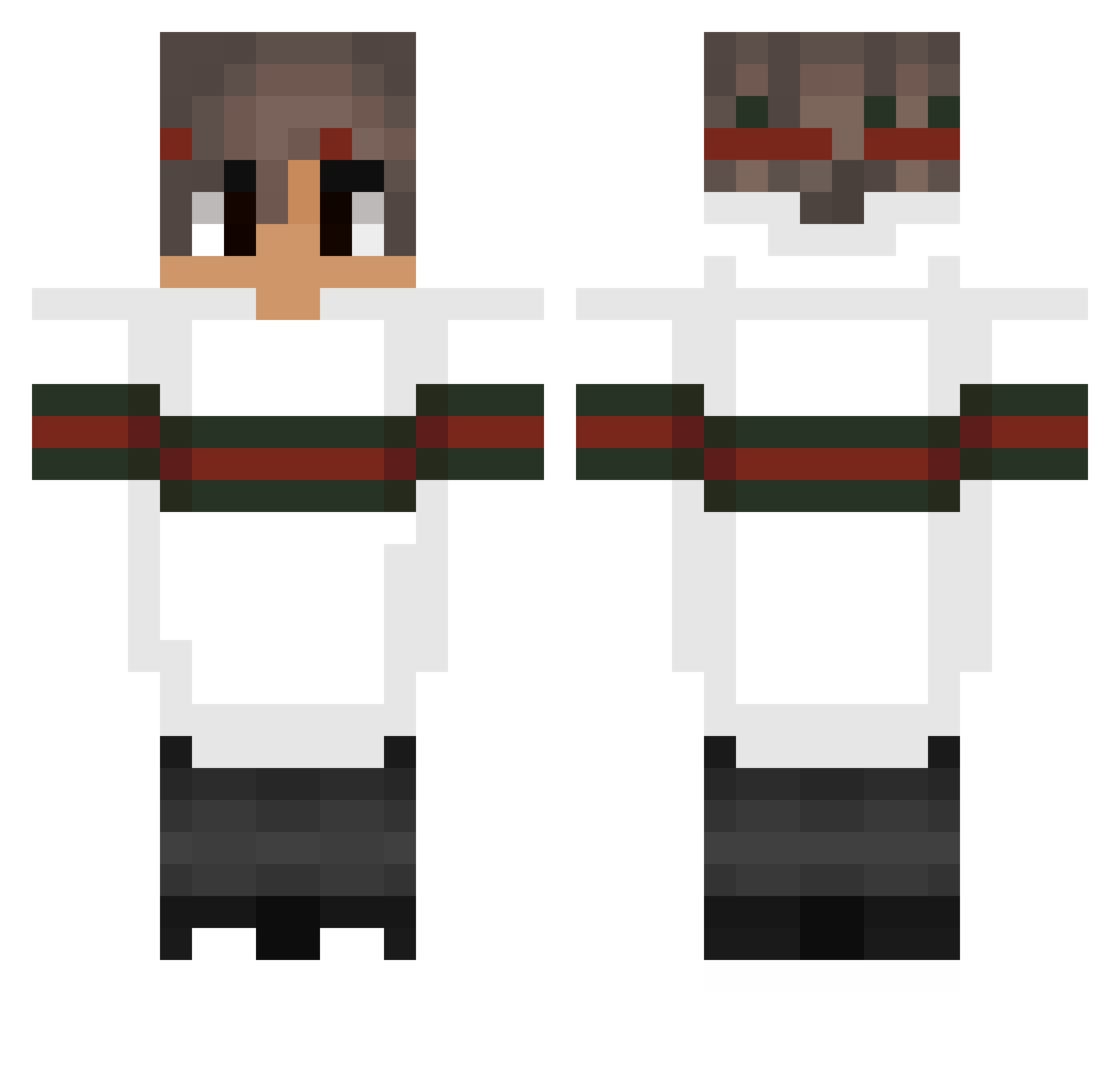
Current Minecraft skin of the player FecaKiller073, loaded from the official Mojang API. Rotate the 3D model with your mouse or finger, then download the skin as a PNG file and use it in Minecraft: Bedrock Edition or Java Edition for free. When FecaKiller073 changes their skin, this page updates automatically and the old skin stays in the history below.
Other players with this skin (152)
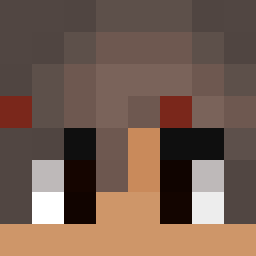
FecaKiller073 was the 28th player we have seen with this skin, first spotted on 10.08.2026. The same skin was seen on these players. Open a nickname to see their current skin and skin history.
 Krxzyyz
 Sutaqubracamabox excIipze TimAyt_Madi kbs1215 ichladedenCOLT AxelBhZz brycolkingz Zoubida PACTBOY James080 damix_sw xXmanolinXx Rav9nrrr kinqAZ KarolPL0 Gaschio Danny343 Crazy76000 DoppioLatte Aikz_MC Vandanova Tobby26 1GBRam Skitry7 GraDi3ntz Osquel CheeHooUFaka NaMyE42 snellybelly bahia_12310 Exeshi ColdFB lkow maxbg75 OoXy EbashyPoDerevy Prezzemolo_26 ZylErZ_ Sir_Lukesalot MaTiQ2115 ppChas Mynoxis JiggoAllerJiggos curiousBasmati2 CheaterDude Changed_FM qDracula Estcolmart yoelpikoparao CraftIcer Abduskan KavaN_1 Lakels Shadow1Deluxe iTzEr1k_HUN Taboosemain adrockusss UncleDirtNapper KingUNEYKA
More Striped Sleeves Minecraft skins
See all 1064 Striped Sleeves skins
How to install the FecaKiller073 skin
- Press the Download button above to save the skin as a PNG file.
- Minecraft: Bedrock Edition (PE): open the Dressing Room from the main menu (or tap your character → Edit Character), go to Classic Skins → Owned, press the + (new skin) button, choose the downloaded PNG and pick the Classic (Steve) model. Works on PC and mobile; consoles cannot import custom skins.
- Minecraft: Java Edition: open the Minecraft Launcher, go to the Skins tab, click New Skin, load the PNG, pick the Classic (Steve) model and press Save & Use. You can also upload it at minecraft.net → Profile → Change Skin.
The skin does not show up after import - what should I do?
Restart Minecraft and open the Dressing Room again - imported skins sometimes appear only after a restart. Also make sure you selected the imported skin and picked the Classic (Steve) model.
Which model should I choose, Classic or Slim?
This skin is designed for the Classic (Steve) model. If you pick the wrong model, the arms of the skin will look stretched or squeezed.
Is the skin of FecaKiller073 free to download?
Yes. Press Download, save the PNG file and use it in Minecraft: Bedrock Edition or Java Edition - no payment or registration needed. The skin also works on multiplayer servers and Realms.
More skins
Looking for more? Go back to all Minecraft skins and check the top skins of the week, month and all time, or find any player's skin by nickname.