
FabseCraft - Minecraft Skins & Skin History
Current Minecraft skin of the player FabseCraft, loaded from the official Mojang API. Rotate the 3D model with your mouse or finger, then download the skin as a PNG file and use it in Minecraft: Bedrock Edition or Java Edition for free. When FabseCraft changes their skin, this page updates automatically and the old skin stays in the history below.
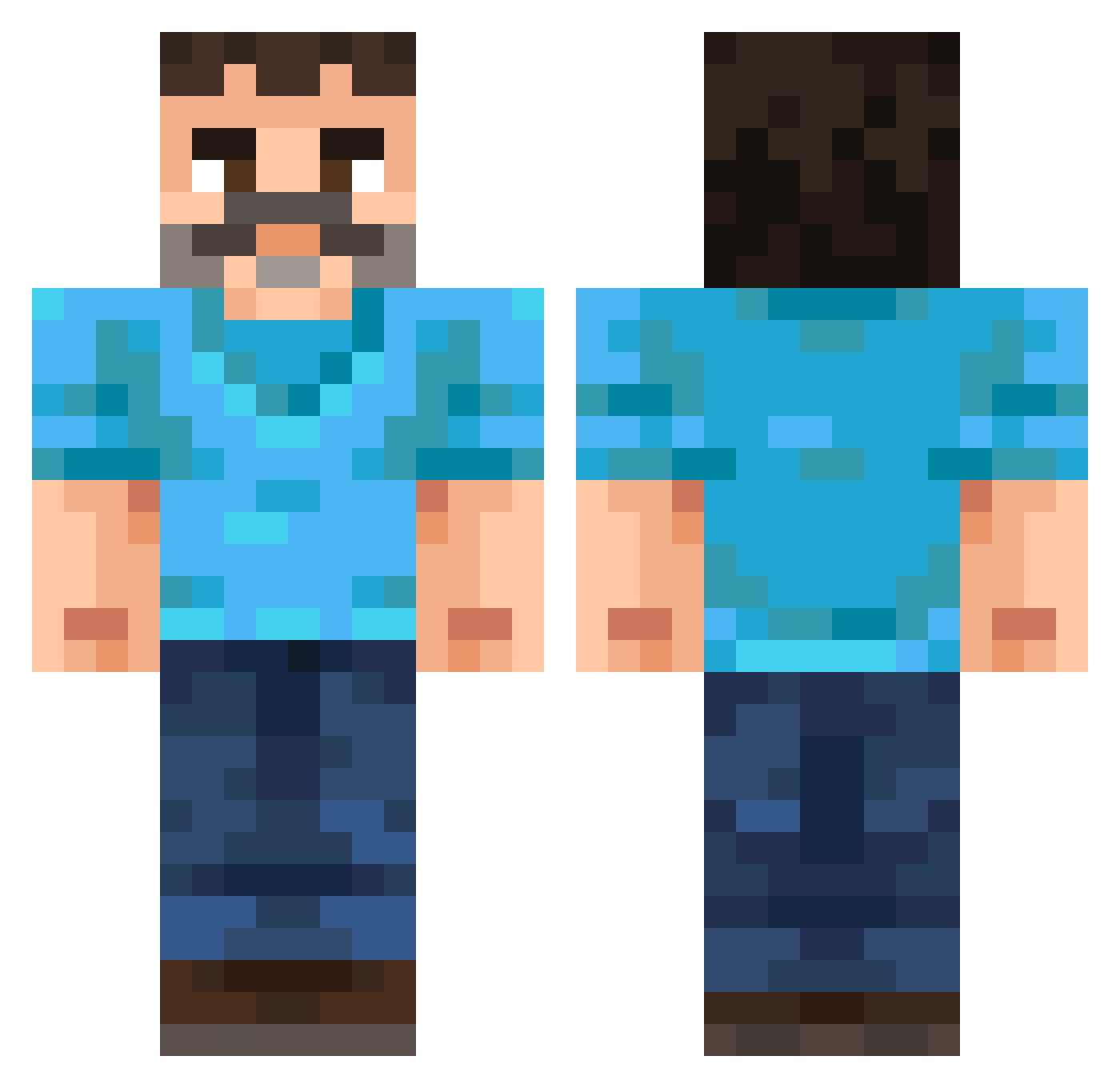
Other players with this skin (255)
FabseCraft was the 72nd player we have seen with this skin, first spotted on 23.08.2026. The same skin was seen on these players. Open a nickname to see their current skin and skin history.
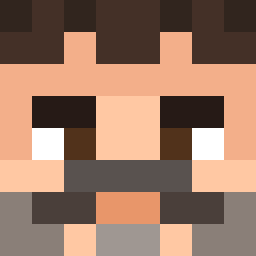 Qusine DomTheMilkMan Raivo69 kodie2161 _Kolpanys_ MrSonyLP jekei whyulittle CountCarnival ThunderBird798
 Underscore3394 fqry YourMomBuiltThis GandalfTheBlue02 Delaluzz k_aspara CattYummy KonaTown08 Ec03_ AcheronTheReal Nalanzerr Miguel_to_ja ihwi JP_Gaming25 The_elite_006 imposz CodexComplex Mra400ex1 Talalaj1 _RyGy_ RealTAMAKINTV schlmmrfngr Lillastormen DarkWolf4043 Stxrling 3ey_nicegen_ws9 BROOOOOW berka98 Steak2Dinner Kamikool PowerCargo33021 NoahTheNinja409 Pierretastic Sneaky_Turtle_ fishing4booty DanilGan
 Tysc0r3 Drennic Grazmon low2500 Davenlord Rajec_ scorpion3659 XXXPREDATOR
 Dosch004 JanitorAaron Prophesied PabloSki004 aen_msmc_l5a pusimanivasa
More Mustache Minecraft skins
How to install the FabseCraft skin
- Press the Download button above to save the skin as a PNG file.
- Minecraft: Bedrock Edition (PE): open the Dressing Room from the main menu (or tap your character → Edit Character), go to Classic Skins → Owned, press the + (new skin) button, choose the downloaded PNG and pick the Classic (Steve) model. Works on PC and mobile; consoles cannot import custom skins.
- Minecraft: Java Edition: open the Minecraft Launcher, go to the Skins tab, click New Skin, load the PNG, pick the Classic (Steve) model and press Save & Use. You can also upload it at minecraft.net → Profile → Change Skin.
The skin does not show up after import - what should I do?
Restart Minecraft and open the Dressing Room again - imported skins sometimes appear only after a restart. Also make sure you selected the imported skin and picked the Classic (Steve) model.
Which model should I choose, Classic or Slim?
This skin is designed for the Classic (Steve) model. If you pick the wrong model, the arms of the skin will look stretched or squeezed.
Is the skin of FabseCraft free to download?
Yes. Press Download, save the PNG file and use it in Minecraft: Bedrock Edition or Java Edition - no payment or registration needed. The skin also works on multiplayer servers and Realms.
More skins
Looking for more? Go back to all Minecraft skins and check the top skins of the week, month and all time, or find any player's skin by nickname.