
FRAGGER12 - Minecraft Skins & Skin History
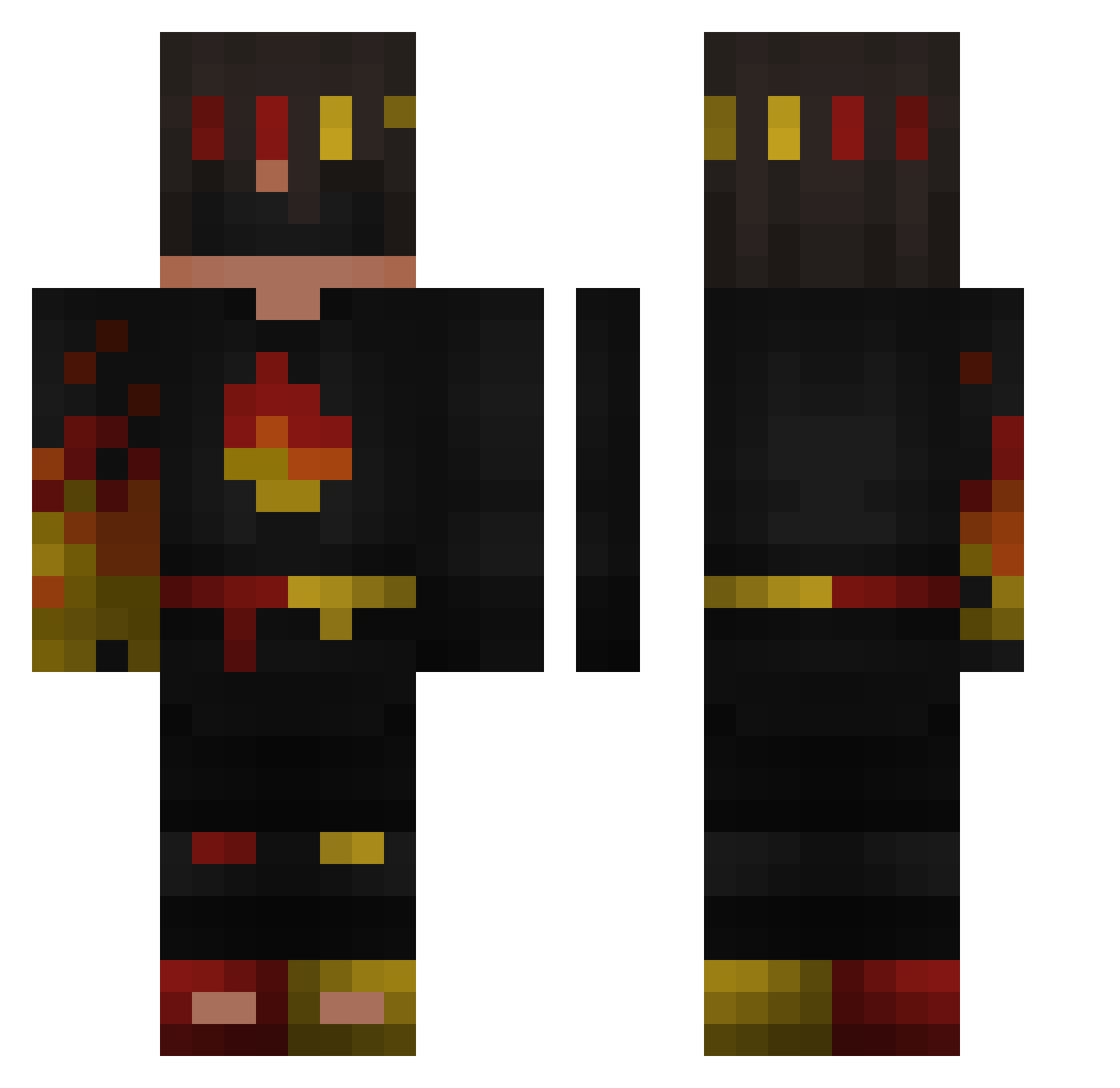
Current Minecraft skin of the player FRAGGER12, loaded from the official Mojang API. Rotate the 3D model with your mouse or finger, then download the skin as a PNG file and use it in Minecraft: Bedrock Edition or Java Edition for free. When FRAGGER12 changes their skin, this page updates automatically and the old skin stays in the history below.
Other players with this skin (132)
FRAGGER12 was the 48th player we have seen with this skin, first spotted on 29.08.2026. The same skin was seen on these players. Open a nickname to see their current skin and skin history.
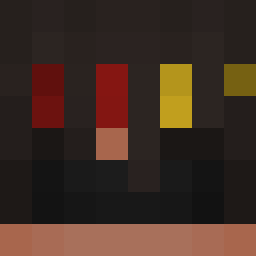 AdamX_X UnholyFlame12 pioneerejeans ShadowDestroyer3
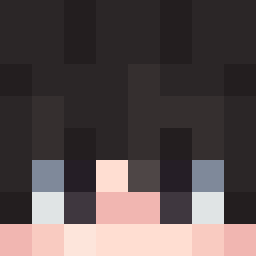 mig22fg ComradeAce Snarlax12 voxel_the_cat Oscar_Mayers ApexGamer6000
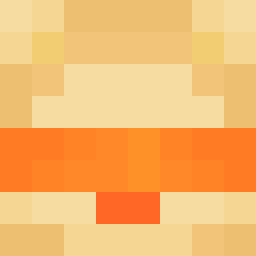 riolomon21 GrinAppleNote_J kubapele Uzorf shanyF1F2F3 Flamefragzs26
 spicyfv Cookievalyrie Stefi_vL
 Mrboss3214 bugaboo12x aronasledev1 hackingex 4675k stitchyjjj
 FlameFraggsMC Salsa_MC Hazzyboyyy36
 Thunder0304 D3rLord367 es6123 gamerjns3
 SargeShadow benni0007 StrikerrrGOTYOU
 LennartHGGHG blazer_1 chris222j2 keksik22 KFC_cat PapasMini kornelio321 susykid1234 law3ndaxx Smoke1010
 AxelF5 provo1pro FLAMEFRAGS121212
 CritzRondi MT_Stl3z _1mmortal senda_vex
 Diamond76774 Jacob_Daboss1 Zayaani tiktokZyRo211 type0stay vitex_vtx77 ChiefMan45 FlameFragsMC
More Flames Minecraft skins
How to install the FRAGGER12 skin
- Press the Download button above to save the skin as a PNG file.
- Minecraft: Bedrock Edition (PE): open the Dressing Room from the main menu (or tap your character → Edit Character), go to Classic Skins → Owned, press the + (new skin) button, choose the downloaded PNG and pick the Classic (Steve) model. Works on PC and mobile; consoles cannot import custom skins.
- Minecraft: Java Edition: open the Minecraft Launcher, go to the Skins tab, click New Skin, load the PNG, pick the Classic (Steve) model and press Save & Use. You can also upload it at minecraft.net → Profile → Change Skin.
The skin does not show up after import - what should I do?
Restart Minecraft and open the Dressing Room again - imported skins sometimes appear only after a restart. Also make sure you selected the imported skin and picked the Classic (Steve) model.
Which model should I choose, Classic or Slim?
This skin is designed for the Classic (Steve) model. If you pick the wrong model, the arms of the skin will look stretched or squeezed.
Is the skin of FRAGGER12 free to download?
Yes. Press Download, save the PNG file and use it in Minecraft: Bedrock Edition or Java Edition - no payment or registration needed. The skin also works on multiplayer servers and Realms.
More skins
Looking for more? Go back to all Minecraft skins and check the top skins of the week, month and all time, or find any player's skin by nickname.