
Eyestone_05 - Minecraft Skins & Skin History
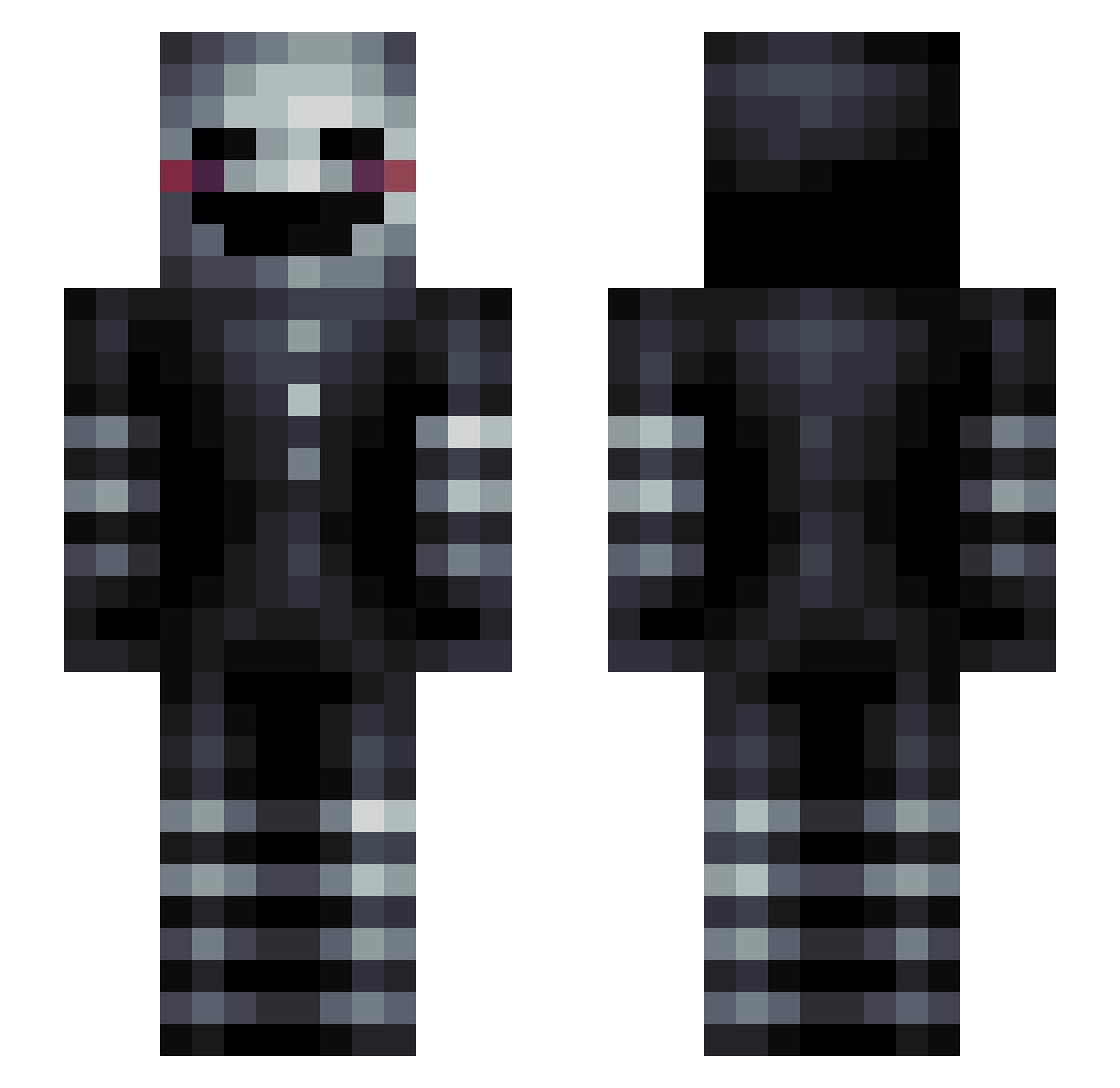
Current Minecraft skin of the player Eyestone_05, loaded from the official Mojang API. Rotate the 3D model with your mouse or finger, then download the skin as a PNG file and use it in Minecraft: Bedrock Edition or Java Edition for free. When Eyestone_05 changes their skin, this page updates automatically and the old skin stays in the history below.
Other players with this skin (139)
Eyestone_05 was the 101st player we have seen with this skin, first spotted on 07.10.2026. The same skin was seen on these players. Open a nickname to see their current skin and skin history.
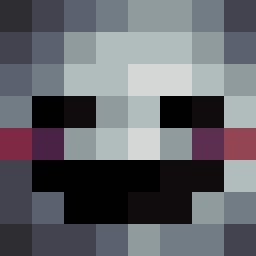 vinare Ge_mma NeonLeo MinalyUHC FR3DDI3ZX kimmorgen turpin3161 TRUE_Fuhrer Saggybottom24 MuXjack LordWakeUp Tujlily Colby_01K Lalalala300 connorrok konhabin WTF_JK OpTic_HeCz vines100 Raj117 iBaroro SikkPVP Wild_Aerodactyl ninjahinge123 kikihi Baard_Aap jackwjE921 AtomicHero12 dawidos494 mantillazakung etelmi Mirvis __keno36__ Chadwonskii captcliffybear IaM_LiMiTLeSs mrtbaseball jotents tangy_tomz enevoldsen seanof byKory fw1411 Fanste Krizzies DevouerDusk_240 bassedk123 parta Erossion ZOM8IEslayer4444 Absory cretom01 Zedrenael Fralleboy GustafParker Intoxicatedx pl4sma GtzRagnarok JewishBreakfast RJS212
More Puppet Minecraft skins
How to install the Eyestone_05 skin
- Press the Download button above to save the skin as a PNG file.
- Minecraft: Bedrock Edition (PE): open the Dressing Room from the main menu (or tap your character → Edit Character), go to Classic Skins → Owned, press the + (new skin) button, choose the downloaded PNG and pick the Slim (Alex) model. Works on PC and mobile; consoles cannot import custom skins.
- Minecraft: Java Edition: open the Minecraft Launcher, go to the Skins tab, click New Skin, load the PNG, pick the Slim (Alex) model and press Save & Use. You can also upload it at minecraft.net → Profile → Change Skin.
The skin does not show up after import - what should I do?
Restart Minecraft and open the Dressing Room again - imported skins sometimes appear only after a restart. Also make sure you selected the imported skin and picked the Slim (Alex) model.
Which model should I choose, Classic or Slim?
This skin is designed for the Slim (Alex) model. If you pick the wrong model, the arms of the skin will look stretched or squeezed.
Is the skin of Eyestone_05 free to download?
Yes. Press Download, save the PNG file and use it in Minecraft: Bedrock Edition or Java Edition - no payment or registration needed. The skin also works on multiplayer servers and Realms.
More skins
Looking for more? Go back to all Minecraft skins and check the top skins of the week, month and all time, or find any player's skin by nickname.