
Exo_VeNoM079 - Minecraft Skins & Skin History
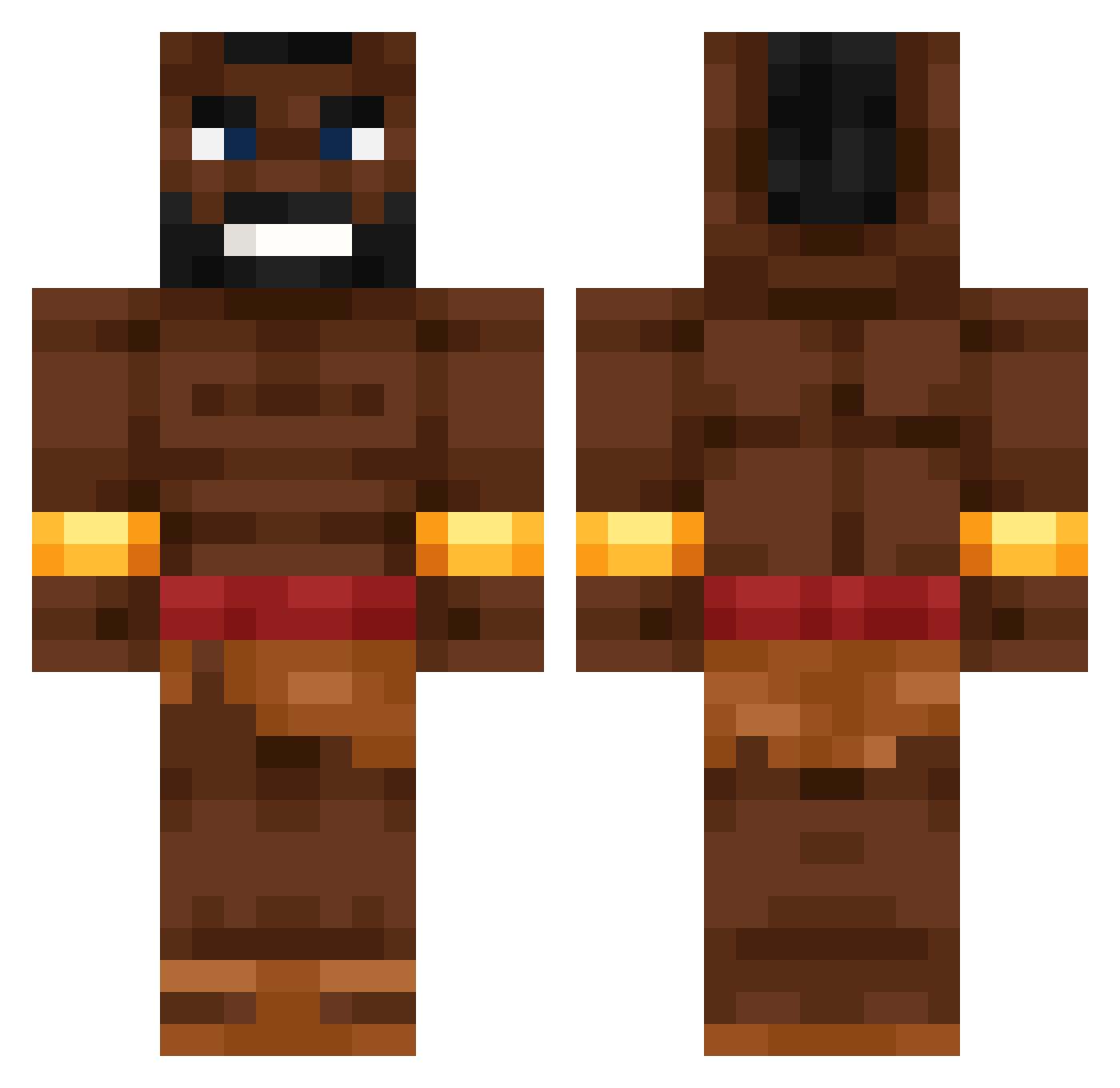
Current Minecraft skin of the player Exo_VeNoM079, loaded from the official Mojang API. Rotate the 3D model with your mouse or finger, then download the skin as a PNG file and use it in Minecraft: Bedrock Edition or Java Edition for free. When Exo_VeNoM079 changes their skin, this page updates automatically and the old skin stays in the history below.
Other players with this skin (622)
Exo_VeNoM079 was the 297th player we have seen with this skin, first spotted on 19.09.2026. The same skin was seen on these players. Open a nickname to see their current skin and skin history.
 tweezy9 Olliii06 BigLezzz Kuman44 _mystttttttttttt xd_Allu Hog__ridaaaaa Kevintira legible1233 W1ktor5640 1Snus Hitlter RengiWO BenciMelayu Pit545 Ichbinskevin the_geniys Lime_kh u_cant_have_shii SpongeKuzeyy Clemens_Emmler Joni_m16 takeheed banananananaa ArxtiS1337 luaGHG KAROL13131e Mumintrollet__ Mikael1311 NupidStigger6767 Blog_4 Frankfurter069 noskcaj_0 Naysty_ Slap7t deiviiddd LightHeart11034 TaurusGamer1975 vector10_ trainintheroom BurntBready rdrd_l SpoconyOlek Reich_Comeback gh1slain AlonsoEsquizo33 Clabey Henyo22 csdminecraft15 Noah_Nightside 09XD MatELCAFARD SlaveOnStock zalchan88 Tino06012010 Karmaecilop Pixelfresser979 valenelmascapito corduva yuki3678
More Actor Minecraft skins
How to install the Exo_VeNoM079 skin
- Press the Download button above to save the skin as a PNG file.
- Minecraft: Bedrock Edition (PE): open the Dressing Room from the main menu (or tap your character → Edit Character), go to Classic Skins → Owned, press the + (new skin) button, choose the downloaded PNG and pick the Classic (Steve) model. Works on PC and mobile; consoles cannot import custom skins.
- Minecraft: Java Edition: open the Minecraft Launcher, go to the Skins tab, click New Skin, load the PNG, pick the Classic (Steve) model and press Save & Use. You can also upload it at minecraft.net → Profile → Change Skin.
The skin does not show up after import - what should I do?
Restart Minecraft and open the Dressing Room again - imported skins sometimes appear only after a restart. Also make sure you selected the imported skin and picked the Classic (Steve) model.
Which model should I choose, Classic or Slim?
This skin is designed for the Classic (Steve) model. If you pick the wrong model, the arms of the skin will look stretched or squeezed.
Is the skin of Exo_VeNoM079 free to download?
Yes. Press Download, save the PNG file and use it in Minecraft: Bedrock Edition or Java Edition - no payment or registration needed. The skin also works on multiplayer servers and Realms.
More skins
Looking for more? Go back to all Minecraft skins and check the top skins of the week, month and all time, or find any player's skin by nickname.