
Evelyneclaire - Minecraft Skins & Skin History
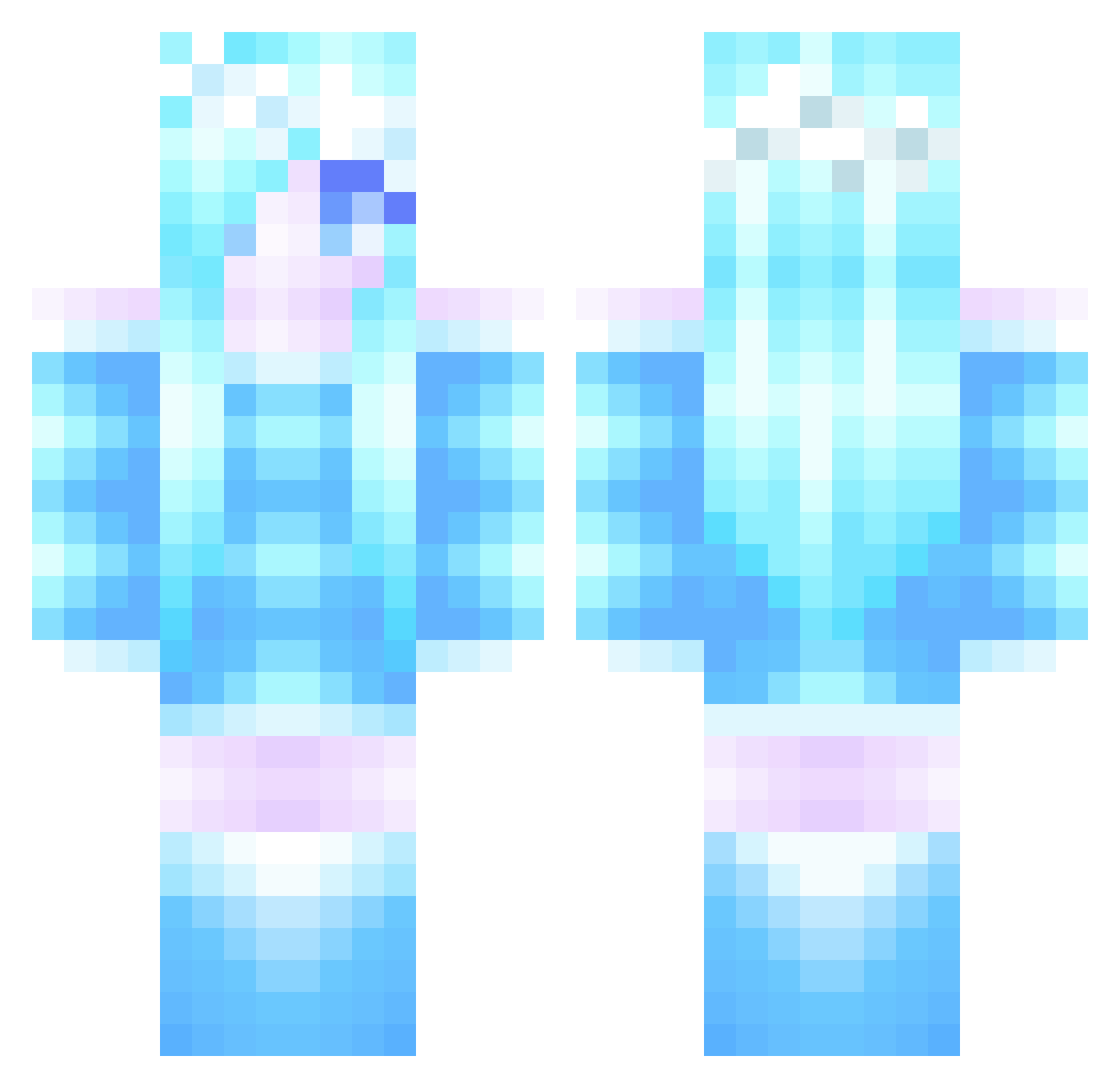
Current Minecraft skin of the player Evelyneclaire, loaded from the official Mojang API. Rotate the 3D model with your mouse or finger, then download the skin as a PNG file and use it in Minecraft: Bedrock Edition or Java Edition for free. When Evelyneclaire changes their skin, this page updates automatically and the old skin stays in the history below.
Other players with this skin (285)
Evelyneclaire was the 144th player we have seen with this skin, first spotted on 11.09.2026. The same skin was seen on these players. Open a nickname to see their current skin and skin history.
 Madison_2004 Carrotparrot500 nexxhexxon tumblinggirl11 MineCool777 Dingles90 Princess2329 lilybug10 hope178 LilRedLoki Annebel2005 CazFrancis moochymoo03 HAFrancis jesseandjasper xMnMx18 JToba N00kie10 milliejt21 Unikitty_rocks DontStealMyItems JazzyBoss7 master_sassy forkerism98 secretcat videogamedoc2 mindynicole GirlyGamerJazzy XxRebexyxX Sillygoose01 conner1996 EMILYMIND Elysians Leonie0405 M29NICE prolygamergirl pikkubrune DragonFan0202 ShumpyX rikuto0813 cmyssen szaikan Leng_Ding claire82 lauzi99 gracefulaxe PopTart_Face101 ouijajessy vassu07 Ariel22 loletpolet322 _Phinale_ icyfrost16 PrincessMarie101 Shaimbliss brandsey EmmaCarter2014 zeroG4 Snowflake2402 madylake
More Ice Queen Minecraft skins
How to install the Evelyneclaire skin
- Press the Download button above to save the skin as a PNG file.
- Minecraft: Bedrock Edition (PE): open the Dressing Room from the main menu (or tap your character → Edit Character), go to Classic Skins → Owned, press the + (new skin) button, choose the downloaded PNG and pick the Classic (Steve) model. Works on PC and mobile; consoles cannot import custom skins.
- Minecraft: Java Edition: open the Minecraft Launcher, go to the Skins tab, click New Skin, load the PNG, pick the Classic (Steve) model and press Save & Use. You can also upload it at minecraft.net → Profile → Change Skin.
The skin does not show up after import - what should I do?
Restart Minecraft and open the Dressing Room again - imported skins sometimes appear only after a restart. Also make sure you selected the imported skin and picked the Classic (Steve) model.
Which model should I choose, Classic or Slim?
This skin is designed for the Classic (Steve) model. If you pick the wrong model, the arms of the skin will look stretched or squeezed.
Is the skin of Evelyneclaire free to download?
Yes. Press Download, save the PNG file and use it in Minecraft: Bedrock Edition or Java Edition - no payment or registration needed. The skin also works on multiplayer servers and Realms.
More skins
Looking for more? Go back to all Minecraft skins and check the top skins of the week, month and all time, or find any player's skin by nickname.