
Erdaaaamn - Minecraft Skins & Skin History
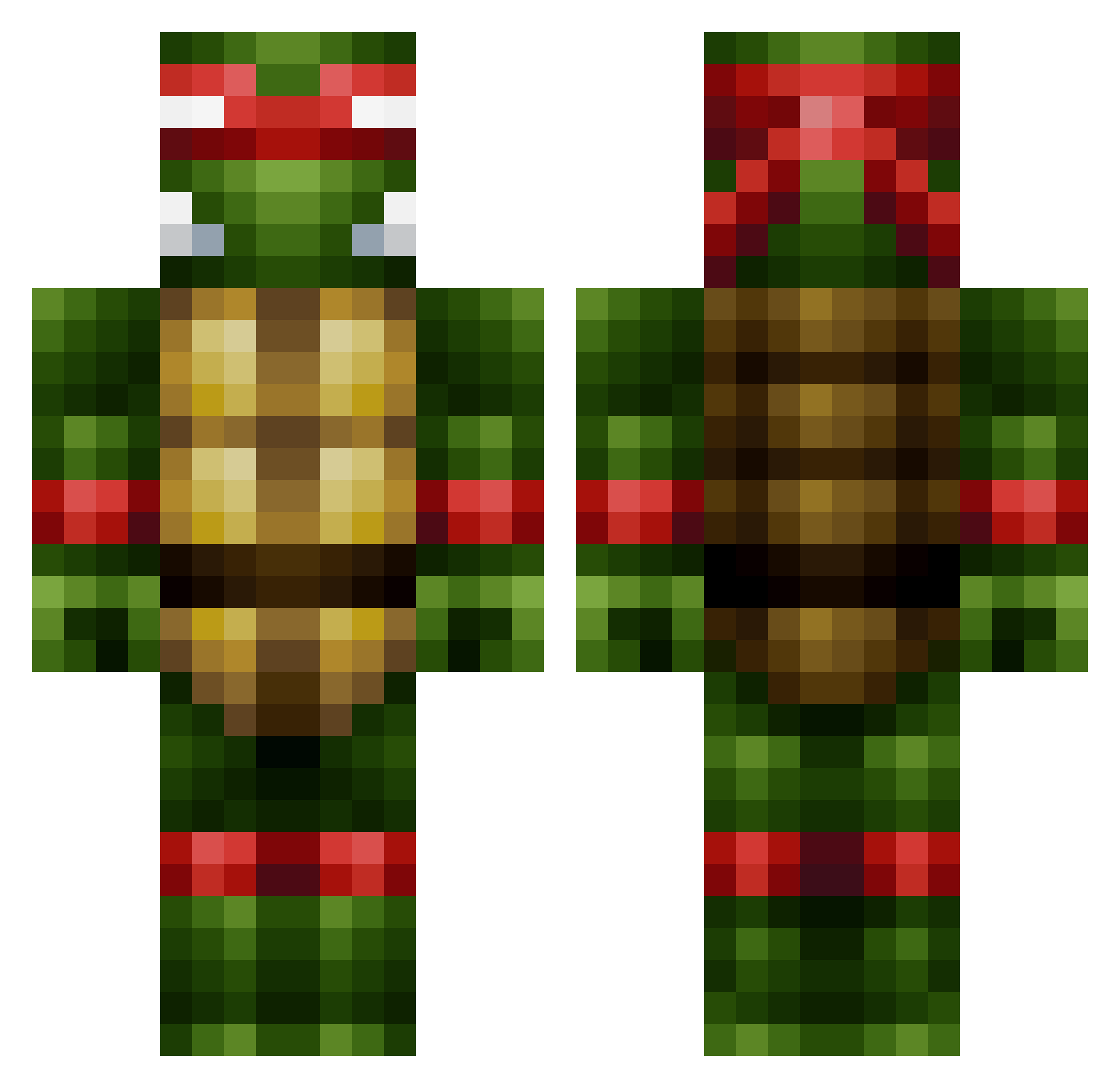
Current Minecraft skin of the player Erdaaaamn, loaded from the official Mojang API. Rotate the 3D model with your mouse or finger, then download the skin as a PNG file and use it in Minecraft: Bedrock Edition or Java Edition for free. When Erdaaaamn changes their skin, this page updates automatically and the old skin stays in the history below.
Other players with this skin (444)
Erdaaaamn was the 188th player we have seen with this skin, first spotted on 05.09.2026. The same skin was seen on these players. Open a nickname to see their current skin and skin history.
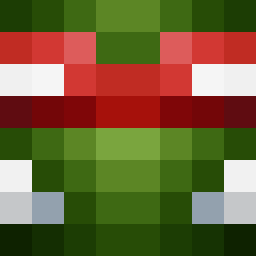 zeshan tinyspooon GunDownYourMum eray_010 Vijfde Gottenn froggyman52 Destroyeranimal treble26 jbjohnson9 djesensei CeejayPerez nov1nc beastlysoulsxx KingOfFondling Amra51 SkyWallz _Ninja_Gaming_ Sparrox38 Gforce754 16ping Morrison0802 MrSlosky SpeedyDB23 Austindel tfmigol SidecarWilly techkid100 ReaperFox69 ImmortalMortal Sinquil Tmanvsgaming ItsCheetahh Galaxys003 ECHD Nivek12345678 TheLegendZelda Volley95 jcave83 thorpey87 BradLettuce Kai_Shu dude12499 spidermike124 SilverbackBlur affeh06 TurtleNinja48 JuanPa94 skillimanjaRo g_nation69 sickoldman wkguigui xavmax3445 MiztikStylez Bert4Breakfast VCaptainSparkleZ Rhysthebeast2000 lynn1899 joelhmarquez 11MineGamer11
More Raphael Minecraft skins
How to install the Erdaaaamn skin
- Press the Download button above to save the skin as a PNG file.
- Minecraft: Bedrock Edition (PE): open the Dressing Room from the main menu (or tap your character → Edit Character), go to Classic Skins → Owned, press the + (new skin) button, choose the downloaded PNG and pick the Classic (Steve) model. Works on PC and mobile; consoles cannot import custom skins.
- Minecraft: Java Edition: open the Minecraft Launcher, go to the Skins tab, click New Skin, load the PNG, pick the Classic (Steve) model and press Save & Use. You can also upload it at minecraft.net → Profile → Change Skin.
The skin does not show up after import - what should I do?
Restart Minecraft and open the Dressing Room again - imported skins sometimes appear only after a restart. Also make sure you selected the imported skin and picked the Classic (Steve) model.
Which model should I choose, Classic or Slim?
This skin is designed for the Classic (Steve) model. If you pick the wrong model, the arms of the skin will look stretched or squeezed.
Is the skin of Erdaaaamn free to download?
Yes. Press Download, save the PNG file and use it in Minecraft: Bedrock Edition or Java Edition - no payment or registration needed. The skin also works on multiplayer servers and Realms.
More skins
Looking for more? Go back to all Minecraft skins and check the top skins of the week, month and all time, or find any player's skin by nickname.