
Er4tik_ - Minecraft Skins & Skin History
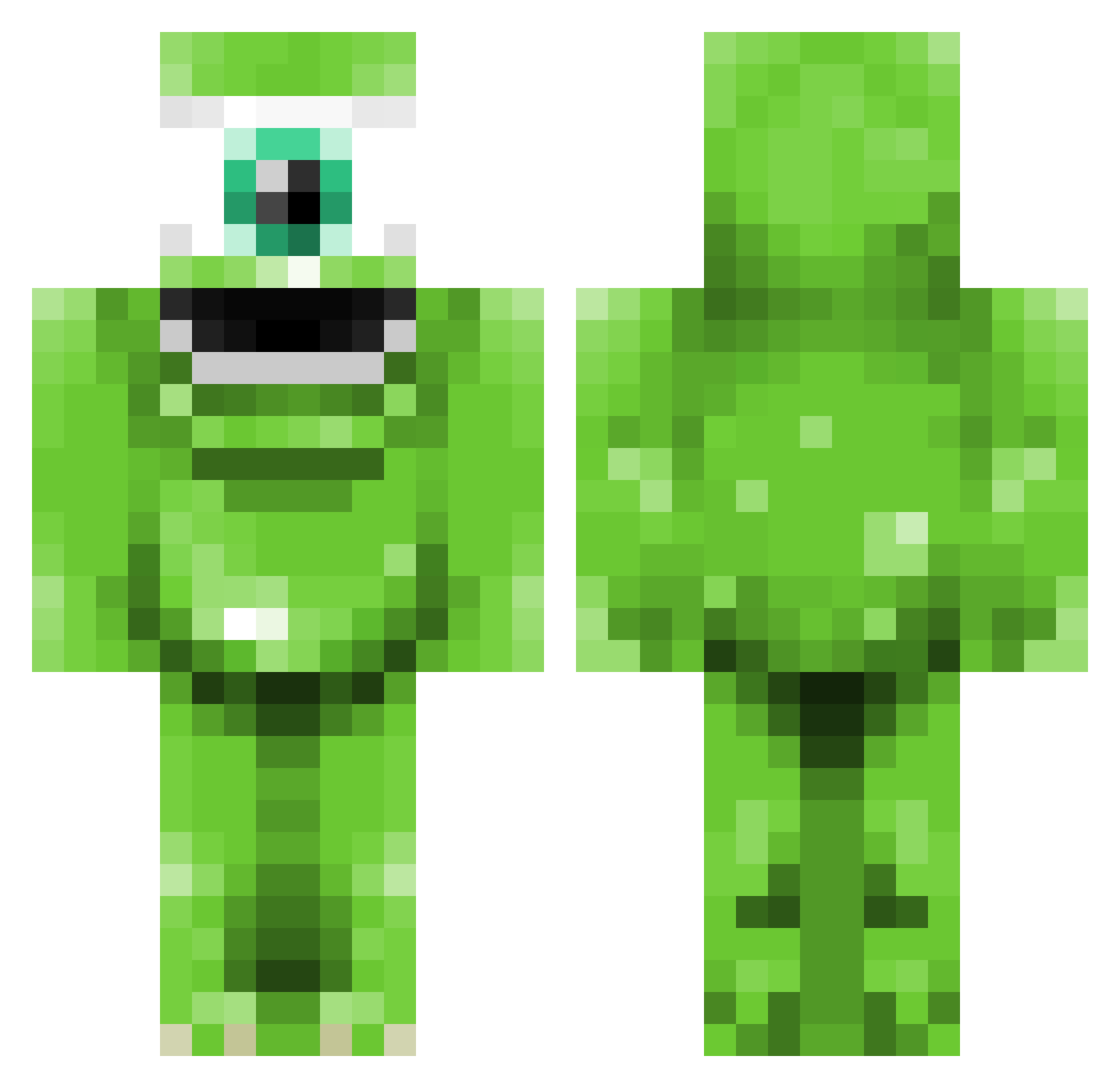
Current Minecraft skin of the player Er4tik_, loaded from the official Mojang API. Rotate the 3D model with your mouse or finger, then download the skin as a PNG file and use it in Minecraft: Bedrock Edition or Java Edition for free. When Er4tik_ changes their skin, this page updates automatically and the old skin stays in the history below.
Other players with this skin (142)
Er4tik_ was the 108th player we have seen with this skin, first spotted on 28.10.2026. The same skin was seen on these players. Open a nickname to see their current skin and skin history.
 MineRed65 cdewsnap Wojtik IIVoidzII ValochedeLoches skitner Kikszogod mg3000 Linesy42 athenaO2 CaptainChrist bigmikmines zarahcroft Lil_GrumpY69 Tristannn_ Brayankiwi Braindeadbathtub PlzMike ronl0l GangsterGamer05 Josiahgonzales dmdrk8044 iBringTheReign Emmaaahh DashaLove sootylilman sorciere05 JeanFarinLePin Trinminn jungeMilk KojiRanks 2sucres Shepdogboi SuperDuperJuan marinara_mess unicornvsdog7 RubenMaes ILikePixels Cendog SquidsMgee yunglishous ratsmacker5 CATSOU ThaSmallestGoon DavesWeed juicycorn TolgaK01 Glitch_Lucaa YTBeanz puuwaiu StronkoBonko ihmartinez babooLoggins MrWing2 Swoooshee chggle KrisyRose Kirises Kyubeti JamFY
More Mike Wazowski Minecraft skins
See all 313 Mike Wazowski skins
How to install the Er4tik_ skin
- Press the Download button above to save the skin as a PNG file.
- Minecraft: Bedrock Edition (PE): open the Dressing Room from the main menu (or tap your character → Edit Character), go to Classic Skins → Owned, press the + (new skin) button, choose the downloaded PNG and pick the Classic (Steve) model. Works on PC and mobile; consoles cannot import custom skins.
- Minecraft: Java Edition: open the Minecraft Launcher, go to the Skins tab, click New Skin, load the PNG, pick the Classic (Steve) model and press Save & Use. You can also upload it at minecraft.net → Profile → Change Skin.
The skin does not show up after import - what should I do?
Restart Minecraft and open the Dressing Room again - imported skins sometimes appear only after a restart. Also make sure you selected the imported skin and picked the Classic (Steve) model.
Which model should I choose, Classic or Slim?
This skin is designed for the Classic (Steve) model. If you pick the wrong model, the arms of the skin will look stretched or squeezed.
Is the skin of Er4tik_ free to download?
Yes. Press Download, save the PNG file and use it in Minecraft: Bedrock Edition or Java Edition - no payment or registration needed. The skin also works on multiplayer servers and Realms.
More skins
Looking for more? Go back to all Minecraft skins and check the top skins of the week, month and all time, or find any player's skin by nickname.