
Eodin_Blackroot - Minecraft Skins & Skin History
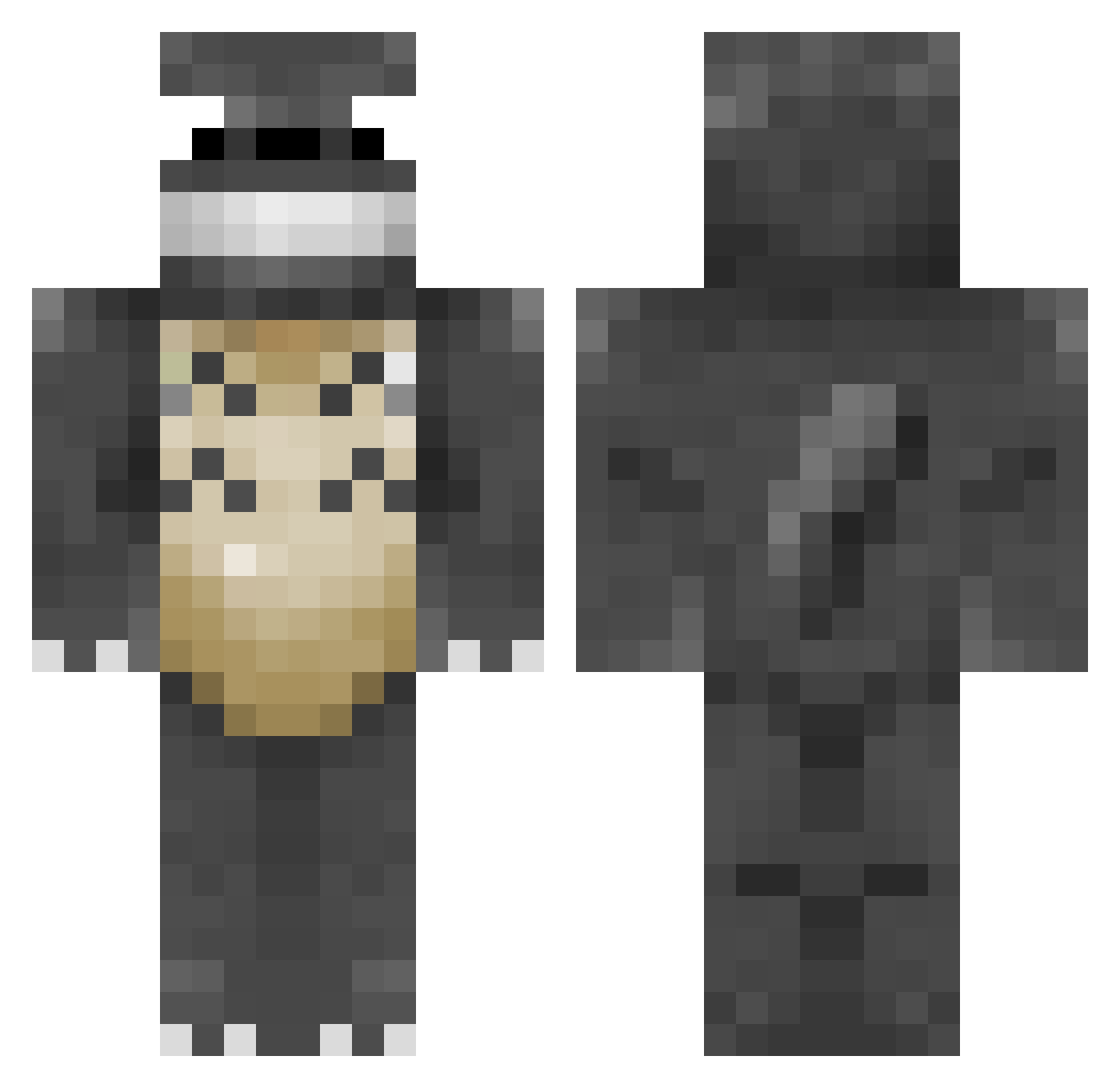
Current Minecraft skin of the player Eodin_Blackroot, loaded from the official Mojang API. Rotate the 3D model with your mouse or finger, then download the skin as a PNG file and use it in Minecraft: Bedrock Edition or Java Edition for free. When Eodin_Blackroot changes their skin, this page updates automatically and the old skin stays in the history below.
Other players with this skin (341)
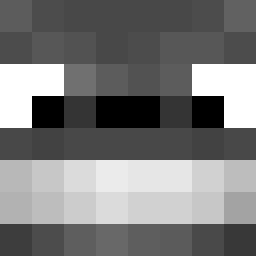
Eodin_Blackroot was the 255th player we have seen with this skin, first spotted on 26.10.2026. The same skin was seen on these players. Open a nickname to see their current skin and skin history.
 CSE1 Mastercon1 jwinkles12 xstarscomeoutx Emhuy Zedeus Kicksfordays27 Elawin parrotcarrot SallyJG Brando905 _Wump_ RosePit pac92 koaru4 Vespedaska Darkstone132 andy26283 HPFan2OOO prince_chubbins Shinten27 Emimolette SwaggNinja 0_0Totoro CalciferIV Scote770 DCPanda02 andynplay Hippie2011 WasianBaddie67 AffirmedCube flashism Skyie MinDleSsFR TangyCreamSoda Mythos1717 JayantHoon Cyhero Totoroi dmoorev albertcesar Raytaru Pinkann aj51627 cyrry clubalub hermannator22 partymarrow ThatFinchLad Cakerish MOPEYDYKE aristide894 LobaMC Linkpen14 Doubleshell lauracb Sharinganeye202 Bothertom magicaleo Broheimer
More My Neighbor Totoro Minecraft skins
See all 20 My Neighbor Totoro skins
How to install the Eodin_Blackroot skin
- Press the Download button above to save the skin as a PNG file.
- Minecraft: Bedrock Edition (PE): open the Dressing Room from the main menu (or tap your character → Edit Character), go to Classic Skins → Owned, press the + (new skin) button, choose the downloaded PNG and pick the Classic (Steve) model. Works on PC and mobile; consoles cannot import custom skins.
- Minecraft: Java Edition: open the Minecraft Launcher, go to the Skins tab, click New Skin, load the PNG, pick the Classic (Steve) model and press Save & Use. You can also upload it at minecraft.net → Profile → Change Skin.
The skin does not show up after import - what should I do?
Restart Minecraft and open the Dressing Room again - imported skins sometimes appear only after a restart. Also make sure you selected the imported skin and picked the Classic (Steve) model.
Which model should I choose, Classic or Slim?
This skin is designed for the Classic (Steve) model. If you pick the wrong model, the arms of the skin will look stretched or squeezed.
Is the skin of Eodin_Blackroot free to download?
Yes. Press Download, save the PNG file and use it in Minecraft: Bedrock Edition or Java Edition - no payment or registration needed. The skin also works on multiplayer servers and Realms.
More skins
Looking for more? Go back to all Minecraft skins and check the top skins of the week, month and all time, or find any player's skin by nickname.