
Enzinhoooo - Minecraft Skins & Skin History
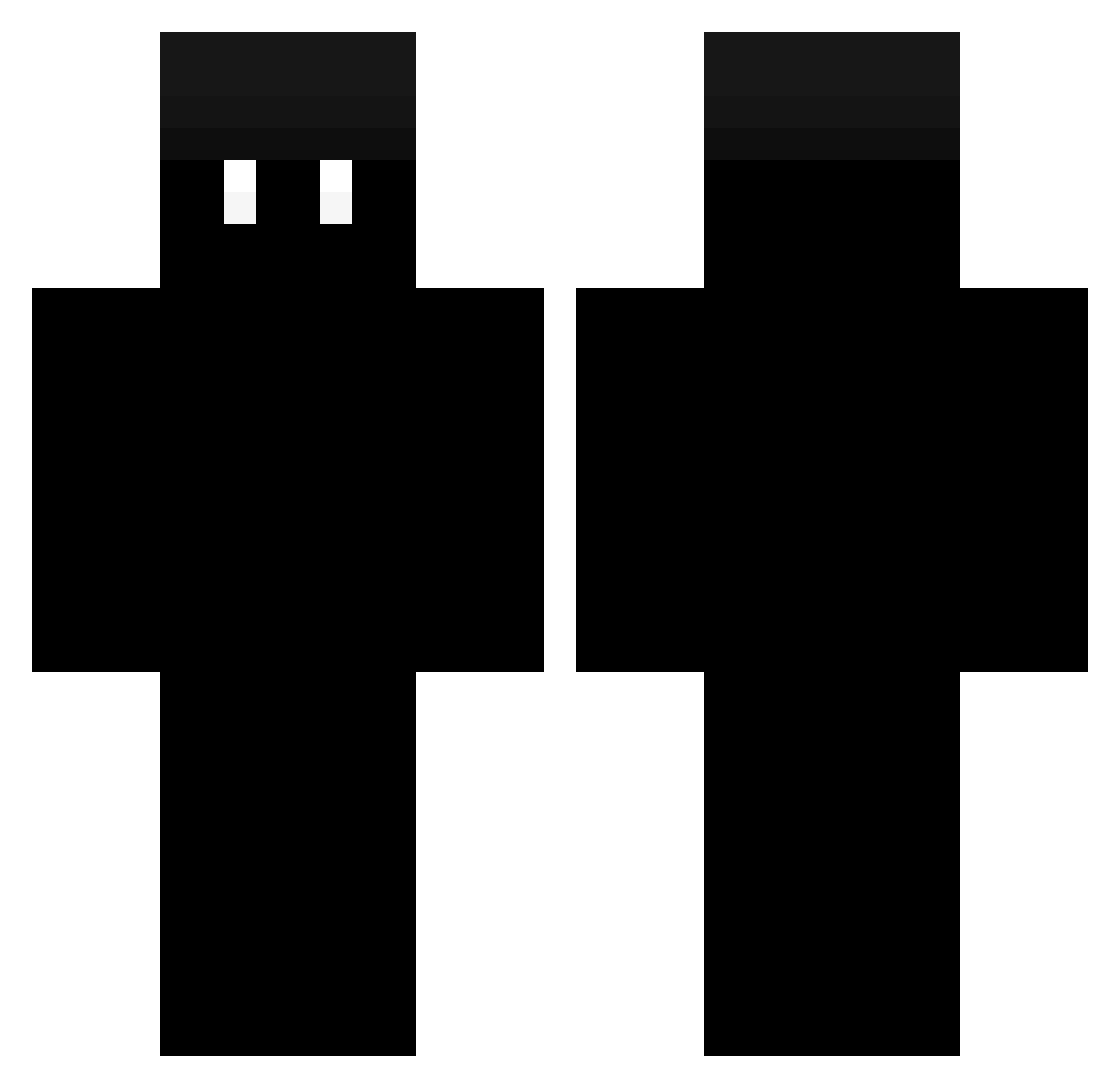
Current Minecraft skin of the player Enzinhoooo, loaded from the official Mojang API. Rotate the 3D model with your mouse or finger, then download the skin as a PNG file and use it in Minecraft: Bedrock Edition or Java Edition for free. When Enzinhoooo changes their skin, this page updates automatically and the old skin stays in the history below.
Other players with this skin (342)
Enzinhoooo was the 42nd player we have seen with this skin, first spotted on 06.08.2026. The same skin was seen on these players. Open a nickname to see their current skin and skin history.
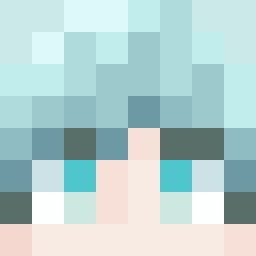 bellu0611
 Jackusonn Krankhaft y1215y ignDeebo Tabz_0 WeedGegner RKIRKWOOD9 Trectop KuZeea pedrin19 filopippo1234 _papkass Bestfriendzy sedum _ToToRiina_ megawallsforever Soto7930_ xBlacku_ xKaJuss Canaima pontengente IMGENIUSKUKU1 Jac4R3 PIGOUO NOTROYAL73 MisterKkz R4mune Umtcnr Pepsi_Js WooSun_ Burbett FelipeGames00 ItsDunkelheit Tlepsh lord216 OsosFlash Volcin dieserNiezeit Heracles1211 michalek2016 maplestosy chenryan EduhhBR Tajson35 papirusikk __ProdiiGy__ chan1618 balah07 _rodrod_ mrdemiro ludraon Mandnweed SaltyPinata BayBabam Mong_wanada Dino_Doly Ogahit zxLostzxLoveAnty _Patrickos_
More Minecraft Creepypasta Minecraft skins
See all 23 Minecraft Creepypasta skins
How to install the Enzinhoooo skin
- Press the Download button above to save the skin as a PNG file.
- Minecraft: Bedrock Edition (PE): open the Dressing Room from the main menu (or tap your character → Edit Character), go to Classic Skins → Owned, press the + (new skin) button, choose the downloaded PNG and pick the Classic (Steve) model. Works on PC and mobile; consoles cannot import custom skins.
- Minecraft: Java Edition: open the Minecraft Launcher, go to the Skins tab, click New Skin, load the PNG, pick the Classic (Steve) model and press Save & Use. You can also upload it at minecraft.net → Profile → Change Skin.
The skin does not show up after import - what should I do?
Restart Minecraft and open the Dressing Room again - imported skins sometimes appear only after a restart. Also make sure you selected the imported skin and picked the Classic (Steve) model.
Which model should I choose, Classic or Slim?
This skin is designed for the Classic (Steve) model. If you pick the wrong model, the arms of the skin will look stretched or squeezed.
Is the skin of Enzinhoooo free to download?
Yes. Press Download, save the PNG file and use it in Minecraft: Bedrock Edition or Java Edition - no payment or registration needed. The skin also works on multiplayer servers and Realms.
More skins
Looking for more? Go back to all Minecraft skins and check the top skins of the week, month and all time, or find any player's skin by nickname.