
EngryBird - Minecraft Skins & Skin History
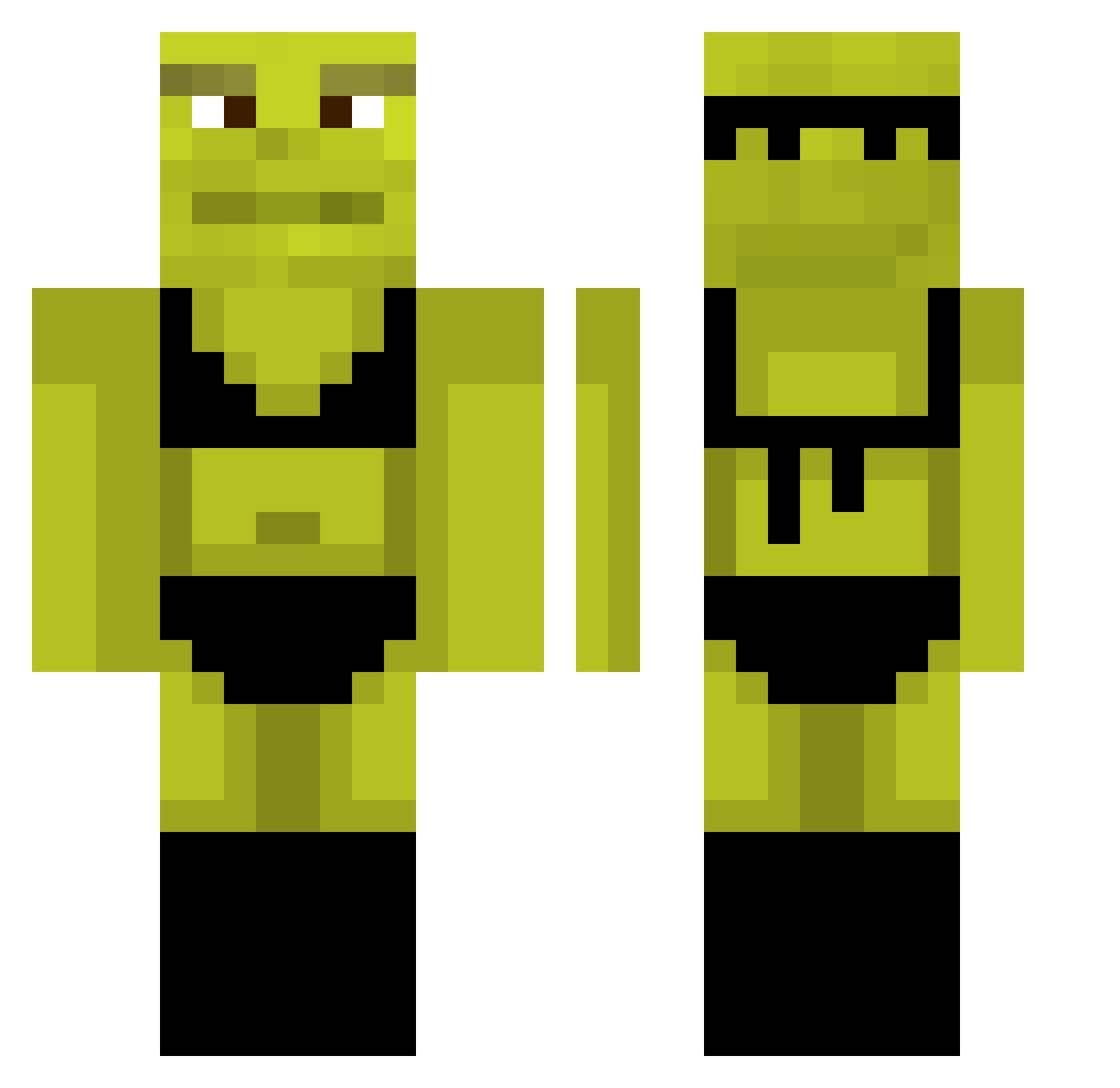
Current Minecraft skin of the player EngryBird, loaded from the official Mojang API. Rotate the 3D model with your mouse or finger, then download the skin as a PNG file and use it in Minecraft: Bedrock Edition or Java Edition for free. When EngryBird changes their skin, this page updates automatically and the old skin stays in the history below.
Other players with this skin (879)
EngryBird was the 446th player we have seen with this skin, first spotted on 19.09.2026. The same skin was seen on these players. Open a nickname to see their current skin and skin history.
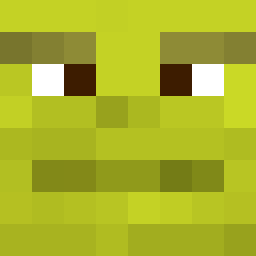 GilDaEsfirr4 RecruitL0L LordWolfzx phoebe_iix NewJeans072212 xLinq_ pandapandu FlatLeaf4 mike4939 CrewRookie Tigrous2010 z_ima PlaneFive532338 WhoahImBob Monstar27 CayGoesBOOM yyyywai FynnP18 RadRadishRadio kennecon3 Di3zi Sped_wyatt ACRKuchen ErwikSvK _SpookyK_ SoeInar Barto098 CryBabyDave Rohtez SrgScythe Gilbala2010 Arrmox Foifois GVicZZ pszabo266 silkyvelvvet Serena_Marie ArCa24 skopois124 Doner3ey Papi_Tofu jayyhs Vencasa Hummus05 ani_bm Knabenjunge xandeguerreiro Maciox_ Arkozz_15 BioNautes david201000 Grosodeluka Severuus_br Gangi3 Kenntho niccag lilahg9 PigFarmer8 EMMARUBU Tabea0807
More Shrek Minecraft skins
How to install the EngryBird skin
- Press the Download button above to save the skin as a PNG file.
- Minecraft: Bedrock Edition (PE): open the Dressing Room from the main menu (or tap your character → Edit Character), go to Classic Skins → Owned, press the + (new skin) button, choose the downloaded PNG and pick the Classic (Steve) model. Works on PC and mobile; consoles cannot import custom skins.
- Minecraft: Java Edition: open the Minecraft Launcher, go to the Skins tab, click New Skin, load the PNG, pick the Classic (Steve) model and press Save & Use. You can also upload it at minecraft.net → Profile → Change Skin.
The skin does not show up after import - what should I do?
Restart Minecraft and open the Dressing Room again - imported skins sometimes appear only after a restart. Also make sure you selected the imported skin and picked the Classic (Steve) model.
Which model should I choose, Classic or Slim?
This skin is designed for the Classic (Steve) model. If you pick the wrong model, the arms of the skin will look stretched or squeezed.
Is the skin of EngryBird free to download?
Yes. Press Download, save the PNG file and use it in Minecraft: Bedrock Edition or Java Edition - no payment or registration needed. The skin also works on multiplayer servers and Realms.
More skins
Looking for more? Go back to all Minecraft skins and check the top skins of the week, month and all time, or find any player's skin by nickname.