
Endore - Minecraft Skins & Skin History
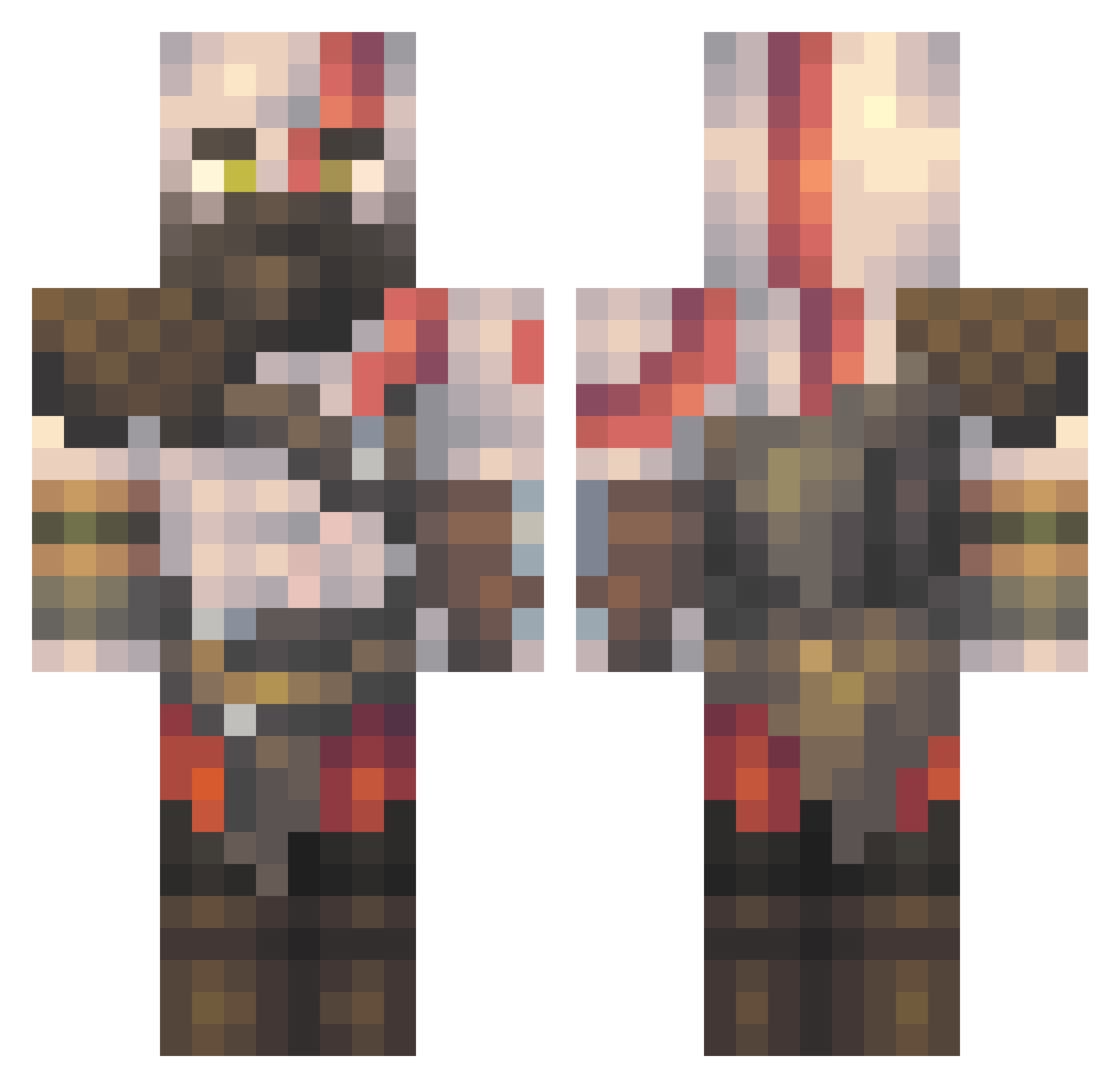
Current Minecraft skin of the player Endore, loaded from the official Mojang API. Rotate the 3D model with your mouse or finger, then download the skin as a PNG file and use it in Minecraft: Bedrock Edition or Java Edition for free. When Endore changes their skin, this page updates automatically and the old skin stays in the history below.
Other players with this skin (511)
Endore was the 5th player we have seen with this skin, first spotted on 21.07.2026. The same skin was seen on these players. Open a nickname to see their current skin and skin history.
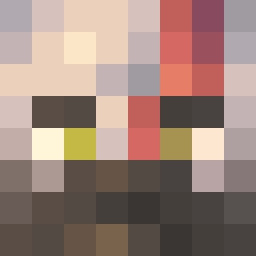 ya_cowplayer176 lijichao Eboy_Kamikaze
 search95 ThiccMannequin KingFaizan2 WarriorPanda MastahChief1998 PauMena Henrikus9 dddragon28 BigzieOG IceColdKillahh Lizardman19 VesperJAGER AndrewzMC KingLaer Alawey7709 VNRITB Roker89 HighTide67
 RealEpicPeanut OZzzii Gimbo1337 Denisonix Thor_1001 WelshBoyZzZ FlintySaucer724 Rubyisthebest111 SudsFugginMcGee Jonde619 Tim_Deuter Maxciejovy HolyMyTaco BartasMLG Pelelaog11 Erdulak Chinovh E30Enix sofi1244 0ALW Jewelllery jamilvent NSSAB7 GorylPawian Kpucko StranEmp melina_JOINY arongann xX_DEVOTED_Xx RocketBob17 Umair335 rayesem simba031 ae2788 JUBA_EGY Kryscha Zark35 twojsztary Callabell_
More Kratos Minecraft skins
How to install the Endore skin
- Press the Download button above to save the skin as a PNG file.
- Minecraft: Bedrock Edition (PE): open the Dressing Room from the main menu (or tap your character → Edit Character), go to Classic Skins → Owned, press the + (new skin) button, choose the downloaded PNG and pick the Classic (Steve) model. Works on PC and mobile; consoles cannot import custom skins.
- Minecraft: Java Edition: open the Minecraft Launcher, go to the Skins tab, click New Skin, load the PNG, pick the Classic (Steve) model and press Save & Use. You can also upload it at minecraft.net → Profile → Change Skin.
The skin does not show up after import - what should I do?
Restart Minecraft and open the Dressing Room again - imported skins sometimes appear only after a restart. Also make sure you selected the imported skin and picked the Classic (Steve) model.
Which model should I choose, Classic or Slim?
This skin is designed for the Classic (Steve) model. If you pick the wrong model, the arms of the skin will look stretched or squeezed.
Is the skin of Endore free to download?
Yes. Press Download, save the PNG file and use it in Minecraft: Bedrock Edition or Java Edition - no payment or registration needed. The skin also works on multiplayer servers and Realms.
More skins
Looking for more? Go back to all Minecraft skins and check the top skins of the week, month and all time, or find any player's skin by nickname.