
Enderwolfgang_01 - Minecraft Skins & Skin History
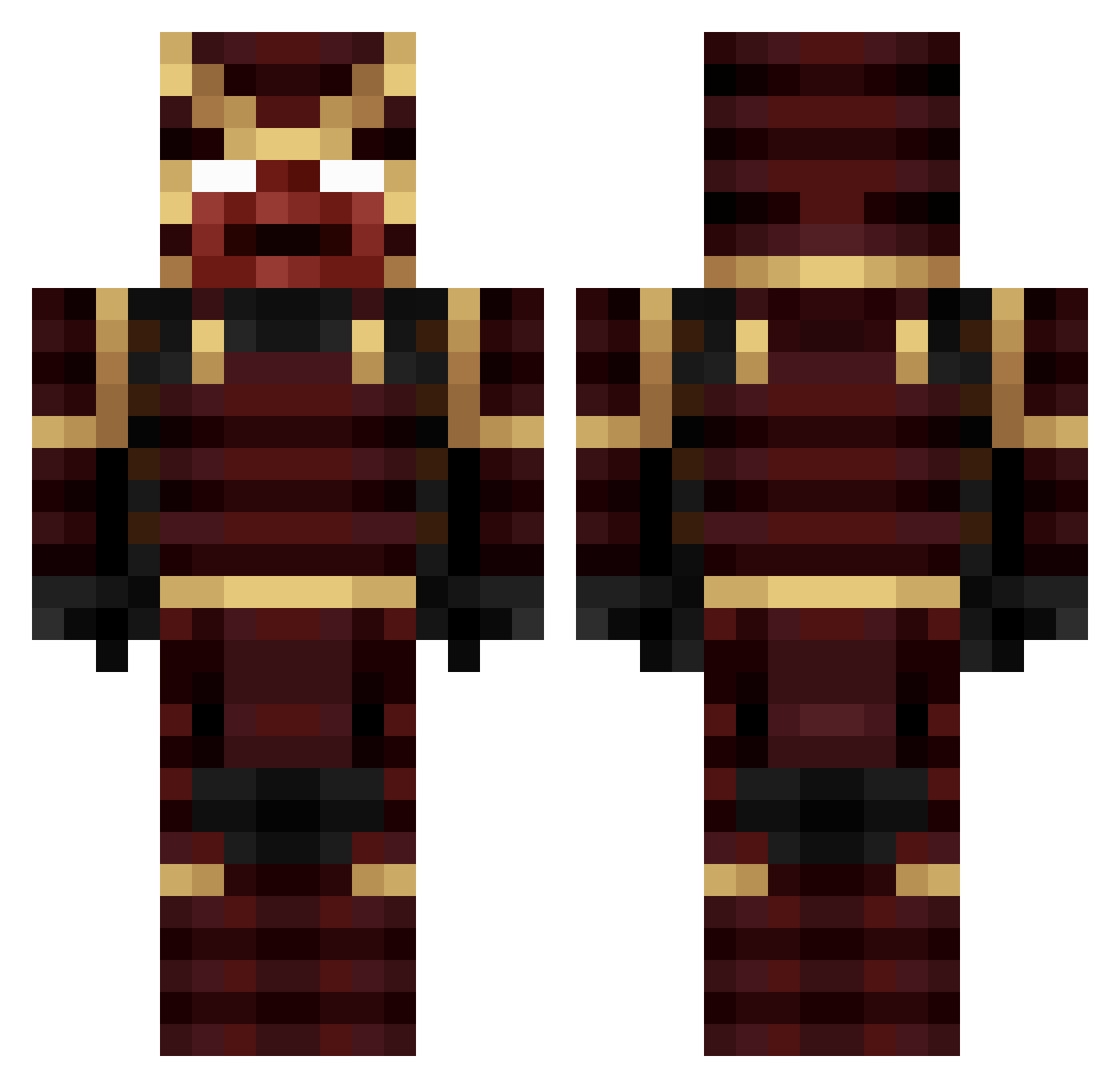
Current Minecraft skin of the player Enderwolfgang_01, loaded from the official Mojang API. Rotate the 3D model with your mouse or finger, then download the skin as a PNG file and use it in Minecraft: Bedrock Edition or Java Edition for free. When Enderwolfgang_01 changes their skin, this page updates automatically and the old skin stays in the history below.
Other players with this skin (255)
Enderwolfgang_01 was the 218th player we have seen with this skin, first spotted on 21.10.2026. The same skin was seen on these players. Open a nickname to see their current skin and skin history.
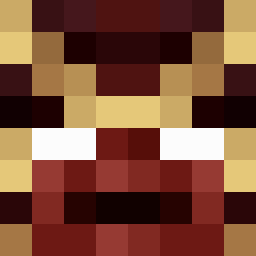 Rexico26 ItzBasty14 Edge277 1ysvmnk1 Xonithub RSCK358 Xerahho peluquim _tokugawa Ioris270 Stelixx HoBoRuby ScoreEdge _REVIVAL_x DaniloCW BWHunan Zenith006 flambo227 kkakonas Gurvinder7 fiddlefurt Joelkuiper_ HUNTER_789674 XTRMSPDxX gonzalo1120 Ynkou THEROCk4994 Miso523 Daelcito dafapi01 Skadoosher420 Jajco23 Jo0kI3 Cpt_Ramen dlogas456 Lenqu RC_DagaRemon SamuraiThomas123 MiszczuSamuraj ZhirenQ DONALDDUCK28 Katakioni Khetl Philsander kipchka AndreiVelcu_001 Ya9yu Daymo1565 InstrucktorXD Infin1te07 1maginarist Baka1256 WaynemanX TheoPink Shadanji Z3UsS89 Mathiuuuu Ozan_Abi 6_SAMURAI_9 Samurai_swamp
More Juggernaut Minecraft skins
How to install the Enderwolfgang_01 skin
- Press the Download button above to save the skin as a PNG file.
- Minecraft: Bedrock Edition (PE): open the Dressing Room from the main menu (or tap your character → Edit Character), go to Classic Skins → Owned, press the + (new skin) button, choose the downloaded PNG and pick the Classic (Steve) model. Works on PC and mobile; consoles cannot import custom skins.
- Minecraft: Java Edition: open the Minecraft Launcher, go to the Skins tab, click New Skin, load the PNG, pick the Classic (Steve) model and press Save & Use. You can also upload it at minecraft.net → Profile → Change Skin.
The skin does not show up after import - what should I do?
Restart Minecraft and open the Dressing Room again - imported skins sometimes appear only after a restart. Also make sure you selected the imported skin and picked the Classic (Steve) model.
Which model should I choose, Classic or Slim?
This skin is designed for the Classic (Steve) model. If you pick the wrong model, the arms of the skin will look stretched or squeezed.
Is the skin of Enderwolfgang_01 free to download?
Yes. Press Download, save the PNG file and use it in Minecraft: Bedrock Edition or Java Edition - no payment or registration needed. The skin also works on multiplayer servers and Realms.
More skins
Looking for more? Go back to all Minecraft skins and check the top skins of the week, month and all time, or find any player's skin by nickname.