
ElliotExplicit - Minecraft Skins & Skin History
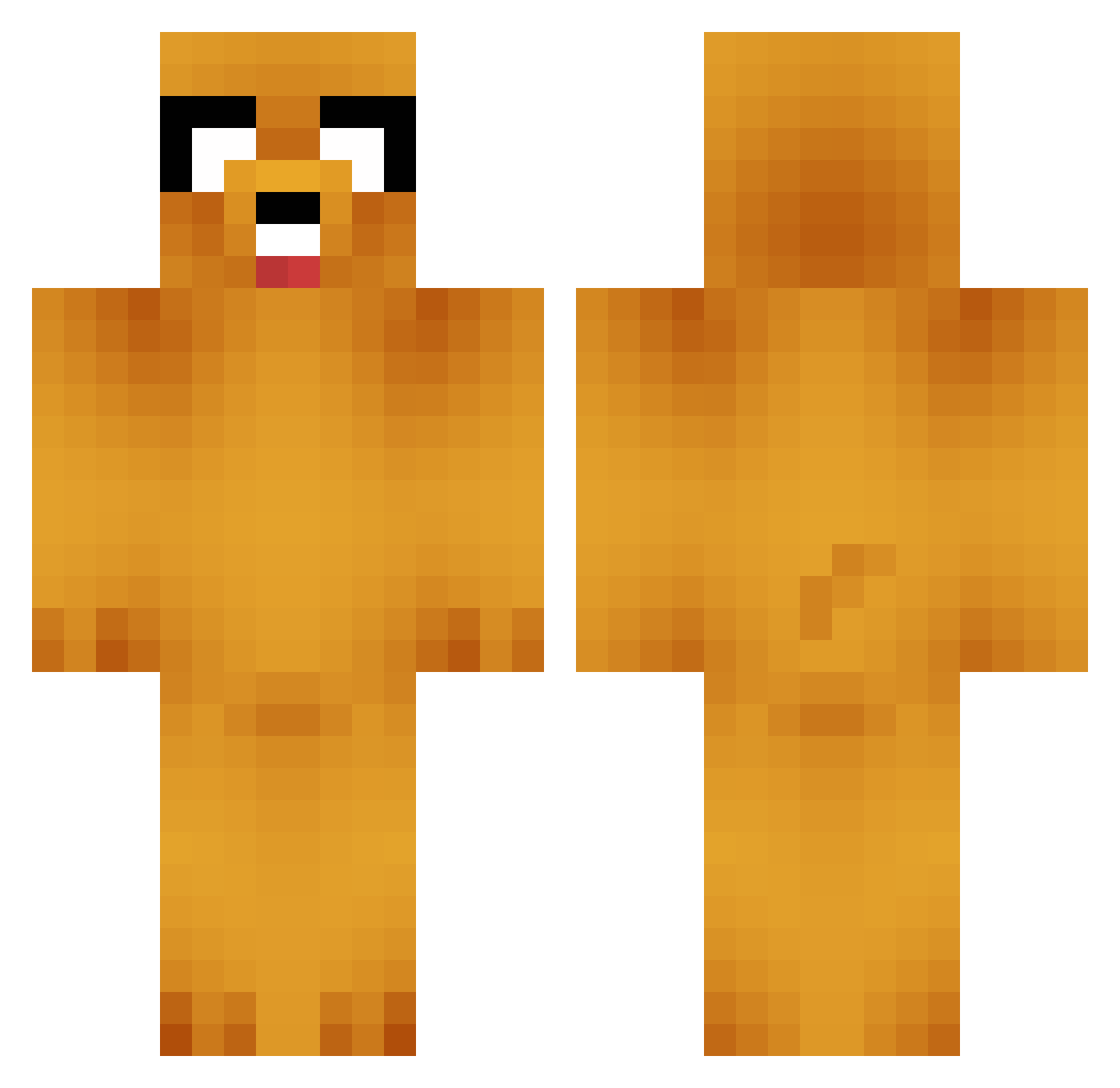
Current Minecraft skin of the player ElliotExplicit, loaded from the official Mojang API. Rotate the 3D model with your mouse or finger, then download the skin as a PNG file and use it in Minecraft: Bedrock Edition or Java Edition for free. When ElliotExplicit changes their skin, this page updates automatically and the old skin stays in the history below.
Other players with this skin (749)
ElliotExplicit was the 264th player we have seen with this skin, first spotted on 31.08.2026. The same skin was seen on these players. Open a nickname to see their current skin and skin history.
 NewGLaDOS larry6412 Billy_2006 3LEU SumValeo Nikelis TinyPirate2 BPPFire azum2na pandelle Fionathomson99 PoorDictator RapidMiner42 ulner LicorneNoire _____Landon_____ zombiesrule9 Antimated spiderwifi adamamata FlorisMB biremenow jack48 shampooboii phoebekae crashkila101 buhnycraft Divinerty danrox431 SadiaBiBi Hairy_Jockstrap mini_shoes1 Vactrum Findestroy NonSoGiocare jabrony23 Dreagon31 BlackBird406 Amdrauder GordonPlays sumoninja007 ElDaxter Lagix123 HollowAnchors izmeister Cool_Colin10000 osterling cyancrackers lolalilopos JoKeRampage ABRADOLF71incler deLagos92 Charlie_TelFord8 PirateOctopus Drdragoon 7h3Pro fastman_2012 bearhunter101 jakesta55 ryank33n
More Jake Minecraft skins
How to install the ElliotExplicit skin
- Press the Download button above to save the skin as a PNG file.
- Minecraft: Bedrock Edition (PE): open the Dressing Room from the main menu (or tap your character → Edit Character), go to Classic Skins → Owned, press the + (new skin) button, choose the downloaded PNG and pick the Classic (Steve) model. Works on PC and mobile; consoles cannot import custom skins.
- Minecraft: Java Edition: open the Minecraft Launcher, go to the Skins tab, click New Skin, load the PNG, pick the Classic (Steve) model and press Save & Use. You can also upload it at minecraft.net → Profile → Change Skin.
The skin does not show up after import - what should I do?
Restart Minecraft and open the Dressing Room again - imported skins sometimes appear only after a restart. Also make sure you selected the imported skin and picked the Classic (Steve) model.
Which model should I choose, Classic or Slim?
This skin is designed for the Classic (Steve) model. If you pick the wrong model, the arms of the skin will look stretched or squeezed.
Is the skin of ElliotExplicit free to download?
Yes. Press Download, save the PNG file and use it in Minecraft: Bedrock Edition or Java Edition - no payment or registration needed. The skin also works on multiplayer servers and Realms.
More skins
Looking for more? Go back to all Minecraft skins and check the top skins of the week, month and all time, or find any player's skin by nickname.