
Eliyasapir77 - Minecraft Skins & Skin History
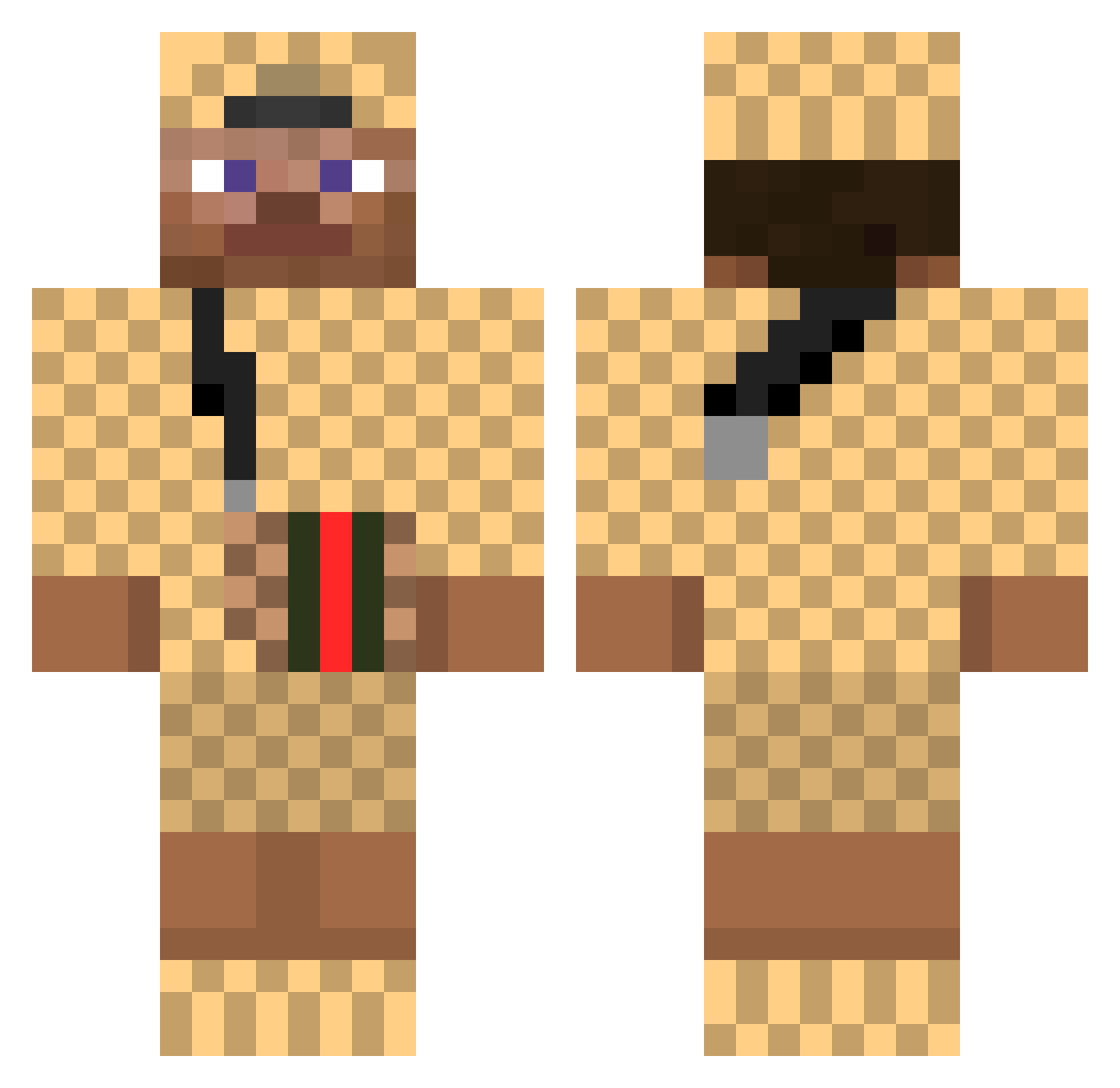
Current Minecraft skin of the player Eliyasapir77, loaded from the official Mojang API. Rotate the 3D model with your mouse or finger, then download the skin as a PNG file and use it in Minecraft: Bedrock Edition or Java Edition for free. When Eliyasapir77 changes their skin, this page updates automatically and the old skin stays in the history below.
Other players with this skin (521)
Eliyasapir77 was the 496th player we have seen with this skin, first spotted on 13.11.2026. The same skin was seen on these players. Open a nickname to see their current skin and skin history.
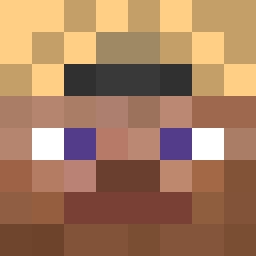 IshOnur QORTMDALS1004 Krozza25 Leo757 xeme Ofenkartoffel4 Drexmzzz MRJoniPlays jackh667 MarshallSpaghet MrHandsome3000 GucciFlexing 12344683 BinDerUwe7 Sleepeat GG_DevilMayCry KroyHD oks9978 MichDSC EvilOwnz GucciGangEvan MegaTraher sgset stemberg Bidule92 RespectedMan eric2004bc Xuioity iaremonkeyman LJJ1031 Danielsan123 Noamras tasevarya Sabbaschlatz MindWater mohonanash singleSarah Realsyrex TravisScottMeal_ Chinesyboy Atizv Uranuus CuriousMooSe Hackboy1212 JAWBREAKER25ct DaanV03 Duck1337 ManuASR18 rndm69 Herlock_Sholmes LoverDeinerMudda BYROpen Morty439 HuganFlugan TheWantedGunNL rTilez xOmerbet Pentze rooftopboy xXGuccibratanXx
More Gucci Minecraft skins
How to install the Eliyasapir77 skin
- Press the Download button above to save the skin as a PNG file.
- Minecraft: Bedrock Edition (PE): open the Dressing Room from the main menu (or tap your character → Edit Character), go to Classic Skins → Owned, press the + (new skin) button, choose the downloaded PNG and pick the Classic (Steve) model. Works on PC and mobile; consoles cannot import custom skins.
- Minecraft: Java Edition: open the Minecraft Launcher, go to the Skins tab, click New Skin, load the PNG, pick the Classic (Steve) model and press Save & Use. You can also upload it at minecraft.net → Profile → Change Skin.
The skin does not show up after import - what should I do?
Restart Minecraft and open the Dressing Room again - imported skins sometimes appear only after a restart. Also make sure you selected the imported skin and picked the Classic (Steve) model.
Which model should I choose, Classic or Slim?
This skin is designed for the Classic (Steve) model. If you pick the wrong model, the arms of the skin will look stretched or squeezed.
Is the skin of Eliyasapir77 free to download?
Yes. Press Download, save the PNG file and use it in Minecraft: Bedrock Edition or Java Edition - no payment or registration needed. The skin also works on multiplayer servers and Realms.
More skins
Looking for more? Go back to all Minecraft skins and check the top skins of the week, month and all time, or find any player's skin by nickname.