
Elarik - Minecraft Skins & Skin History
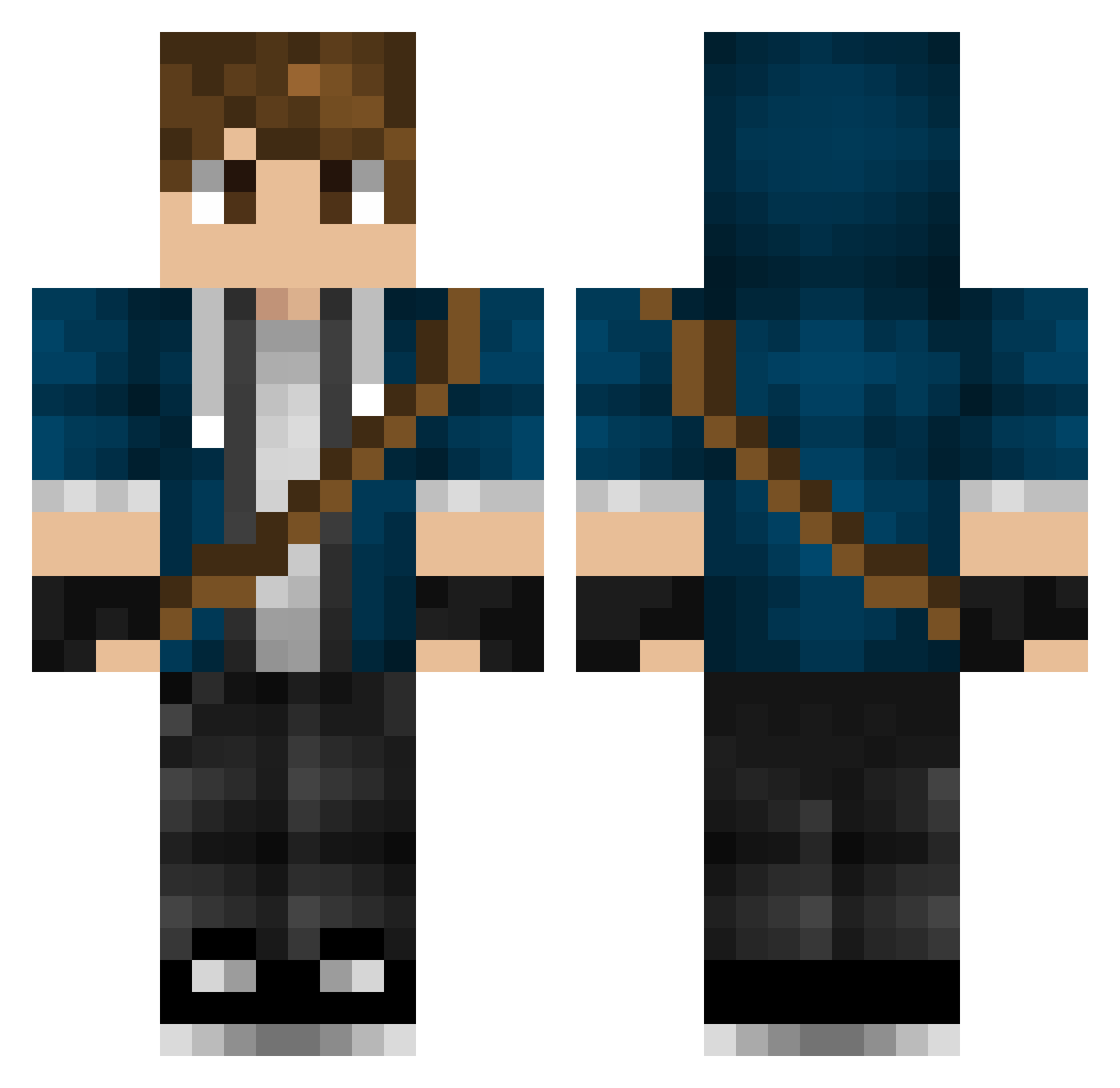
Current Minecraft skin of the player Elarik, loaded from the official Mojang API. Rotate the 3D model with your mouse or finger, then download the skin as a PNG file and use it in Minecraft: Bedrock Edition or Java Edition for free. When Elarik changes their skin, this page updates automatically and the old skin stays in the history below.
Other players with this skin (447)
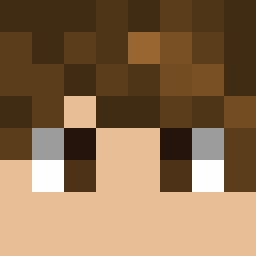
Elarik was the 43rd player we have seen with this skin, first spotted on 05.08.2026. The same skin was seen on these players. Open a nickname to see their current skin and skin history.
 backpacker1 CraftinPark inesdaniel Theshadowking11 luismpr21 Stomputron CyberSpecter Daniel_yj MiZYL Antmox Chrisblue09 The40_Peak Voremk nono_lol JoHami3801 Mase100 Marion_Blue Ragreat freedom765p titanic11 anton_stangeland VoidWalker0 Swiggity088 Lu_Kyt jus_de_pome Boethion LoneTitan01 Chaotix87 Jager_Frozen Kubson595 TennyEz LTGamer23 Hugo3919 mova95 Mirtex89 THEmicell RLRG Luoye01 MaxKam Lianben SitaKnor FatherSword BloodWork66613 E9EtheOG DestinyL_ martua11 ZiLiaXx
 Ctech2021 Saychan9 Eardley Deepey Vitalos115 InfamousAsh 4amLofi ChaosCreator278 DontuHD Kaizer323 PickedPack dorckkk Arnaldo_PvP
More Messenger Bag Minecraft skins
See all 535 Messenger Bag skins
How to install the Elarik skin
- Press the Download button above to save the skin as a PNG file.
- Minecraft: Bedrock Edition (PE): open the Dressing Room from the main menu (or tap your character → Edit Character), go to Classic Skins → Owned, press the + (new skin) button, choose the downloaded PNG and pick the Classic (Steve) model. Works on PC and mobile; consoles cannot import custom skins.
- Minecraft: Java Edition: open the Minecraft Launcher, go to the Skins tab, click New Skin, load the PNG, pick the Classic (Steve) model and press Save & Use. You can also upload it at minecraft.net → Profile → Change Skin.
The skin does not show up after import - what should I do?
Restart Minecraft and open the Dressing Room again - imported skins sometimes appear only after a restart. Also make sure you selected the imported skin and picked the Classic (Steve) model.
Which model should I choose, Classic or Slim?
This skin is designed for the Classic (Steve) model. If you pick the wrong model, the arms of the skin will look stretched or squeezed.
Is the skin of Elarik free to download?
Yes. Press Download, save the PNG file and use it in Minecraft: Bedrock Edition or Java Edition - no payment or registration needed. The skin also works on multiplayer servers and Realms.
More skins
Looking for more? Go back to all Minecraft skins and check the top skins of the week, month and all time, or find any player's skin by nickname.