
El_bobox36 - Minecraft Skins & Skin History
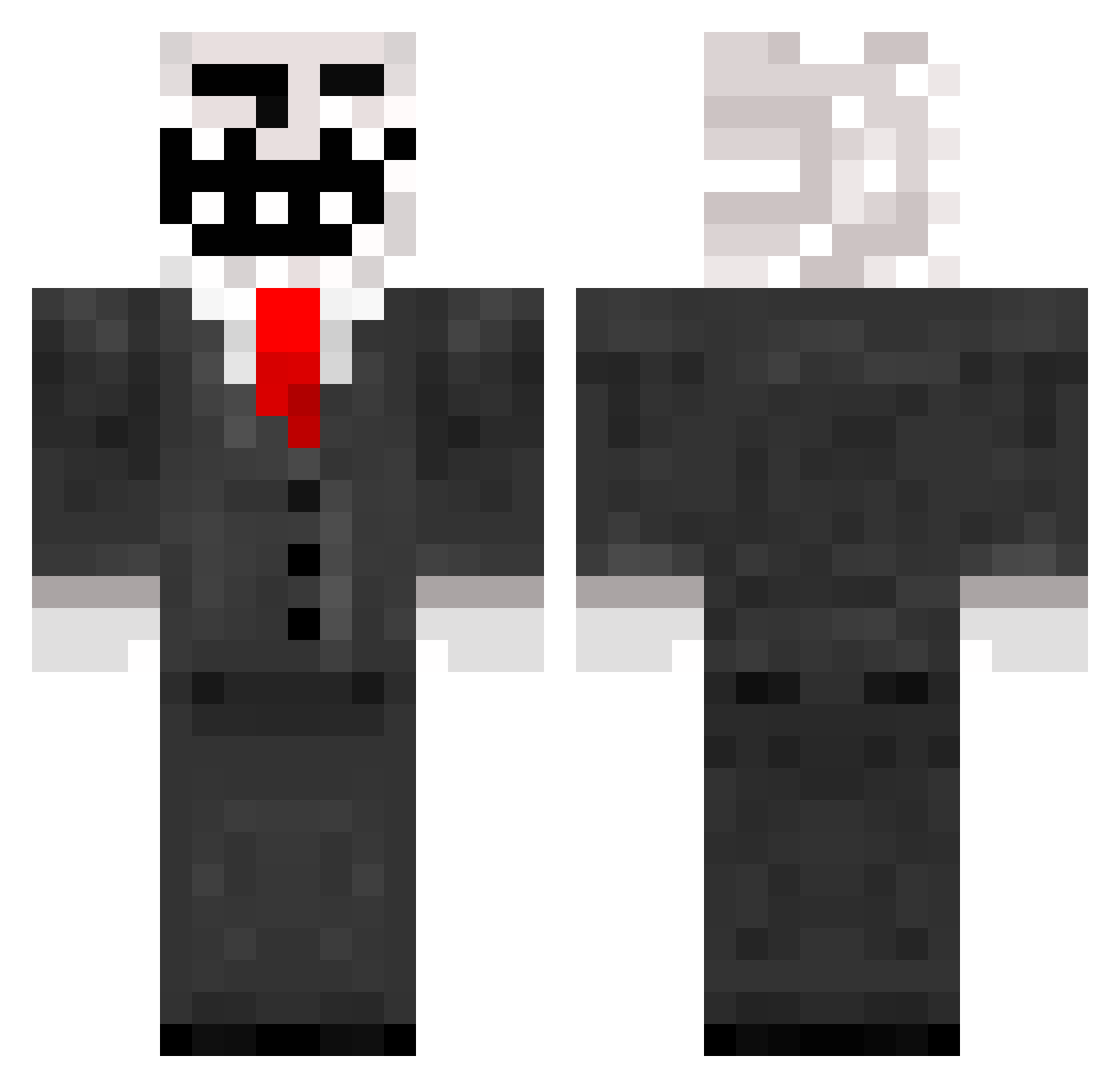
Current Minecraft skin of the player El_bobox36, loaded from the official Mojang API. Rotate the 3D model with your mouse or finger, then download the skin as a PNG file and use it in Minecraft: Bedrock Edition or Java Edition for free. When El_bobox36 changes their skin, this page updates automatically and the old skin stays in the history below.
Other players with this skin (272)
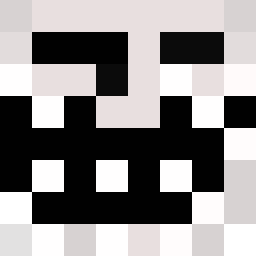
El_bobox36 was the 83rd player we have seen with this skin, first spotted on 02.09.2026. The same skin was seen on these players. Open a nickname to see their current skin and skin history.
 pjj__ anomalyfound SilentX0_0 gamerpro72_YTB11 Reactor Laropmet CUKERKA112 pyxq 67572 SimplyBetterTM MOHD_o JazEcZ6969 Pichi_20 LeTrol1 Bloodrunner1324 Fralla_ CampingMarko Icydragon508 Jhony1224 freakybobPanties Bai_Lan_E TROLLERmdr54121 Iamreece1 Killerim8431 kyon42 S3ducedYourMouth MisterAwwwesome fbgblaze alpanam Moliwolf yazmar StarLordMisha MasterofFS Rezz_TVXD RuskiePapierosy Blainedagod Leme_Jonas mahomey1514 Rave91 cjcreeperz Xillerator armentapro mywick Roofis02 TjackTorsk Jona2407 Dilleron_Donbass pcgamer12345syui Kamilozof besteflex Guilherme1406 CovetinG361 Ahornblatt_29 doghigh Gregoly bixo_13_ DEDAM1 jmjmjmjmjm CloudValue elTrixz
More Trollface Minecraft skins
How to install the El_bobox36 skin
- Press the Download button above to save the skin as a PNG file.
- Minecraft: Bedrock Edition (PE): open the Dressing Room from the main menu (or tap your character → Edit Character), go to Classic Skins → Owned, press the + (new skin) button, choose the downloaded PNG and pick the Classic (Steve) model. Works on PC and mobile; consoles cannot import custom skins.
- Minecraft: Java Edition: open the Minecraft Launcher, go to the Skins tab, click New Skin, load the PNG, pick the Classic (Steve) model and press Save & Use. You can also upload it at minecraft.net → Profile → Change Skin.
The skin does not show up after import - what should I do?
Restart Minecraft and open the Dressing Room again - imported skins sometimes appear only after a restart. Also make sure you selected the imported skin and picked the Classic (Steve) model.
Which model should I choose, Classic or Slim?
This skin is designed for the Classic (Steve) model. If you pick the wrong model, the arms of the skin will look stretched or squeezed.
Is the skin of El_bobox36 free to download?
Yes. Press Download, save the PNG file and use it in Minecraft: Bedrock Edition or Java Edition - no payment or registration needed. The skin also works on multiplayer servers and Realms.
More skins
Looking for more? Go back to all Minecraft skins and check the top skins of the week, month and all time, or find any player's skin by nickname.