
ElRoinas - Minecraft Skins & Skin History
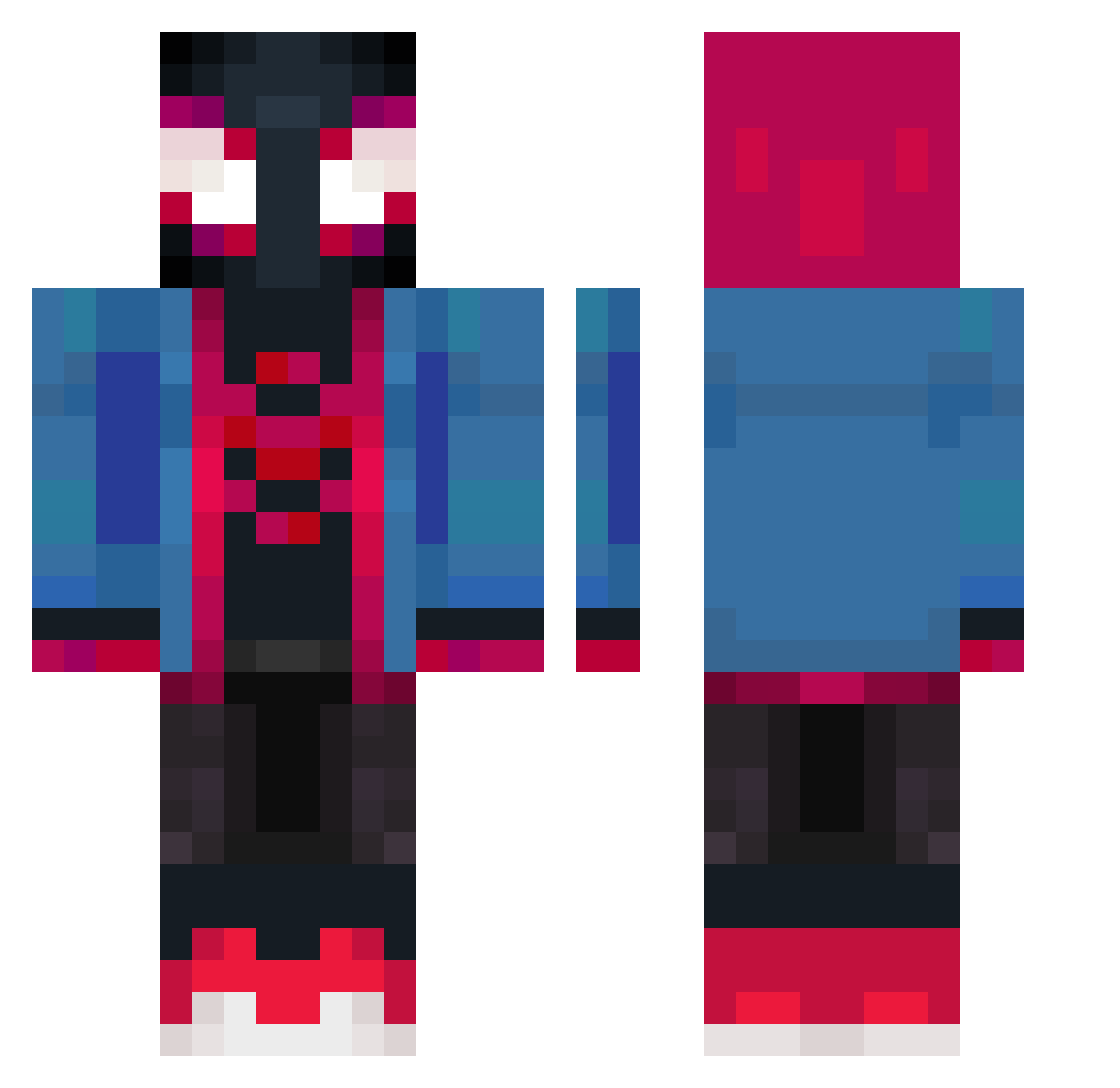
Current Minecraft skin of the player ElRoinas, loaded from the official Mojang API. Rotate the 3D model with your mouse or finger, then download the skin as a PNG file and use it in Minecraft: Bedrock Edition or Java Edition for free. When ElRoinas changes their skin, this page updates automatically and the old skin stays in the history below.
Other players with this skin (372)
ElRoinas was the 208th player we have seen with this skin, first spotted on 15.09.2026. The same skin was seen on these players. Open a nickname to see their current skin and skin history.
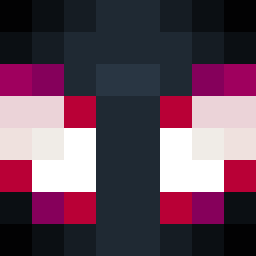 ISk4R goldceel Siwy9972645 FazeMaxxi74 Zemios fjkslmd HappyLeche itsdefisaiah mtiago mizouchy Scasp Farouk542 Noveson shadowFPS_ MIZUKI_TonTon ForgotAbtMe DZhardB_T ZDREX60 _Midoriya_ OnLypec0 nknk25 Ciccio26 Big_Bugg iSoDemonV2 WaffleCat150 IAMOH1 Captain_Makun Bbneiva qiubi0112 Leoking1223 CatmanV3 Sizzlin_Squid JackSparrah Pol251 ykjayce Apollix56 Xoel17 fxank_ MrNaor Bimbinho10 KevinC0123 JdOPaiDelas PurpleCube_ sikeitsnic GoldenN9 Leogogoo Iggame88 O_BISC8 nimachi jcs1004 miles_morales1 MaveRedd Mono_Mc SYW7648 trayzers Spire_NeoZ KidSonic15 Andriuuus _matteolaurenti ANDREXX77
More Miles Morales Minecraft skins
See all 231 Miles Morales skins
How to install the ElRoinas skin
- Press the Download button above to save the skin as a PNG file.
- Minecraft: Bedrock Edition (PE): open the Dressing Room from the main menu (or tap your character → Edit Character), go to Classic Skins → Owned, press the + (new skin) button, choose the downloaded PNG and pick the Classic (Steve) model. Works on PC and mobile; consoles cannot import custom skins.
- Minecraft: Java Edition: open the Minecraft Launcher, go to the Skins tab, click New Skin, load the PNG, pick the Classic (Steve) model and press Save & Use. You can also upload it at minecraft.net → Profile → Change Skin.
The skin does not show up after import - what should I do?
Restart Minecraft and open the Dressing Room again - imported skins sometimes appear only after a restart. Also make sure you selected the imported skin and picked the Classic (Steve) model.
Which model should I choose, Classic or Slim?
This skin is designed for the Classic (Steve) model. If you pick the wrong model, the arms of the skin will look stretched or squeezed.
Is the skin of ElRoinas free to download?
Yes. Press Download, save the PNG file and use it in Minecraft: Bedrock Edition or Java Edition - no payment or registration needed. The skin also works on multiplayer servers and Realms.
More skins
Looking for more? Go back to all Minecraft skins and check the top skins of the week, month and all time, or find any player's skin by nickname.