
ElCrper - Minecraft Skins & Skin History
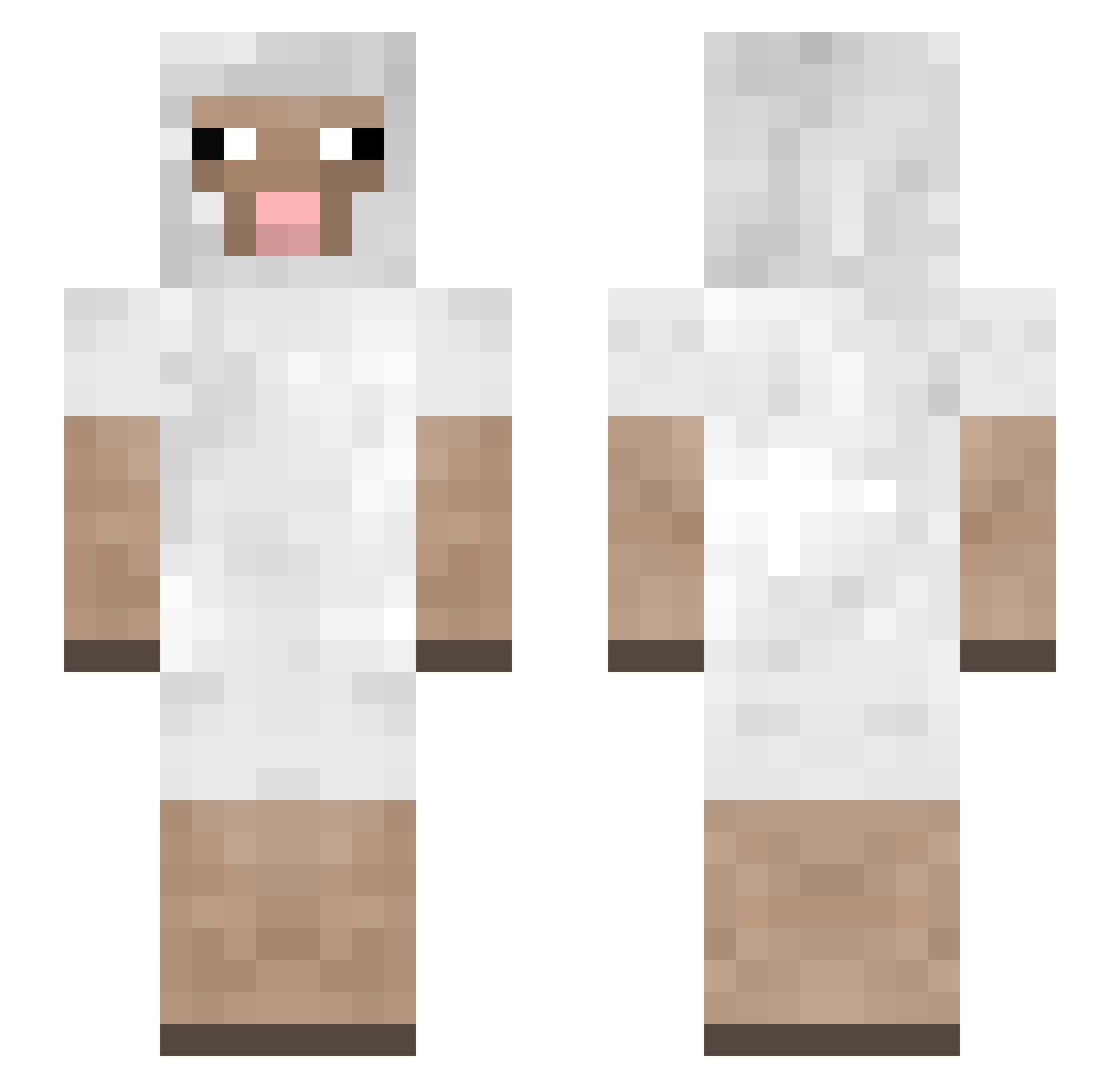
Current Minecraft skin of the player ElCrper, loaded from the official Mojang API. Rotate the 3D model with your mouse or finger, then download the skin as a PNG file and use it in Minecraft: Bedrock Edition or Java Edition for free. When ElCrper changes their skin, this page updates automatically and the old skin stays in the history below.
Other players with this skin (150)
ElCrper was the 65th player we have seen with this skin, first spotted on 17.09.2026. The same skin was seen on these players. Open a nickname to see their current skin and skin history.
 Blossy104027 ctc20 Ayman0703 ItsKomso FZLY_77 4zz kobiboh WDR4 sayovert Meme____Man eaci bodegaaa Kitty21427 20190804 LucasTigereyes GhozianOK Shcats jgortman _YHC MasterSheepyy iamok3 Donvittorio Assassin_W Kelvin2396 ____YHCwool_____ MelSketchh ichbintooll TornadoRose AircraftGoat Geezy1703 rockthemike Illifan Electric_Spoon Tim9087 BattelMiner Anaxioss abitSheepish CidThe MitchellChang Padvindertje abaaa dookinizer shk83 _ghala_ vDOHYUNV1 WouterSmikkels MAGROctg FilipChristopher AchaAlter SquirtQwert Fatzeb_ either_0r Valentime_21 Joxxshi Bass_Pro_Shop _Dark_Sheep_ crazy_kyra _Strenge_ EatmyfaceTim da_sheep818
More Sheep Minecraft skins
How to install the ElCrper skin
- Press the Download button above to save the skin as a PNG file.
- Minecraft: Bedrock Edition (PE): open the Dressing Room from the main menu (or tap your character → Edit Character), go to Classic Skins → Owned, press the + (new skin) button, choose the downloaded PNG and pick the Slim (Alex) model. Works on PC and mobile; consoles cannot import custom skins.
- Minecraft: Java Edition: open the Minecraft Launcher, go to the Skins tab, click New Skin, load the PNG, pick the Slim (Alex) model and press Save & Use. You can also upload it at minecraft.net → Profile → Change Skin.
The skin does not show up after import - what should I do?
Restart Minecraft and open the Dressing Room again - imported skins sometimes appear only after a restart. Also make sure you selected the imported skin and picked the Slim (Alex) model.
Which model should I choose, Classic or Slim?
This skin is designed for the Slim (Alex) model. If you pick the wrong model, the arms of the skin will look stretched or squeezed.
Is the skin of ElCrper free to download?
Yes. Press Download, save the PNG file and use it in Minecraft: Bedrock Edition or Java Edition - no payment or registration needed. The skin also works on multiplayer servers and Realms.
More skins
Looking for more? Go back to all Minecraft skins and check the top skins of the week, month and all time, or find any player's skin by nickname.