
EgePasa - Minecraft Skins & Skin History
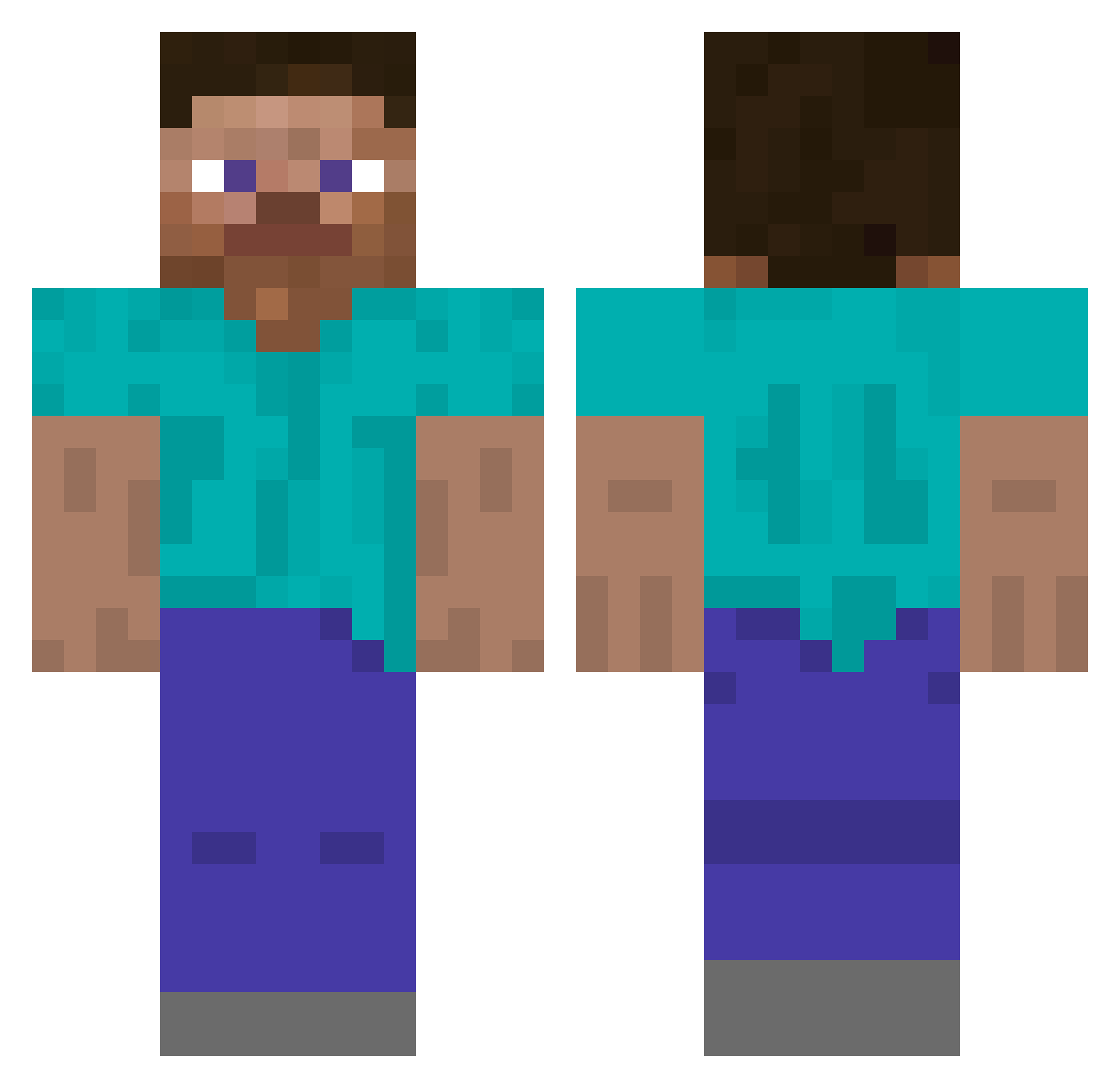
Current Minecraft skin of the player EgePasa, loaded from the official Mojang API. Rotate the 3D model with your mouse or finger, then download the skin as a PNG file and use it in Minecraft: Bedrock Edition or Java Edition for free. When EgePasa changes their skin, this page updates automatically and the old skin stays in the history below.
Other players with this skin (5793)
EgePasa was the 5588th player we have seen with this skin, first spotted on 16.11.2026. The same skin was seen on these players. Open a nickname to see their current skin and skin history.
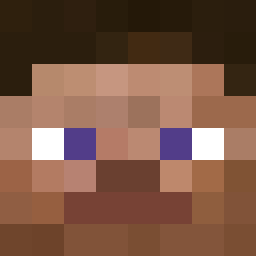 ellllll AmSoChongd HashtagFreiheit DJ0LE_ tipogroff ashdale xlava888 forceboy02 LINOWASTAKEN Valving shaankz NeutronStellar BootyMaster177 MrKiller345 Dariusdara14 SiiDou keeploosing1 PoundShop 0bs1d Blaeberry ssabalzuk ReconScout_ inT7ar Whitenose sukhraji Sn4k06 vetekatten3 BNBNBNBNBN kob7 kin_63 GenoWhirl69 Arkayae XiGuajpx parikpleier Yintho Decentralised WANGcyyyyyyyy notBraydon LaurynNeill7 Ranstrom RagingLemonz 1Neeves Stigma69 Mistxkz variscite Cassius1337 Glupsetokaylimou Joba57_ zNinjaa_ Tuq_Tuq ItzJazzy99 KlimK09 Szajmon08 besoul Xfallss_ JoshAtko Allooz Cronuss selgnirP AfterWeDie
How to install the EgePasa skin
- Press the Download button above to save the skin as a PNG file.
- Minecraft: Bedrock Edition (PE): open the Dressing Room from the main menu (or tap your character → Edit Character), go to Classic Skins → Owned, press the + (new skin) button, choose the downloaded PNG and pick the Classic (Steve) model. Works on PC and mobile; consoles cannot import custom skins.
- Minecraft: Java Edition: open the Minecraft Launcher, go to the Skins tab, click New Skin, load the PNG, pick the Classic (Steve) model and press Save & Use. You can also upload it at minecraft.net → Profile → Change Skin.
The skin does not show up after import - what should I do?
Restart Minecraft and open the Dressing Room again - imported skins sometimes appear only after a restart. Also make sure you selected the imported skin and picked the Classic (Steve) model.
Which model should I choose, Classic or Slim?
This skin is designed for the Classic (Steve) model. If you pick the wrong model, the arms of the skin will look stretched or squeezed.
Is the skin of EgePasa free to download?
Yes. Press Download, save the PNG file and use it in Minecraft: Bedrock Edition or Java Edition - no payment or registration needed. The skin also works on multiplayer servers and Realms.
More skins
Looking for more? Go back to all Minecraft skins and check the top skins of the week, month and all time, or find any player's skin by nickname.