
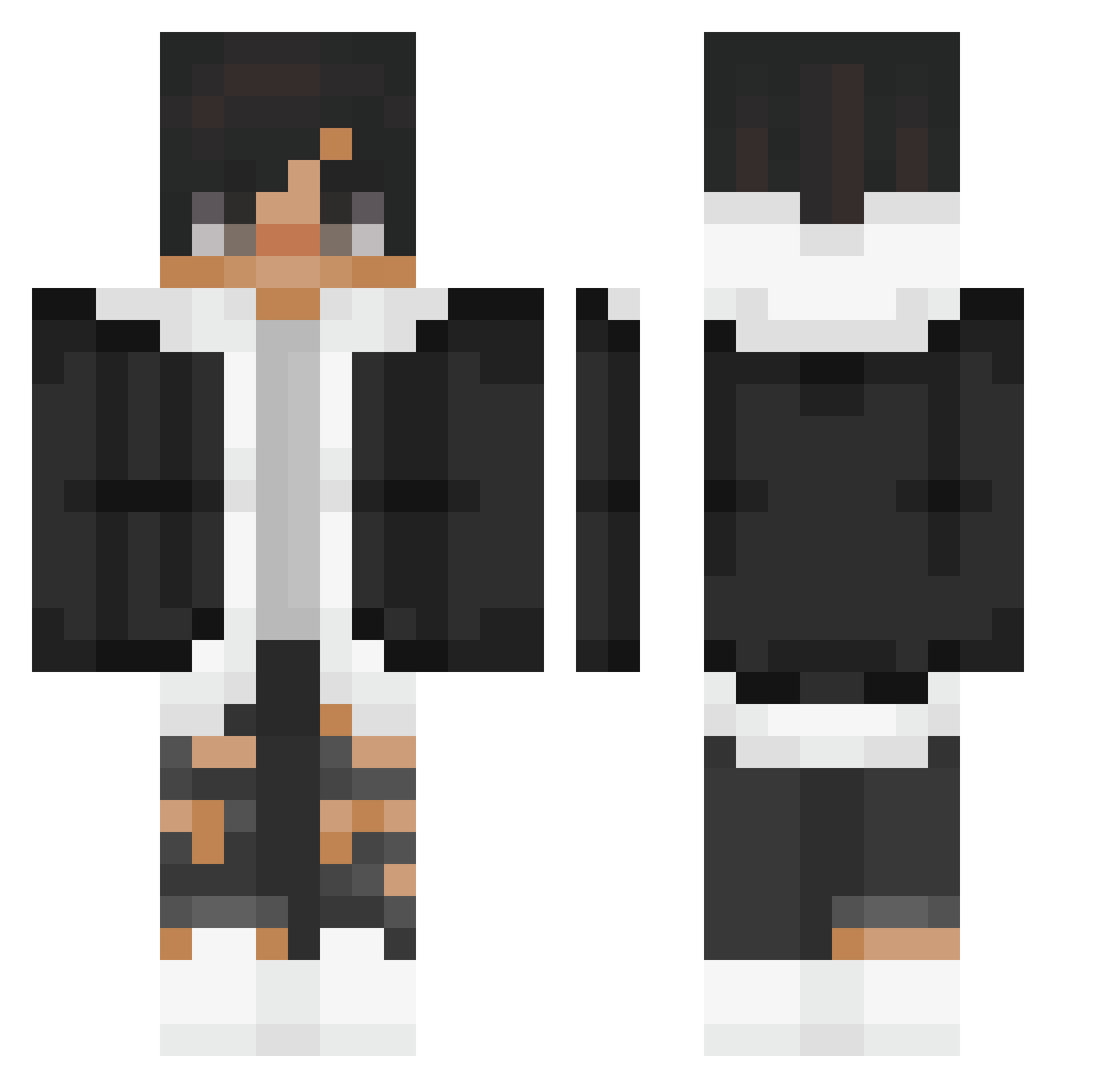
Current Minecraft skin of the player EdzioPedzio0628, loaded from the official Mojang API. Rotate the 3D model with your mouse or finger, then download the skin as a PNG file and use it in Minecraft: Bedrock Edition or Java Edition for free. When EdzioPedzio0628 changes their skin, this page updates automatically and the old skin stays in the history below.
Other players with this skin (133)
EdzioPedzio0628 was the 119th player we have seen with this skin, first spotted on 09.10.2026. The same skin was seen on these players. Open a nickname to see their current skin and skin history.
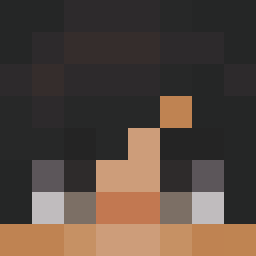 Guille201309 ItsNewti TLB_Skynome ___177013___ Laxajos Guccystar xeno_02300 heysaturdaysun TrapDemonIv Torak101 ThomasBst Soccerpro420 MohammadSaadi tatality Francino14 EGOR__GLIFF ssLeaf Martini1st EasyHoon29 DS_exe Dezos Verdestrom_ MgCl2 MENNQ Oskhi_ amonguschanisus NikGamer333 ACHILLESTIVU vrtx_x sar01s C0mboLock hv834t alex3635 CmoiTomXD KamilossHQ comet0450 Bacon_Builder FizzyWhistle mo3iz Achiro_ T3RRoRWoLF majohnny Blueboyx Diljan57 jaeisgood alexks89 k4m1tsuk1 SoloPietro Zecro74 Zeithe iAlexST 04Double_N AnkushTheHero birdsyboi _lDannyl_ Wantedsoul Lana109 Skerdosse Alexdrex Ritsuka44
How to install the EdzioPedzio0628 skin
- Press the Download button above to save the skin as a PNG file.
- Minecraft: Bedrock Edition (PE): open the Dressing Room from the main menu (or tap your character → Edit Character), go to Classic Skins → Owned, press the + (new skin) button, choose the downloaded PNG and pick the Classic (Steve) model. Works on PC and mobile; consoles cannot import custom skins.
- Minecraft: Java Edition: open the Minecraft Launcher, go to the Skins tab, click New Skin, load the PNG, pick the Classic (Steve) model and press Save & Use. You can also upload it at minecraft.net → Profile → Change Skin.
The skin does not show up after import - what should I do?
Restart Minecraft and open the Dressing Room again - imported skins sometimes appear only after a restart. Also make sure you selected the imported skin and picked the Classic (Steve) model.
Which model should I choose, Classic or Slim?
This skin is designed for the Classic (Steve) model. If you pick the wrong model, the arms of the skin will look stretched or squeezed.
Is the skin of EdzioPedzio0628 free to download?
Yes. Press Download, save the PNG file and use it in Minecraft: Bedrock Edition or Java Edition - no payment or registration needed. The skin also works on multiplayer servers and Realms.
More skins
Looking for more? Go back to all Minecraft skins and check the top skins of the week, month and all time, or find any player's skin by nickname.