
EdgeCrusher1727 - Minecraft Skins & Skin History
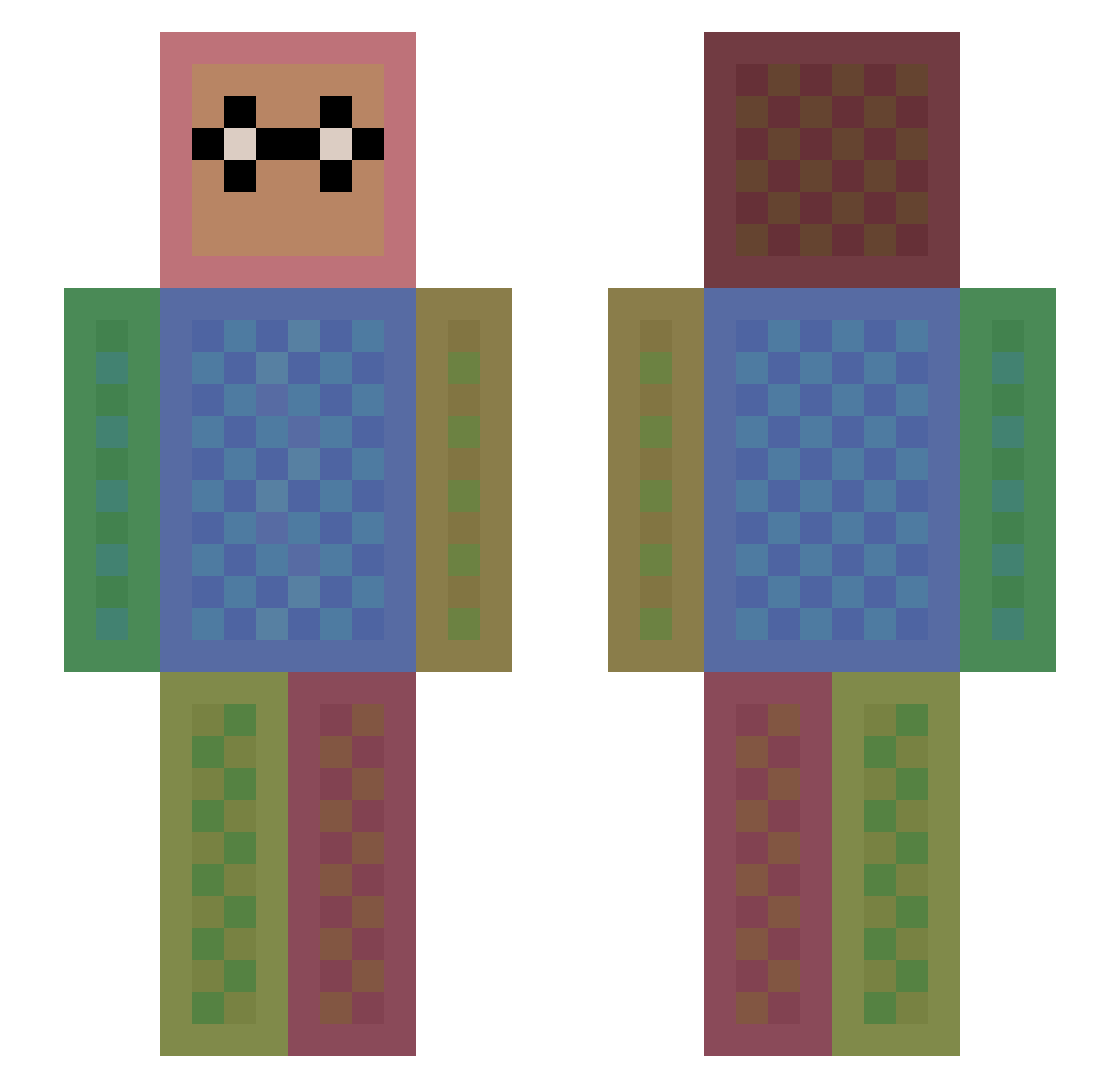
Current Minecraft skin of the player EdgeCrusher1727, loaded from the official Mojang API. Rotate the 3D model with your mouse or finger, then download the skin as a PNG file and use it in Minecraft: Bedrock Edition or Java Edition for free. When EdgeCrusher1727 changes their skin, this page updates automatically and the old skin stays in the history below.
Other players with this skin (1611)
EdgeCrusher1727 was the 1514th player we have seen with this skin, first spotted on 12.11.2026. The same skin was seen on these players. Open a nickname to see their current skin and skin history.
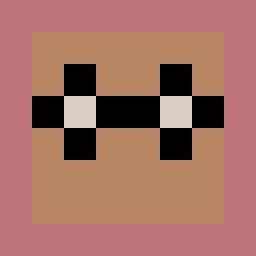 Purpleinkling6 Alon777 dh0junan RadaelG KYOKONN mfrey gdlyaaron MadmanBohan EunJi030 SareneMoonflower VinceStar KIMGD97 kimberlee777 Maiyama AxaNecs Bambi2807 Okami210 DANYOTTO04 Lenchen1311 chausflo44 Maninblack11 julien_gojira kefgo UNDYINGCOLT ShaunKore Minitabandus Mario_Mtz_505 Julem4nden Mitchou2003 udontknowjeff jamie244 Schusterich chuumunist KOHAKURYU RINTA625 BinkyMonster Go_Fly_A_K1te azon153 DefiantGiant000 andiagandi EXITUSS FLopiFlope Brassy666 Pampers1337 OGKendrix PlumberMan1 JuAJoA bloss6642 dinostache14 calliert daamedaa LodgeBlackman NachoAddict1234 ga4ga4 Dongha3719 Machoman_savage HocusTokus DEJAVU2004 HellKing pvpAnton06
How to install the EdgeCrusher1727 skin
- Press the Download button above to save the skin as a PNG file.
- Minecraft: Bedrock Edition (PE): open the Dressing Room from the main menu (or tap your character → Edit Character), go to Classic Skins → Owned, press the + (new skin) button, choose the downloaded PNG and pick the Slim (Alex) model. Works on PC and mobile; consoles cannot import custom skins.
- Minecraft: Java Edition: open the Minecraft Launcher, go to the Skins tab, click New Skin, load the PNG, pick the Slim (Alex) model and press Save & Use. You can also upload it at minecraft.net → Profile → Change Skin.
The skin does not show up after import - what should I do?
Restart Minecraft and open the Dressing Room again - imported skins sometimes appear only after a restart. Also make sure you selected the imported skin and picked the Slim (Alex) model.
Which model should I choose, Classic or Slim?
This skin is designed for the Slim (Alex) model. If you pick the wrong model, the arms of the skin will look stretched or squeezed.
Is the skin of EdgeCrusher1727 free to download?
Yes. Press Download, save the PNG file and use it in Minecraft: Bedrock Edition or Java Edition - no payment or registration needed. The skin also works on multiplayer servers and Realms.
More skins
Looking for more? Go back to all Minecraft skins and check the top skins of the week, month and all time, or find any player's skin by nickname.