
EURO0710 - Minecraft Skins & Skin History
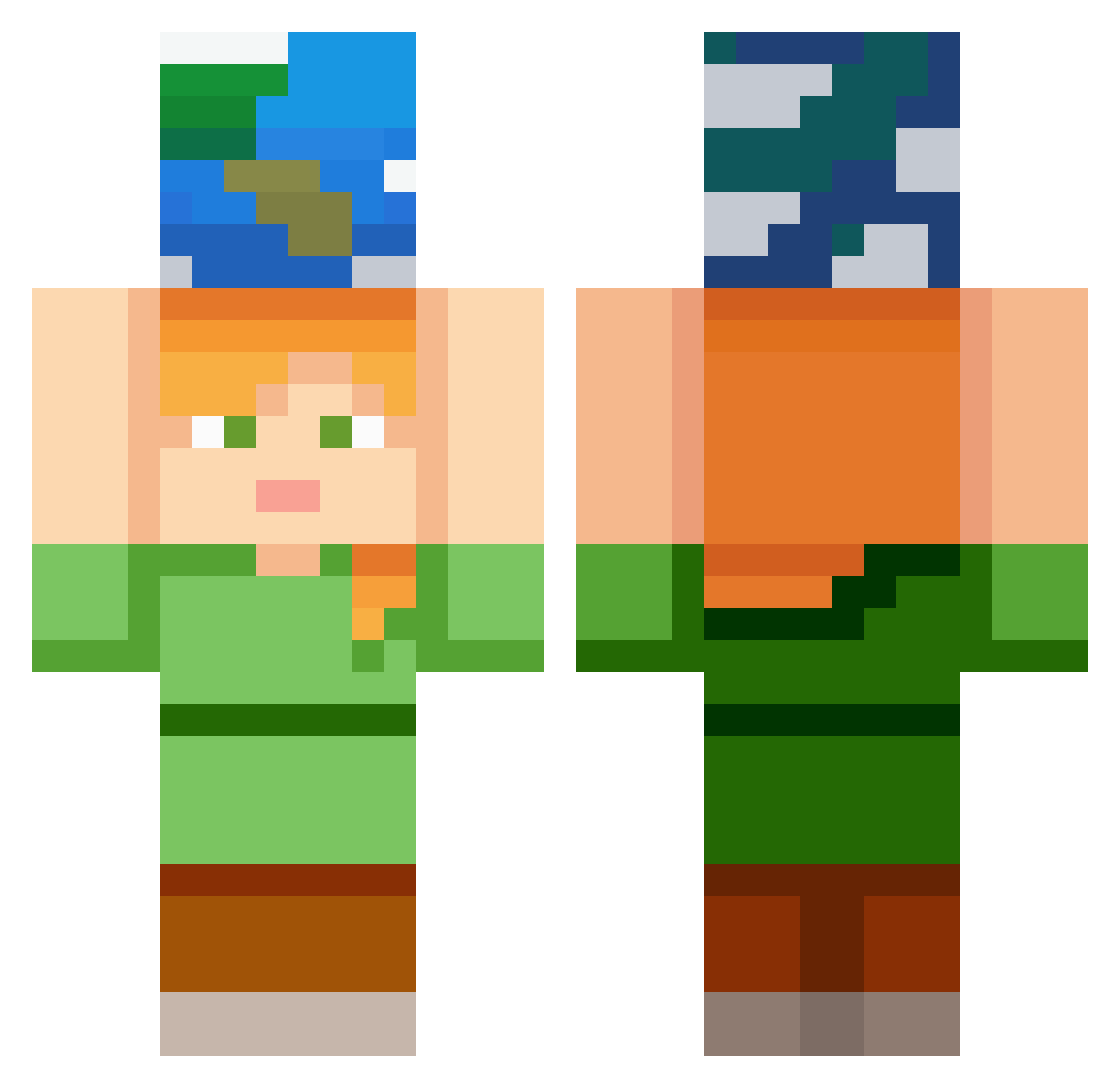
Current Minecraft skin of the player EURO0710, loaded from the official Mojang API. Rotate the 3D model with your mouse or finger, then download the skin as a PNG file and use it in Minecraft: Bedrock Edition or Java Edition for free. When EURO0710 changes their skin, this page updates automatically and the old skin stays in the history below.
Other players with this skin (324)
EURO0710 was the 289th player we have seen with this skin, first spotted on 12.10.2026. The same skin was seen on these players. Open a nickname to see their current skin and skin history.
 LUMBERSCAR rainbowlady22 smrmaak12345 CHUCKNASTY11 thnlqd 17kDeAndre KNOWNNEST655995 4kir9 Lanadelreyfanboy Slurrp SmallMonkey08 wbsnt Hypixel_Skybl0ck ecxlpz 12890213 kyo5515 TerminatorGod TheWheelz chris1509 highopu oku0607 lightfill2107 Saieras Yhan2267 namdidam Minss0011 HAGACHEA Damon114 hatano_huuri Roemms Jagermaycry malejstrelec dlehdrjs0911 SnowLotus0 goout0 zerobgk binreapr scozayy ElierStani Mr__Backstab apricotjam41 marvi_463 kajamath GeoFortBricks ChampainVacay cdsq kassu_02 Mase1245 PythonTerror42 Fiat_luxs Lorenteas jbulet lunaforest AccelN2O layoutvz coolman511w luuul8833 Shrey12006 VAGOone Darkness_Nix
More Planet Minecraft skins
How to install the EURO0710 skin
- Press the Download button above to save the skin as a PNG file.
- Minecraft: Bedrock Edition (PE): open the Dressing Room from the main menu (or tap your character → Edit Character), go to Classic Skins → Owned, press the + (new skin) button, choose the downloaded PNG and pick the Classic (Steve) model. Works on PC and mobile; consoles cannot import custom skins.
- Minecraft: Java Edition: open the Minecraft Launcher, go to the Skins tab, click New Skin, load the PNG, pick the Classic (Steve) model and press Save & Use. You can also upload it at minecraft.net → Profile → Change Skin.
The skin does not show up after import - what should I do?
Restart Minecraft and open the Dressing Room again - imported skins sometimes appear only after a restart. Also make sure you selected the imported skin and picked the Classic (Steve) model.
Which model should I choose, Classic or Slim?
This skin is designed for the Classic (Steve) model. If you pick the wrong model, the arms of the skin will look stretched or squeezed.
Is the skin of EURO0710 free to download?
Yes. Press Download, save the PNG file and use it in Minecraft: Bedrock Edition or Java Edition - no payment or registration needed. The skin also works on multiplayer servers and Realms.
More skins
Looking for more? Go back to all Minecraft skins and check the top skins of the week, month and all time, or find any player's skin by nickname.