
ESQUADE07 - Minecraft Skins & Skin History
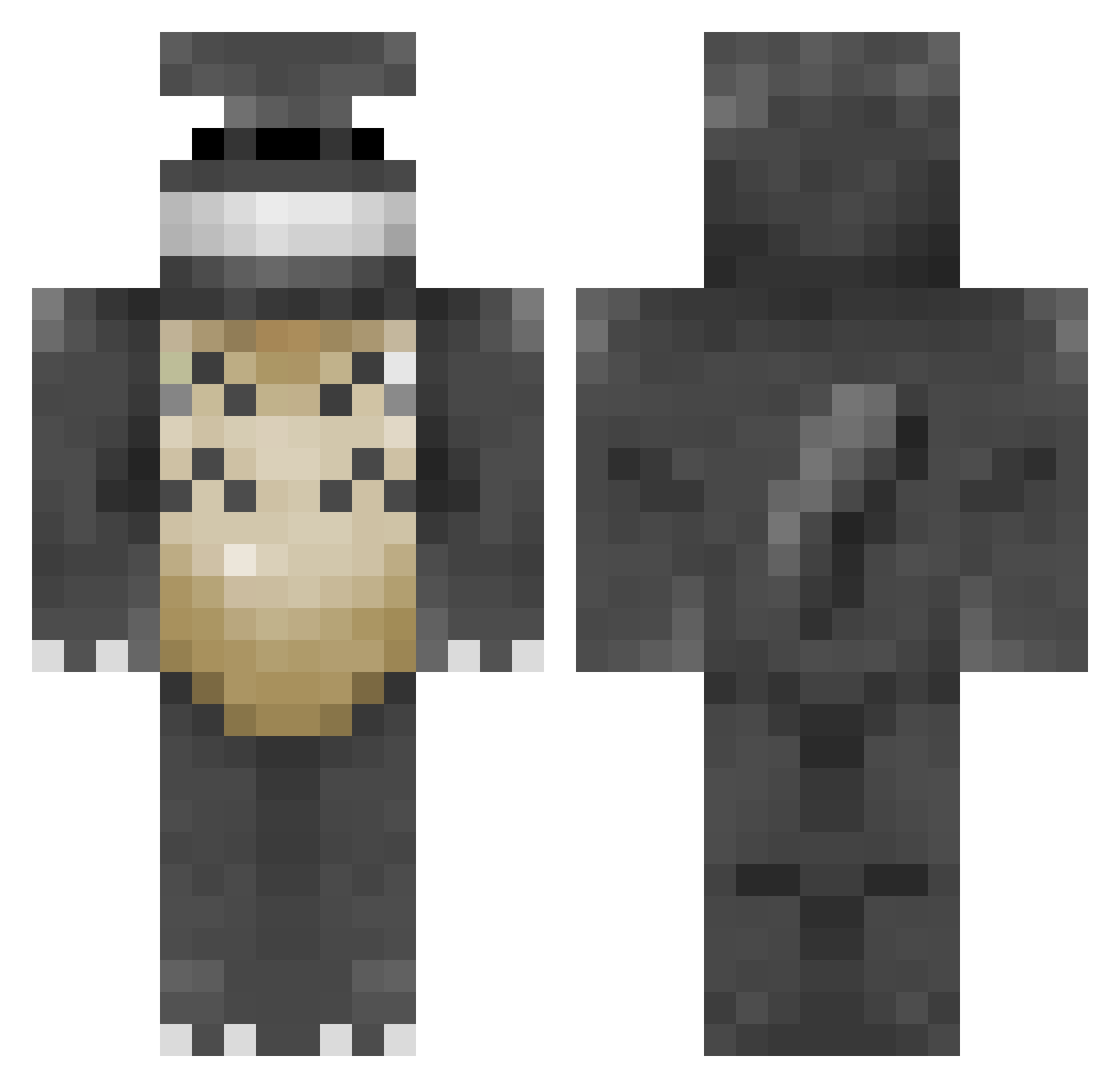
Current Minecraft skin of the player ESQUADE07, loaded from the official Mojang API. Rotate the 3D model with your mouse or finger, then download the skin as a PNG file and use it in Minecraft: Bedrock Edition or Java Edition for free. When ESQUADE07 changes their skin, this page updates automatically and the old skin stays in the history below.
Other players with this skin (49)
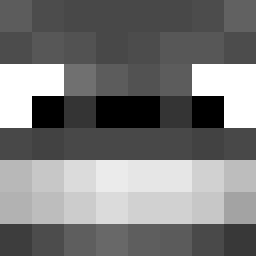
ESQUADE07 was the 18th player we have seen with this skin, first spotted on 14.09.2026. The same skin was seen on these players. Open a nickname to see their current skin and skin history.
 Tazinha Kissenfalke grraybones thMike dh2367 Totolo2020 hajkmusic LukeSen HopeSuffers NotCynicalSalmon Furkimann58 coaru rototo87 flyingmagic williamchoi2112 YamsOnion _zkrain_ Barakaki808 Matoxag memi2089 Segx Totolol Hosickzz dorubo Peftotoro Zoeyaa SuperXChibi Vladodon354 Vyef Avioptrix Semarch CynicalSalmon elvispants ToToRo_Zz Mihailacosa Moonew1717 iluhamuha06 freegamer712 bassa0333 Tanukiiiiiii Drafty9156 DrViki MrKitty2012 froseur aachum FreeKeyS jromper16 OzaisMoon popman1104
More Totoro Minecraft skins
How to install the ESQUADE07 skin
- Press the Download button above to save the skin as a PNG file.
- Minecraft: Bedrock Edition (PE): open the Dressing Room from the main menu (or tap your character → Edit Character), go to Classic Skins → Owned, press the + (new skin) button, choose the downloaded PNG and pick the Classic (Steve) model. Works on PC and mobile; consoles cannot import custom skins.
- Minecraft: Java Edition: open the Minecraft Launcher, go to the Skins tab, click New Skin, load the PNG, pick the Classic (Steve) model and press Save & Use. You can also upload it at minecraft.net → Profile → Change Skin.
The skin does not show up after import - what should I do?
Restart Minecraft and open the Dressing Room again - imported skins sometimes appear only after a restart. Also make sure you selected the imported skin and picked the Classic (Steve) model.
Which model should I choose, Classic or Slim?
This skin is designed for the Classic (Steve) model. If you pick the wrong model, the arms of the skin will look stretched or squeezed.
Is the skin of ESQUADE07 free to download?
Yes. Press Download, save the PNG file and use it in Minecraft: Bedrock Edition or Java Edition - no payment or registration needed. The skin also works on multiplayer servers and Realms.
More skins
Looking for more? Go back to all Minecraft skins and check the top skins of the week, month and all time, or find any player's skin by nickname.