
Dukaz81 - Minecraft Skins & Skin History
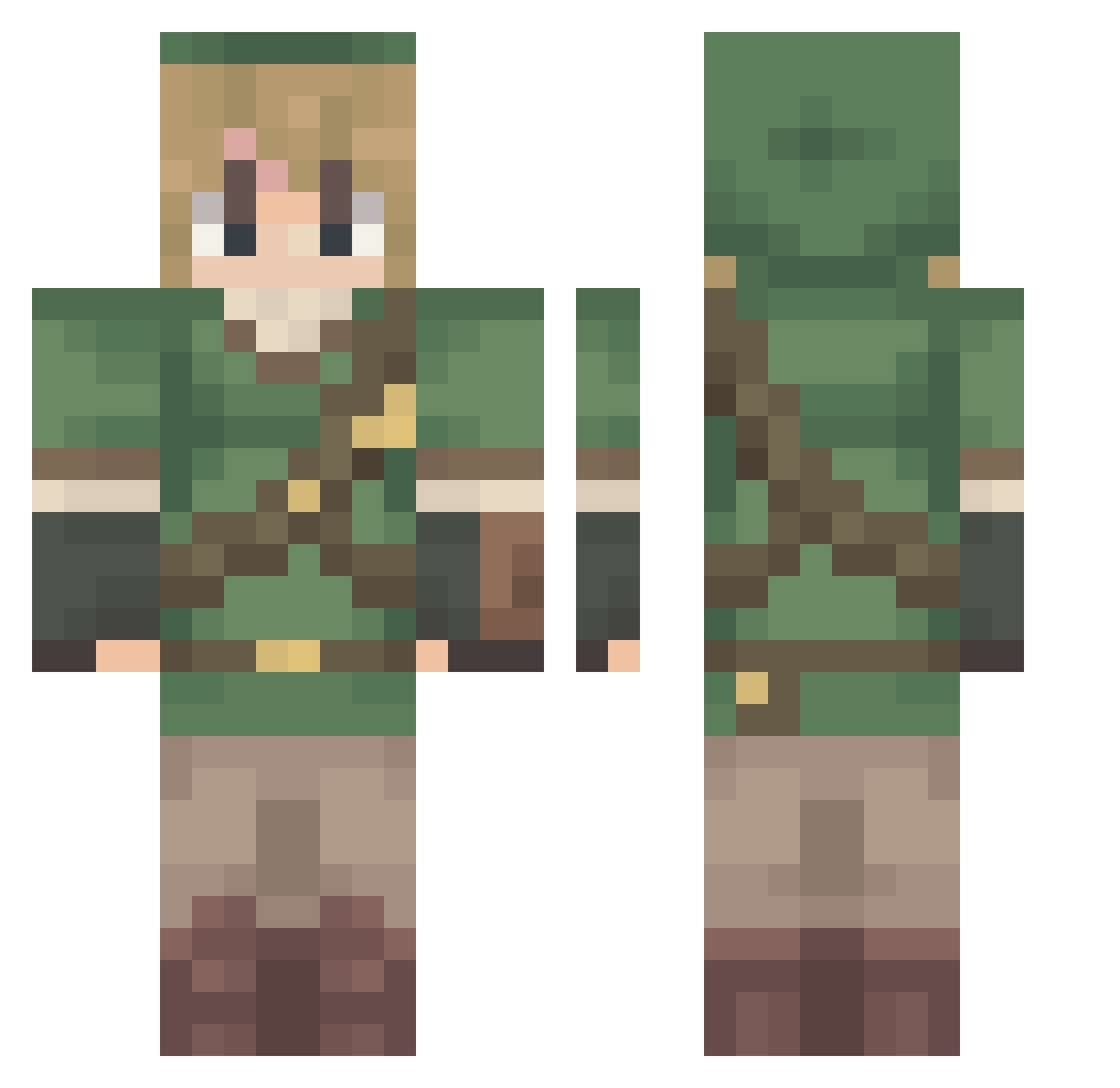
Current Minecraft skin of the player Dukaz81, loaded from the official Mojang API. Rotate the 3D model with your mouse or finger, then download the skin as a PNG file and use it in Minecraft: Bedrock Edition or Java Edition for free. When Dukaz81 changes their skin, this page updates automatically and the old skin stays in the history below.
Other players with this skin (63)
Dukaz81 was the 15th player we have seen with this skin, first spotted on 28.08.2026. The same skin was seen on these players. Open a nickname to see their current skin and skin history.
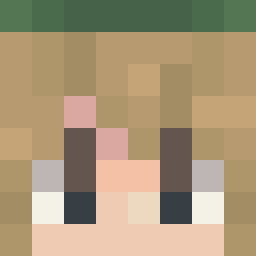 bun1s nebbulung juanloki
 184_X Skulpi Linkjay19 Pnut_42 Kebabtor2020 Woodyworth Maages09 Crisgod17 ShuraRose All_Mizu C4Product mrdong09 SpAmPz darks4
 Tw0jK0szma4 VespaLeader flkns miriiii4 SamuelDeltaM302 summer_time123 roseatan DrNail tomasaguita ShugoTenshii XHO1138 cedarferin Ghostly8812 Outerspacefox 5xgermy gulpriel KennaFalls Tree_Rex_07 Albinopopscl Okriiii moon_fr AllEyesOnYe ACSystem10 ZEON117 TriforcePatrick X0NU perfidia_ BinkBonkBoop Ultradabeast SHADOWOFMINDTV knockoffcuban ratman255 Xyrla ggndc Killersans95 PaXinCaps Grok LizardEater1000 Lightnier CreeperMan13 normalnoodle atticus_abacus JeremyRennerReal
More Elf Minecraft skins
How to install the Dukaz81 skin
- Press the Download button above to save the skin as a PNG file.
- Minecraft: Bedrock Edition (PE): open the Dressing Room from the main menu (or tap your character → Edit Character), go to Classic Skins → Owned, press the + (new skin) button, choose the downloaded PNG and pick the Classic (Steve) model. Works on PC and mobile; consoles cannot import custom skins.
- Minecraft: Java Edition: open the Minecraft Launcher, go to the Skins tab, click New Skin, load the PNG, pick the Classic (Steve) model and press Save & Use. You can also upload it at minecraft.net → Profile → Change Skin.
The skin does not show up after import - what should I do?
Restart Minecraft and open the Dressing Room again - imported skins sometimes appear only after a restart. Also make sure you selected the imported skin and picked the Classic (Steve) model.
Which model should I choose, Classic or Slim?
This skin is designed for the Classic (Steve) model. If you pick the wrong model, the arms of the skin will look stretched or squeezed.
Is the skin of Dukaz81 free to download?
Yes. Press Download, save the PNG file and use it in Minecraft: Bedrock Edition or Java Edition - no payment or registration needed. The skin also works on multiplayer servers and Realms.
More skins
Looking for more? Go back to all Minecraft skins and check the top skins of the week, month and all time, or find any player's skin by nickname.