
DucatiBuilder - Minecraft Skins & Skin History
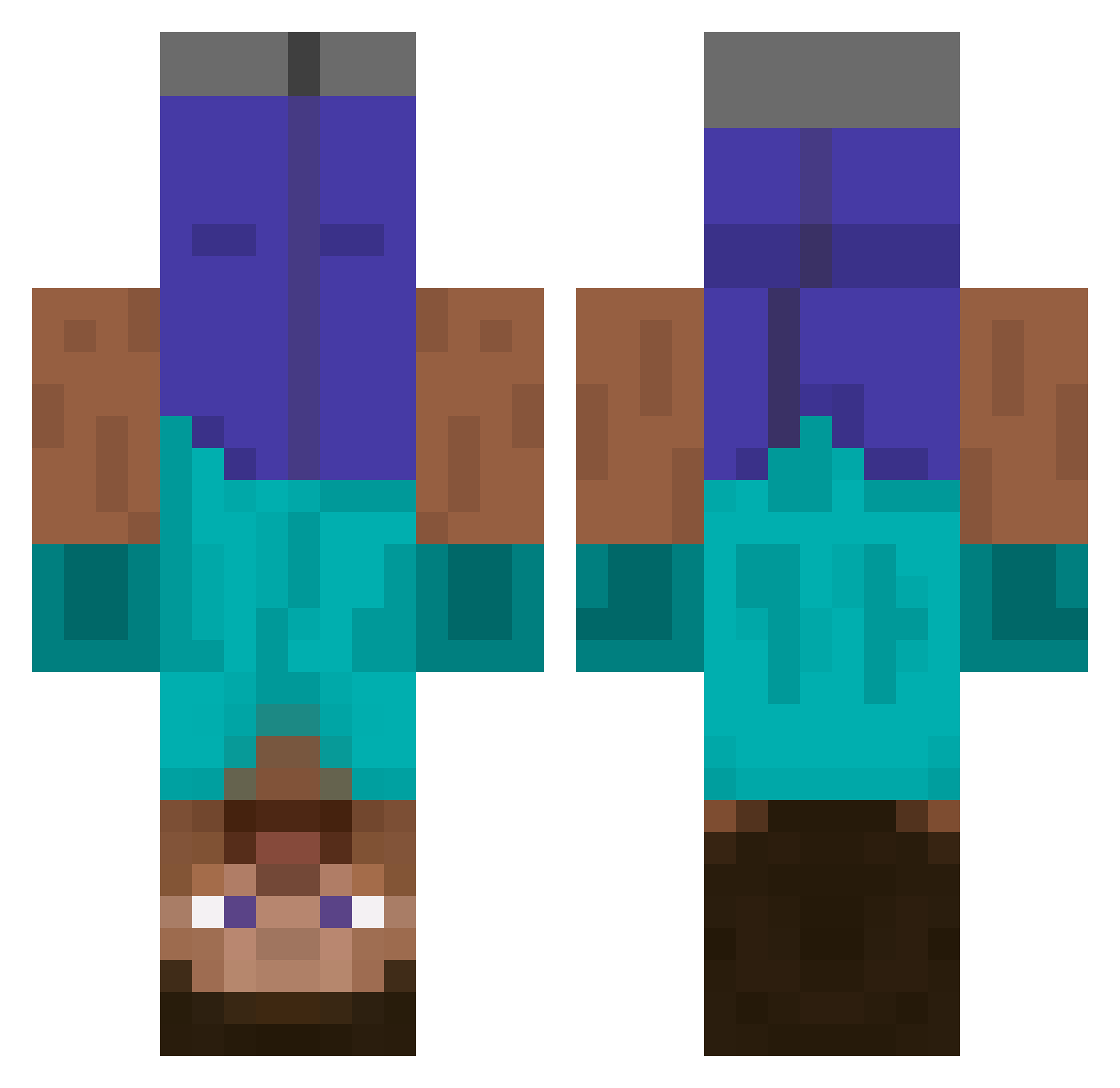
Current Minecraft skin of the player DucatiBuilder, loaded from the official Mojang API. Rotate the 3D model with your mouse or finger, then download the skin as a PNG file and use it in Minecraft: Bedrock Edition or Java Edition for free. When DucatiBuilder changes their skin, this page updates automatically and the old skin stays in the history below.
Other players with this skin (438)
DucatiBuilder was the 214th player we have seen with this skin, first spotted on 14.09.2026. The same skin was seen on these players. Open a nickname to see their current skin and skin history.
 CX888 Bobronikus 00motherfucker00 harrisonkrebs JAKETOWN Crossfire202 mrmcmuffin15 tantan103 kaef3r Malisman jmanton13 DeNsE94 CapnDorcas camgamer18 tm_1229 wolf_Orc Mare002 jdt18 PandieMC FireDragon440 PlNG HelpImUpsideDown flyingpenguin42 Enigma38 kylok MCMichii OPotatoWarriorO jordan_yunus slayer_of_squids izeseeyou daggity jillybeannn Sweaty_Iced_Milk JorisBoers Koeda Phinea_ B0NERMASTER Rand0m168 Pachuri hugomin thisisaids cormac322 120Nics extremeplatapus joepthebuilder batatara hakonla danilushka1 KONRED Bertruger Blindhobo13 sweetruy1 xPICKLEMONSTER mrrykler Valiantvalor Ladon Predamon Arcten ELIP0WER kingkongjosh
More Dinnerbone Minecraft skins
How to install the DucatiBuilder skin
- Press the Download button above to save the skin as a PNG file.
- Minecraft: Bedrock Edition (PE): open the Dressing Room from the main menu (or tap your character → Edit Character), go to Classic Skins → Owned, press the + (new skin) button, choose the downloaded PNG and pick the Classic (Steve) model. Works on PC and mobile; consoles cannot import custom skins.
- Minecraft: Java Edition: open the Minecraft Launcher, go to the Skins tab, click New Skin, load the PNG, pick the Classic (Steve) model and press Save & Use. You can also upload it at minecraft.net → Profile → Change Skin.
The skin does not show up after import - what should I do?
Restart Minecraft and open the Dressing Room again - imported skins sometimes appear only after a restart. Also make sure you selected the imported skin and picked the Classic (Steve) model.
Which model should I choose, Classic or Slim?
This skin is designed for the Classic (Steve) model. If you pick the wrong model, the arms of the skin will look stretched or squeezed.
Is the skin of DucatiBuilder free to download?
Yes. Press Download, save the PNG file and use it in Minecraft: Bedrock Edition or Java Edition - no payment or registration needed. The skin also works on multiplayer servers and Realms.
More skins
Looking for more? Go back to all Minecraft skins and check the top skins of the week, month and all time, or find any player's skin by nickname.