
DreamEnding - Minecraft Skins & Skin History
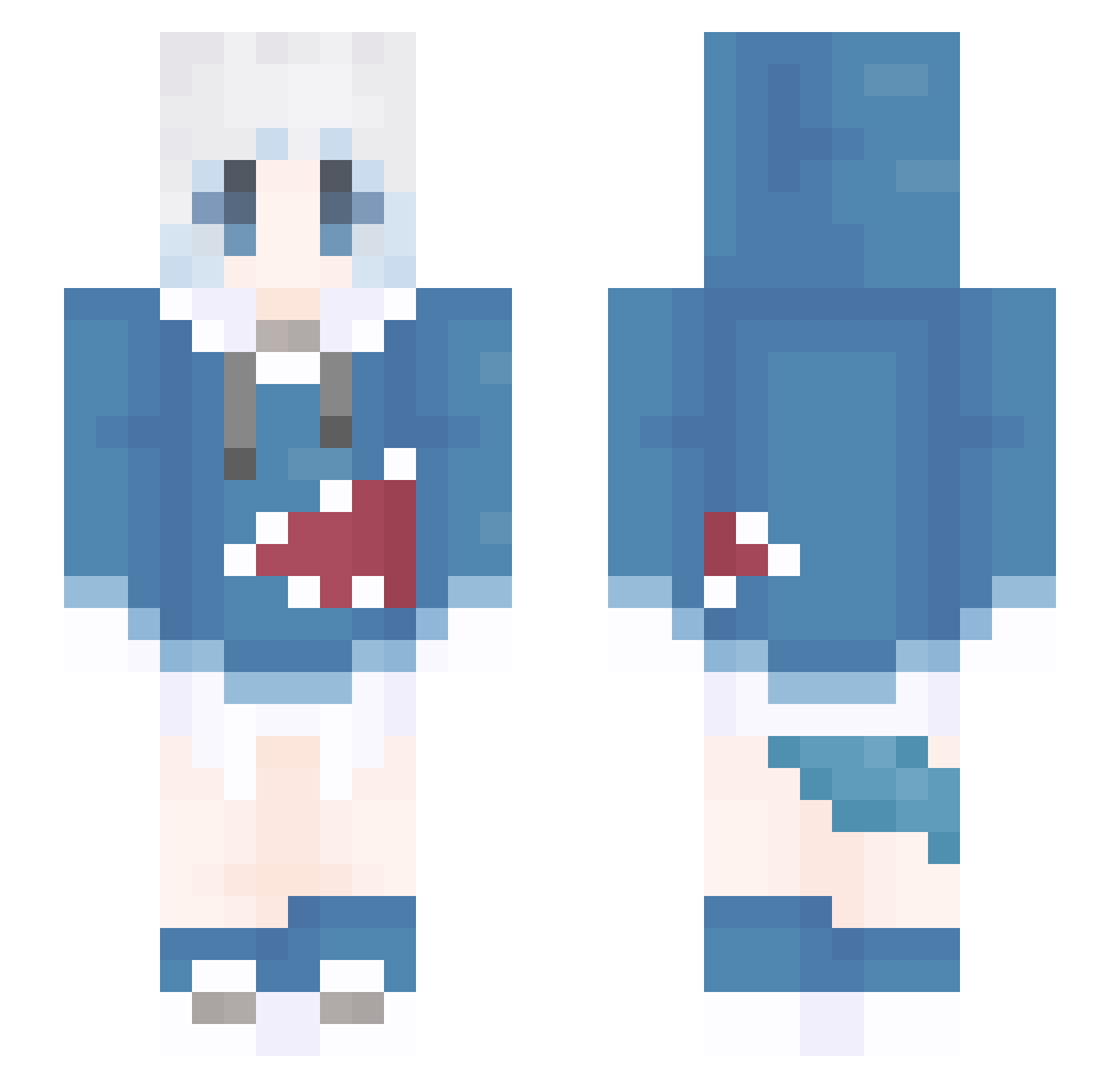
Current Minecraft skin of the player DreamEnding, loaded from the official Mojang API. Rotate the 3D model with your mouse or finger, then download the skin as a PNG file and use it in Minecraft: Bedrock Edition or Java Edition for free. When DreamEnding changes their skin, this page updates automatically and the old skin stays in the history below.
Other players with this skin (1309)
DreamEnding was the 1124th player we have seen with this skin, first spotted on 23.10.2026. The same skin was seen on these players. Open a nickname to see their current skin and skin history.
 Ice_01 catt5213 RaYiDa GhostTw lgnite233 banjoMoon knikk BULAXIA wendy740 ken0955 RIKKALV Misaka_____ Shirley_Anna Marry_rou DeBeRrr autumn_114514 cicilili Cola_CaO holomyoon w0rrymeister CarloMagnoX H667 KAPIBARA01 TqwpT lwf2003 shen_mu momo1593 rainfor9 william428 Jack_1022 HELLT233 Koi_y Nachonoda Memoing BavarianCream AnXIi_AX Realbird99 _Altzera_ Night2600 huohul Sterben_Yuli DoroRongg IchisukeIton MashiroMC Dbddg dwdjw logck worry123 Starknight76r FLiNGTrainer Kusanali_ lasela Petra_Iron TurnerKhan Chen_Pi_ suqing1 modi520 AES7 lgdx5 Espanol_
More Gawr Gura Minecraft skins
How to install the DreamEnding skin
- Press the Download button above to save the skin as a PNG file.
- Minecraft: Bedrock Edition (PE): open the Dressing Room from the main menu (or tap your character → Edit Character), go to Classic Skins → Owned, press the + (new skin) button, choose the downloaded PNG and pick the Slim (Alex) model. Works on PC and mobile; consoles cannot import custom skins.
- Minecraft: Java Edition: open the Minecraft Launcher, go to the Skins tab, click New Skin, load the PNG, pick the Slim (Alex) model and press Save & Use. You can also upload it at minecraft.net → Profile → Change Skin.
The skin does not show up after import - what should I do?
Restart Minecraft and open the Dressing Room again - imported skins sometimes appear only after a restart. Also make sure you selected the imported skin and picked the Slim (Alex) model.
Which model should I choose, Classic or Slim?
This skin is designed for the Slim (Alex) model. If you pick the wrong model, the arms of the skin will look stretched or squeezed.
Is the skin of DreamEnding free to download?
Yes. Press Download, save the PNG file and use it in Minecraft: Bedrock Edition or Java Edition - no payment or registration needed. The skin also works on multiplayer servers and Realms.
More skins
Looking for more? Go back to all Minecraft skins and check the top skins of the week, month and all time, or find any player's skin by nickname.