
DrRichtofen1337 - Minecraft Skins & Skin History
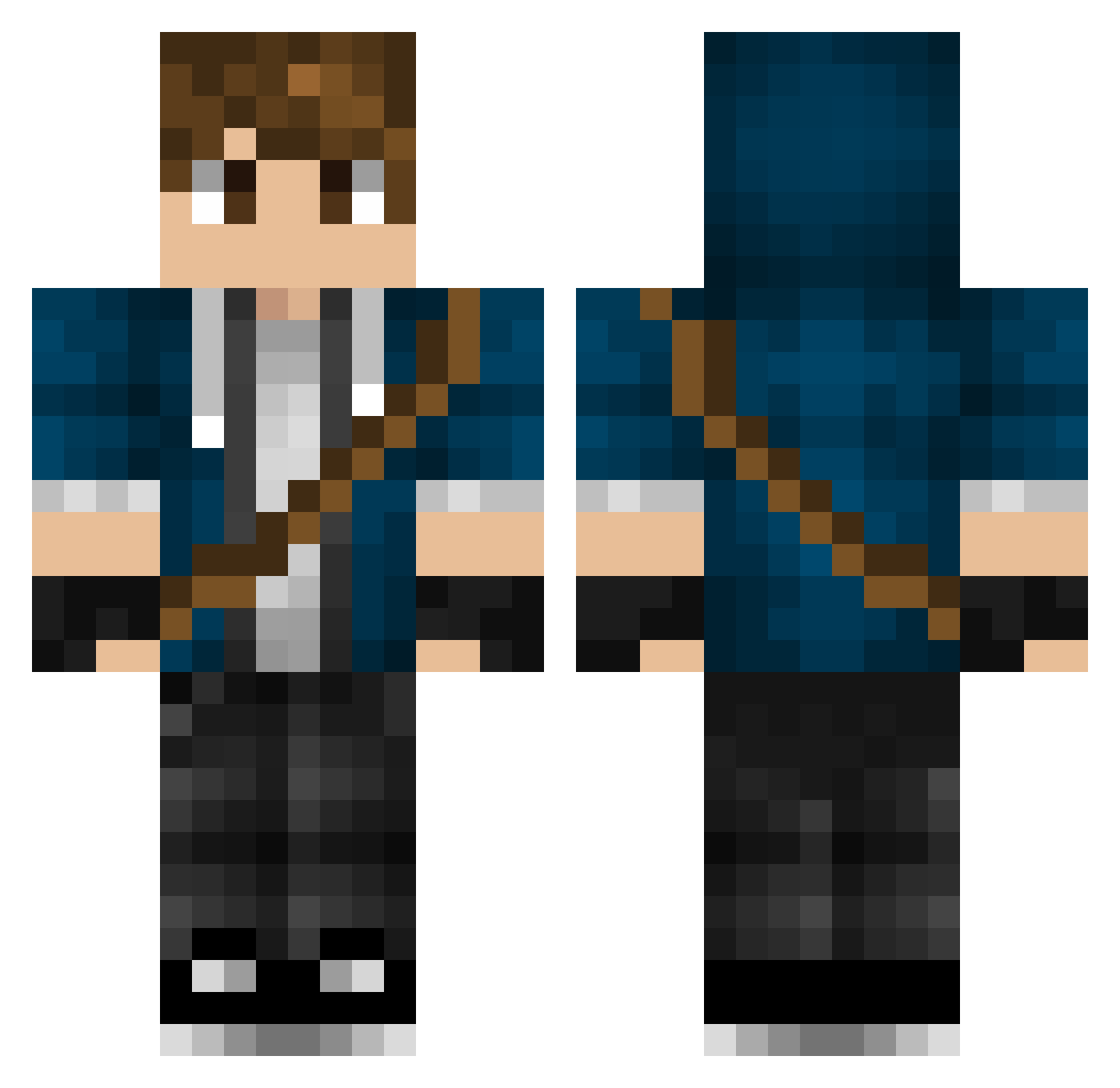
Current Minecraft skin of the player DrRichtofen1337, loaded from the official Mojang API. Rotate the 3D model with your mouse or finger, then download the skin as a PNG file and use it in Minecraft: Bedrock Edition or Java Edition for free. When DrRichtofen1337 changes their skin, this page updates automatically and the old skin stays in the history below.
Other players with this skin (317)
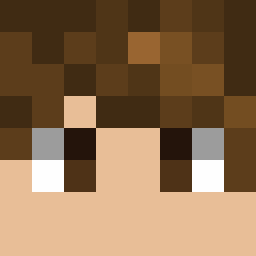
DrRichtofen1337 was the 17th player we have seen with this skin, first spotted on 29.07.2026. The same skin was seen on these players. Open a nickname to see their current skin and skin history.
 TheTinyGremlin TerrorJacky fusebulb JTracingXprtGmr SmileyLB ItzMeJits_ MotoBoyz919 SixNine kadenpen Kartagorama dragon_bone08 modernio1013 WarhammerCE KingSab Skeptic_JA twinknasty Octrain Solar55 WaterLock BlueArcher83 spauldin alexbrowning325 Familjensahlberg JPowellFed Ransborg Yorok0bi Somewhither nikiki011 TheRunagate deadlox72 mptid Corr aidyn_kazakh zeeman132 rpendleton SirLowe gklrt Zyreee thanksbrosky Theoldn trevion YaBoyMonstah 2005scs Abrhams herocrossfire ShabstAh Fibonaci jtprag viccomt Pohtatoes Psycho_boy_dk TahmLikeSandwich Keesee_5 Jordi_Stayro Georgeeboy xXsh4dowHack3rXx Dmitry7301 Destroyer2X Pencer KnightProwl
More Messenger Bag Minecraft skins
See all 535 Messenger Bag skins
How to install the DrRichtofen1337 skin
- Press the Download button above to save the skin as a PNG file.
- Minecraft: Bedrock Edition (PE): open the Dressing Room from the main menu (or tap your character → Edit Character), go to Classic Skins → Owned, press the + (new skin) button, choose the downloaded PNG and pick the Classic (Steve) model. Works on PC and mobile; consoles cannot import custom skins.
- Minecraft: Java Edition: open the Minecraft Launcher, go to the Skins tab, click New Skin, load the PNG, pick the Classic (Steve) model and press Save & Use. You can also upload it at minecraft.net → Profile → Change Skin.
The skin does not show up after import - what should I do?
Restart Minecraft and open the Dressing Room again - imported skins sometimes appear only after a restart. Also make sure you selected the imported skin and picked the Classic (Steve) model.
Which model should I choose, Classic or Slim?
This skin is designed for the Classic (Steve) model. If you pick the wrong model, the arms of the skin will look stretched or squeezed.
Is the skin of DrRichtofen1337 free to download?
Yes. Press Download, save the PNG file and use it in Minecraft: Bedrock Edition or Java Edition - no payment or registration needed. The skin also works on multiplayer servers and Realms.
More skins
Looking for more? Go back to all Minecraft skins and check the top skins of the week, month and all time, or find any player's skin by nickname.