
Dornan1270 - Minecraft Skins & Skin History
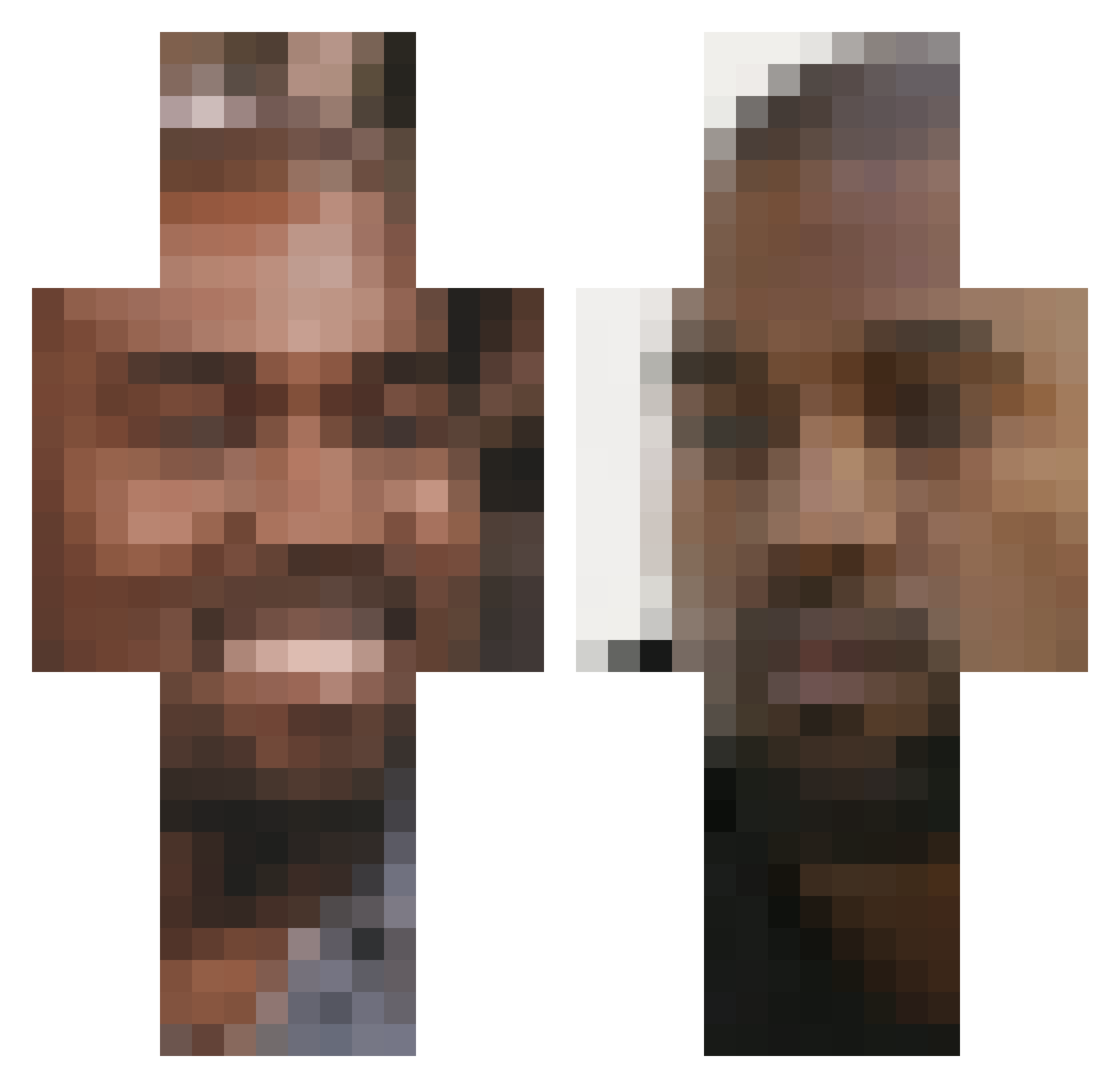
Current Minecraft skin of the player Dornan1270, loaded from the official Mojang API. Rotate the 3D model with your mouse or finger, then download the skin as a PNG file and use it in Minecraft: Bedrock Edition or Java Edition for free. When Dornan1270 changes their skin, this page updates automatically and the old skin stays in the history below.
Other players with this skin (100)
Dornan1270 was the 83rd player we have seen with this skin, first spotted on 20.10.2026. The same skin was seen on these players. Open a nickname to see their current skin and skin history.
 Withystarling Futura_ WhiteDress2012 Glorious_LeBron VictorPJota SwoZz24 OkuriYuritza Juli_nyan LaFlamme5428 goldoxd TheGassyBurrito PoopEater1234 ElDragonWarrior KennyMenny BongusBinted austin774 smokerofmeth Kitty_Nat_Cat tackllevi Rootbeerking21 lejsn LilVeggin QOOQQOQ eli316 randomfartnoises Moukxs xWindy_ Bastiasu againstxanax AAKINII Noevorm JohnWickTheMovie polacomclovin lolkinmo Salamito Goiss viknicole88 Ozan_HI Vesicants ColderYe Strnsn Nate_Higgerson MadLadInTheHouse Schmaladdin Lucyxor AbusivePops FamilyGuy_Live SHRKQN imdrunnk Grecn jaydee1017 zUd4s Raigaaaaa juicyjohnny LeScoot ImagineMijKillen LonelyTent TitanicSteak wilinthree LilWooski
More Kanye West Minecraft skins
How to install the Dornan1270 skin
- Press the Download button above to save the skin as a PNG file.
- Minecraft: Bedrock Edition (PE): open the Dressing Room from the main menu (or tap your character → Edit Character), go to Classic Skins → Owned, press the + (new skin) button, choose the downloaded PNG and pick the Classic (Steve) model. Works on PC and mobile; consoles cannot import custom skins.
- Minecraft: Java Edition: open the Minecraft Launcher, go to the Skins tab, click New Skin, load the PNG, pick the Classic (Steve) model and press Save & Use. You can also upload it at minecraft.net → Profile → Change Skin.
The skin does not show up after import - what should I do?
Restart Minecraft and open the Dressing Room again - imported skins sometimes appear only after a restart. Also make sure you selected the imported skin and picked the Classic (Steve) model.
Which model should I choose, Classic or Slim?
This skin is designed for the Classic (Steve) model. If you pick the wrong model, the arms of the skin will look stretched or squeezed.
Is the skin of Dornan1270 free to download?
Yes. Press Download, save the PNG file and use it in Minecraft: Bedrock Edition or Java Edition - no payment or registration needed. The skin also works on multiplayer servers and Realms.
More skins
Looking for more? Go back to all Minecraft skins and check the top skins of the week, month and all time, or find any player's skin by nickname.