
Donkebauls - Minecraft Skins & Skin History
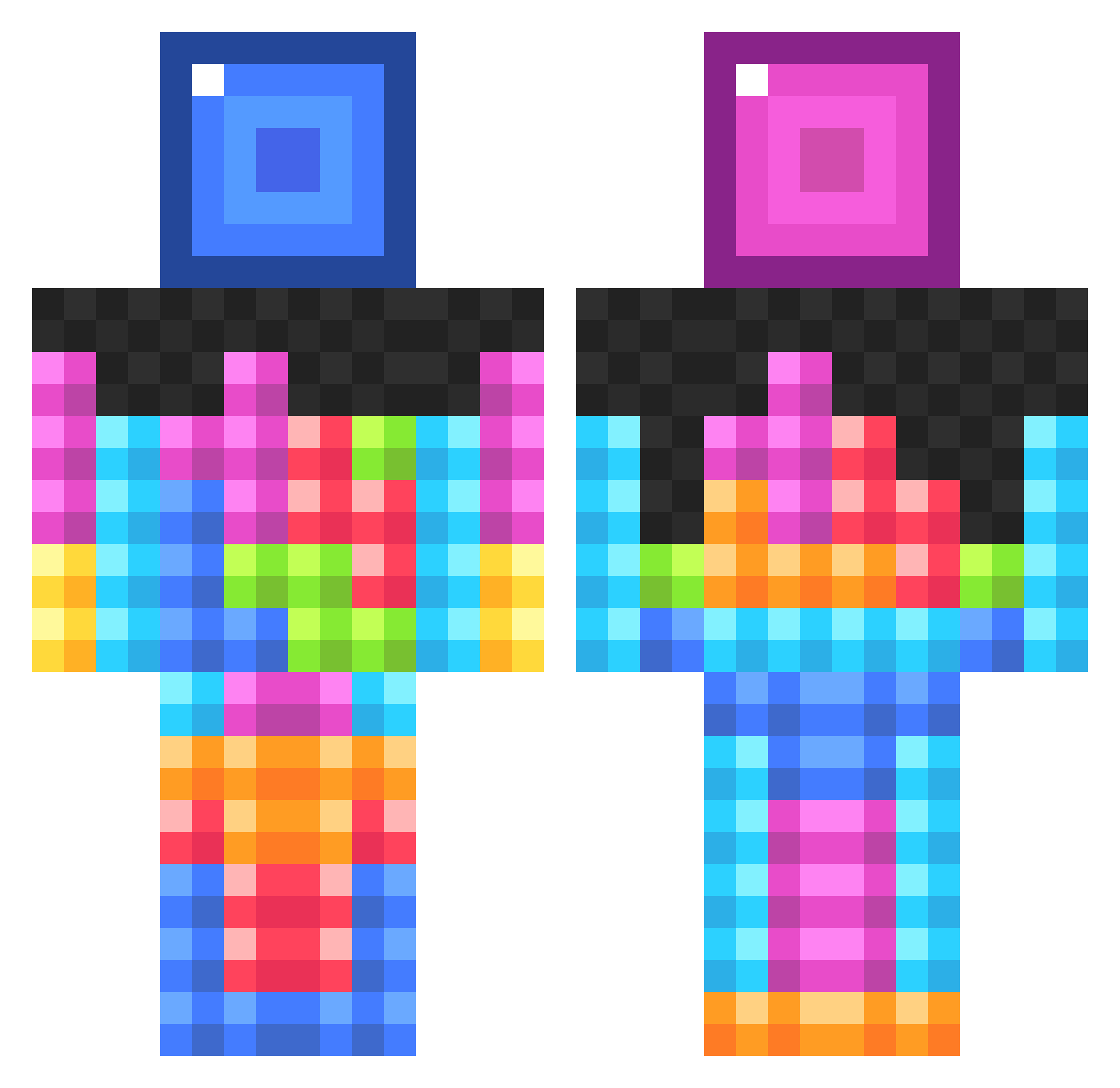
Current Minecraft skin of the player Donkebauls, loaded from the official Mojang API. Rotate the 3D model with your mouse or finger, then download the skin as a PNG file and use it in Minecraft: Bedrock Edition or Java Edition for free. When Donkebauls changes their skin, this page updates automatically and the old skin stays in the history below.
Other players with this skin (834)
Donkebauls was the 127th player we have seen with this skin, first spotted on 09.08.2026. The same skin was seen on these players. Open a nickname to see their current skin and skin history.
 XxT1meCr4fterxX FootballAnthony SavageKosher avatarman6 Lois1234 Russe4 Rydawg2003 Bran17 coggerr Marryong UKzmappy ByZoNe99 Picklerick2795 CodeBuns Robbo9220 creepercrazy22 dark_miner77 coopdawg2004 danooontje Malenkig Trogler98 wharfish mmarcus1 138lund Lobosch98 Schleudereule69 dwalder01 richop16 Johny1474 Tysaber Mine_Arianna randallisbeast _Pixelly_ poopdude21 crocker11 ItzJohnoHD ahhdum YeeeHonk sanders12344 zatsugaii Brosini corrineisthebest MitchBomber Fionaney CheckYourWallsM3 DJX324 Chinood ReeceEboy KennethTheBoss Smallseeker svansinn chocolatemantwo SecreT_VOLTz itsjavitch freddie4112 elmedir energisimon HelicopterCrash djdominator555 tpja22
More Tetris Minecraft skins
How to install the Donkebauls skin
- Press the Download button above to save the skin as a PNG file.
- Minecraft: Bedrock Edition (PE): open the Dressing Room from the main menu (or tap your character → Edit Character), go to Classic Skins → Owned, press the + (new skin) button, choose the downloaded PNG and pick the Classic (Steve) model. Works on PC and mobile; consoles cannot import custom skins.
- Minecraft: Java Edition: open the Minecraft Launcher, go to the Skins tab, click New Skin, load the PNG, pick the Classic (Steve) model and press Save & Use. You can also upload it at minecraft.net → Profile → Change Skin.
The skin does not show up after import - what should I do?
Restart Minecraft and open the Dressing Room again - imported skins sometimes appear only after a restart. Also make sure you selected the imported skin and picked the Classic (Steve) model.
Which model should I choose, Classic or Slim?
This skin is designed for the Classic (Steve) model. If you pick the wrong model, the arms of the skin will look stretched or squeezed.
Is the skin of Donkebauls free to download?
Yes. Press Download, save the PNG file and use it in Minecraft: Bedrock Edition or Java Edition - no payment or registration needed. The skin also works on multiplayer servers and Realms.
More skins
Looking for more? Go back to all Minecraft skins and check the top skins of the week, month and all time, or find any player's skin by nickname.