
Dongyeon1129 - Minecraft Skins & Skin History
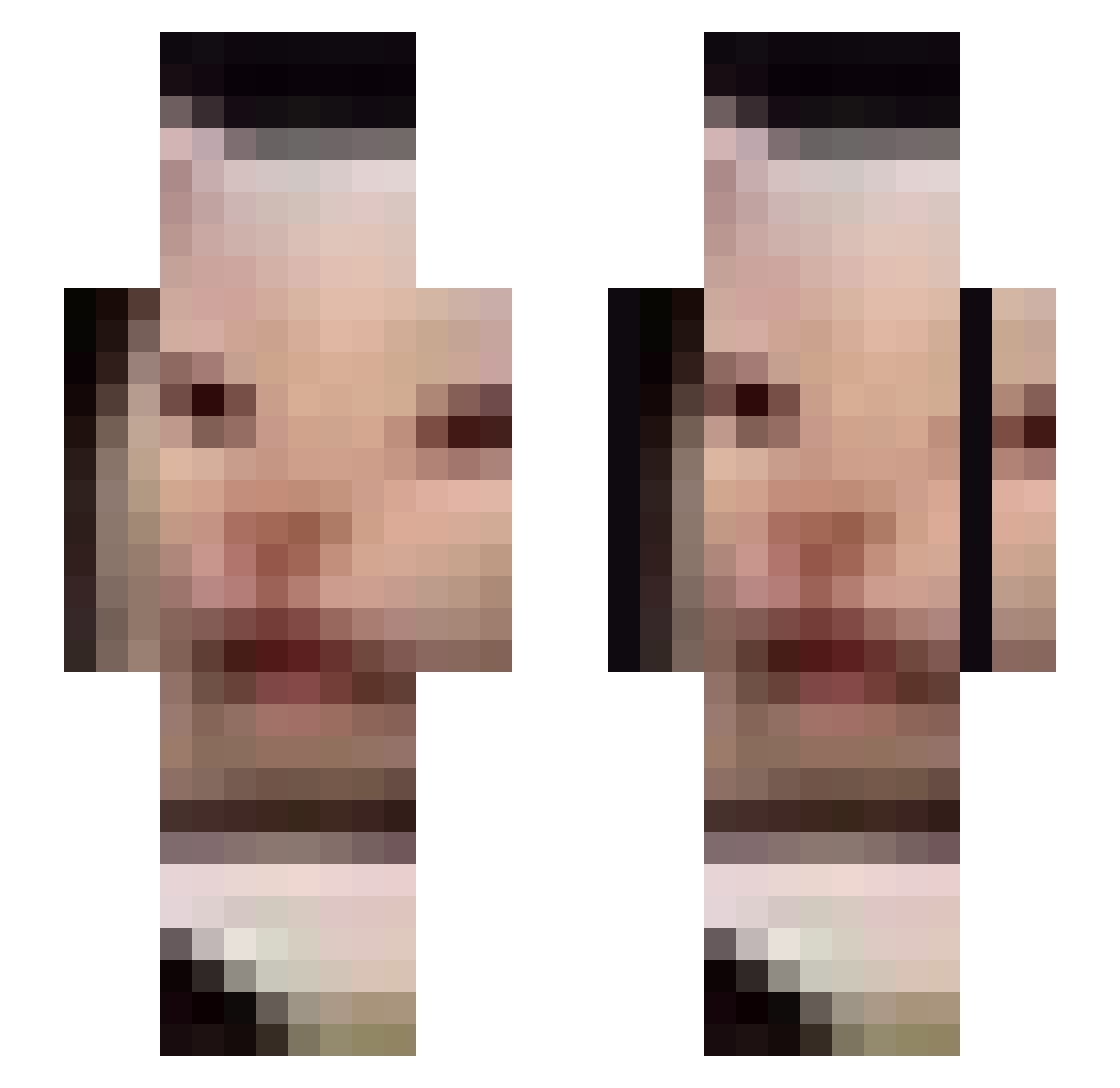
Current Minecraft skin of the player Dongyeon1129, loaded from the official Mojang API. Rotate the 3D model with your mouse or finger, then download the skin as a PNG file and use it in Minecraft: Bedrock Edition or Java Edition for free. When Dongyeon1129 changes their skin, this page updates automatically and the old skin stays in the history below.
Other players with this skin (676)
Dongyeon1129 was the 208th player we have seen with this skin, first spotted on 26.08.2026. The same skin was seen on these players. Open a nickname to see their current skin and skin history.
 kelsey420 vapelordandrew CorruptedZipFile AntimonyMC Keerogen _LordNer_ Errickah Bulii_1 tuken123 FreddieJ8 xTrioNeo Jon_Merchant wonhyeok12 atsl hayoon0902 Glory04Pogba AMIRALNECO P4paSmurf timsl1 jinjin914 Captain_Beckett Sotue Scott5 Arkankhs Chad_Thundercack Geguuuuuul DubstairNinja MagicalTrees l_bulgaricus asdlkga Williamrivard yraf ShrekKingOfKells DanyaW manonamissionC slodziakx Lasto65 fvmxj PhrogBoy5teve tanukibiscuits JamesKingdom slythbish babydunkz Ildryn_ sophtice madeleineclark05 ViniLona _M_e_t_h anhj7798 Patty_Whack K1gv tbhnobodycares VardenisPavarden Picklegamer2000 Xingeros ivoketa ghostie333 Tlatla_ YoFriedChicken2 cupchai
More Beluga Minecraft skins
How to install the Dongyeon1129 skin
- Press the Download button above to save the skin as a PNG file.
- Minecraft: Bedrock Edition (PE): open the Dressing Room from the main menu (or tap your character → Edit Character), go to Classic Skins → Owned, press the + (new skin) button, choose the downloaded PNG and pick the Slim (Alex) model. Works on PC and mobile; consoles cannot import custom skins.
- Minecraft: Java Edition: open the Minecraft Launcher, go to the Skins tab, click New Skin, load the PNG, pick the Slim (Alex) model and press Save & Use. You can also upload it at minecraft.net → Profile → Change Skin.
The skin does not show up after import - what should I do?
Restart Minecraft and open the Dressing Room again - imported skins sometimes appear only after a restart. Also make sure you selected the imported skin and picked the Slim (Alex) model.
Which model should I choose, Classic or Slim?
This skin is designed for the Slim (Alex) model. If you pick the wrong model, the arms of the skin will look stretched or squeezed.
Is the skin of Dongyeon1129 free to download?
Yes. Press Download, save the PNG file and use it in Minecraft: Bedrock Edition or Java Edition - no payment or registration needed. The skin also works on multiplayer servers and Realms.
More skins
Looking for more? Go back to all Minecraft skins and check the top skins of the week, month and all time, or find any player's skin by nickname.