
DongFeng1960 - Minecraft Skins & Skin History
Current Minecraft skin of the player DongFeng1960, loaded from the official Mojang API. Rotate the 3D model with your mouse or finger, then download the skin as a PNG file and use it in Minecraft: Bedrock Edition or Java Edition for free. When DongFeng1960 changes their skin, this page updates automatically and the old skin stays in the history below.
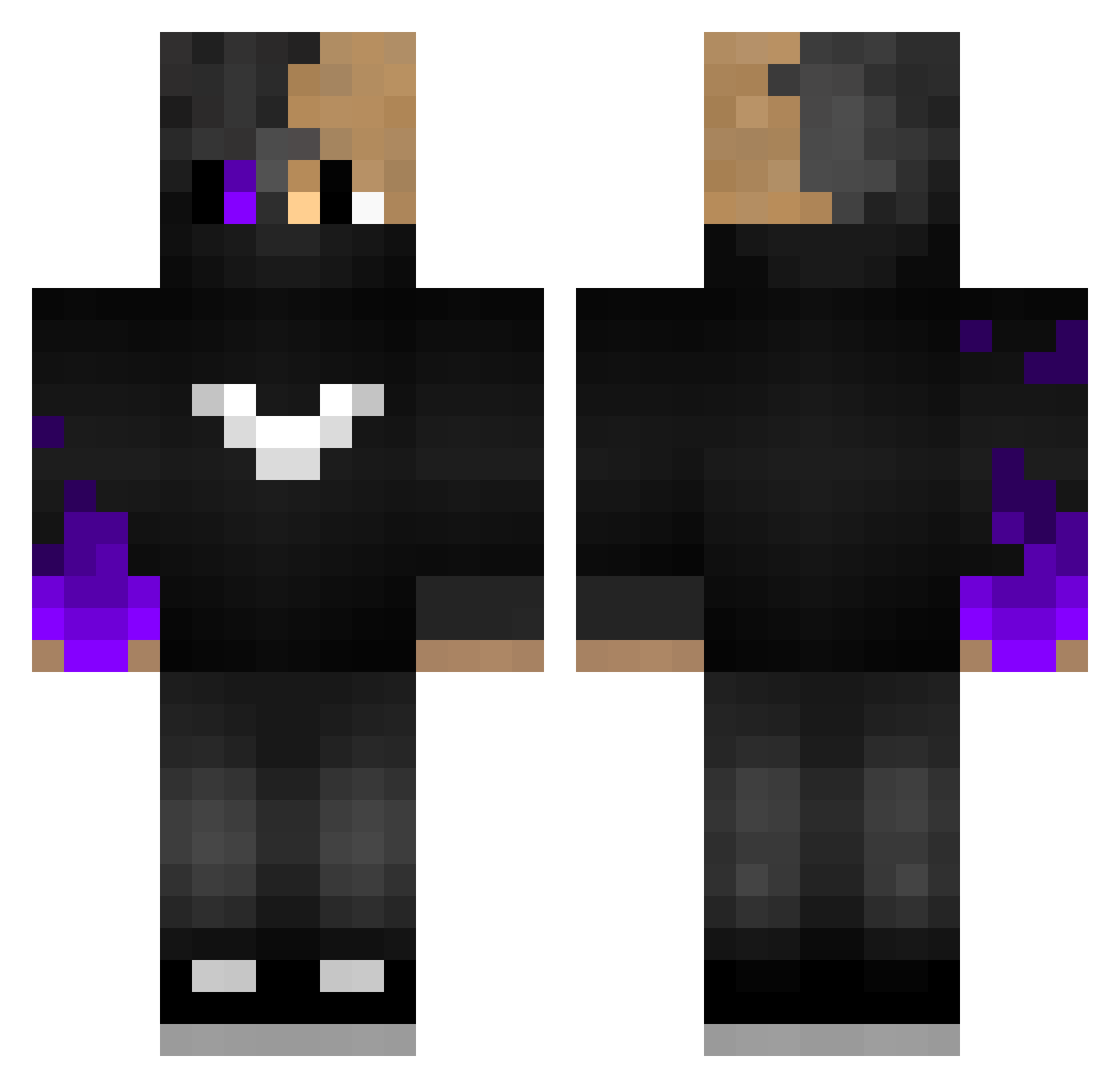
Other players with this skin (117)
DongFeng1960 was the 48th player we have seen with this skin, first spotted on 19.09.2026. The same skin was seen on these players. Open a nickname to see their current skin and skin history.
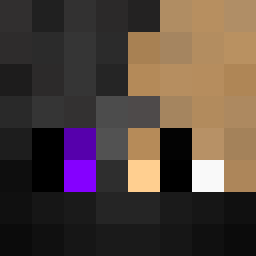 DemonSliq 7T_kero TheBestRaul Kaikez Fabster69 WhyTex90 GAP0201 OnlySlowy 3bood_kz Bromano_ LDxlciyl baravalle clopor0 Luca29_ FixPlayYT150 DarkOwl EntityEtTr_PBUF Asspounder1337 Ekoonomist Siaraaa YouTube_Dark_ Furki57 TheMysticTimes Equalirum DURGUNUM Soldom LinhYOmsd0115 SooyyEddy BerKINGx MrAcer BlocksNud12 Dark37 XXXLUNAXX1 AgentGuardian539 geeeeeeeez itznitrox55 sukmepp8465 HugoGamerplay thefighter197 18PG konrakoii GreeKKiller3 nukeRRR SlgYT Yesshor XDRusty Fi9_ YeiYing MrIbiza LilSim_ ReedOnz Blazerbgone Ashjuo jakertanker Mrkm00 TrueMallory_ MeteKhanX sirfagshire Caio_BR1212 Rainerixz
How to install the DongFeng1960 skin
- Press the Download button above to save the skin as a PNG file.
- Minecraft: Bedrock Edition (PE): open the Dressing Room from the main menu (or tap your character → Edit Character), go to Classic Skins → Owned, press the + (new skin) button, choose the downloaded PNG and pick the Classic (Steve) model. Works on PC and mobile; consoles cannot import custom skins.
- Minecraft: Java Edition: open the Minecraft Launcher, go to the Skins tab, click New Skin, load the PNG, pick the Classic (Steve) model and press Save & Use. You can also upload it at minecraft.net → Profile → Change Skin.
The skin does not show up after import - what should I do?
Restart Minecraft and open the Dressing Room again - imported skins sometimes appear only after a restart. Also make sure you selected the imported skin and picked the Classic (Steve) model.
Which model should I choose, Classic or Slim?
This skin is designed for the Classic (Steve) model. If you pick the wrong model, the arms of the skin will look stretched or squeezed.
Is the skin of DongFeng1960 free to download?
Yes. Press Download, save the PNG file and use it in Minecraft: Bedrock Edition or Java Edition - no payment or registration needed. The skin also works on multiplayer servers and Realms.
More skins
Looking for more? Go back to all Minecraft skins and check the top skins of the week, month and all time, or find any player's skin by nickname.