
Don_Spook - Minecraft Skins & Skin History
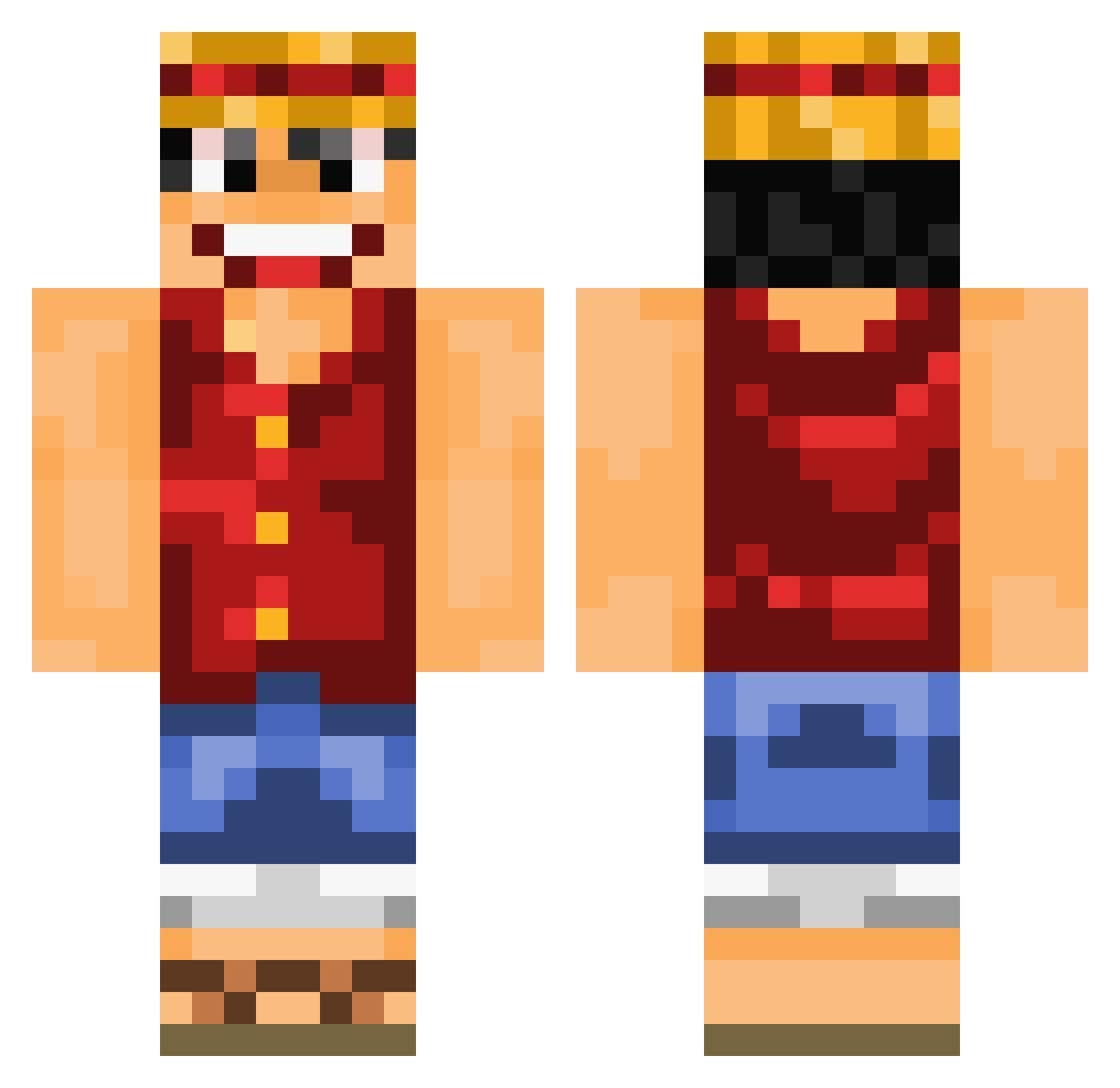
Current Minecraft skin of the player Don_Spook, loaded from the official Mojang API. Rotate the 3D model with your mouse or finger, then download the skin as a PNG file and use it in Minecraft: Bedrock Edition or Java Edition for free. When Don_Spook changes their skin, this page updates automatically and the old skin stays in the history below.
Other players with this skin (893)
Don_Spook was the 507th player we have seen with this skin, first spotted on 20.09.2026. The same skin was seen on these players. Open a nickname to see their current skin and skin history.
 arthurd76 bruno9999 Knoroll Smoznark Maragunda Kenchiko Jaysiix RobinEGP tpuio paprika_x3 crxcker FuvkThisGame diablo04000 Penitencia Tabascososse monsieursawyer PhotoVoltaiX holtzkopf04 Stormrider1990 Kuracos Crimsonhack danielpk544 Wiesel_Wiesel Rikonori T3cal Anonymous0708 iFont HellXphos Th3Real0ne matanp2002 cryx96 pfennig1990 Warrone sim1508 weberlurst Wackender micah258 Jarvan_4th McLovin95111 Roronoa_Luffy EJDOSSANTOS weethefly jk29395 _Moko_ Gabbzilla1 Grifthewhite tototi15 yHEiN0 Enlis Macaroonii TheMolemann FaultierMcFly BaDN00B SneeringChalice jay0095 Benzoic haffyqweef MurphysGames MrCreepermann21 M4tschK0pf
More Luffy Minecraft skins
How to install the Don_Spook skin
- Press the Download button above to save the skin as a PNG file.
- Minecraft: Bedrock Edition (PE): open the Dressing Room from the main menu (or tap your character → Edit Character), go to Classic Skins → Owned, press the + (new skin) button, choose the downloaded PNG and pick the Classic (Steve) model. Works on PC and mobile; consoles cannot import custom skins.
- Minecraft: Java Edition: open the Minecraft Launcher, go to the Skins tab, click New Skin, load the PNG, pick the Classic (Steve) model and press Save & Use. You can also upload it at minecraft.net → Profile → Change Skin.
The skin does not show up after import - what should I do?
Restart Minecraft and open the Dressing Room again - imported skins sometimes appear only after a restart. Also make sure you selected the imported skin and picked the Classic (Steve) model.
Which model should I choose, Classic or Slim?
This skin is designed for the Classic (Steve) model. If you pick the wrong model, the arms of the skin will look stretched or squeezed.
Is the skin of Don_Spook free to download?
Yes. Press Download, save the PNG file and use it in Minecraft: Bedrock Edition or Java Edition - no payment or registration needed. The skin also works on multiplayer servers and Realms.
More skins
Looking for more? Go back to all Minecraft skins and check the top skins of the week, month and all time, or find any player's skin by nickname.