
Dominique98 - Minecraft Skins & Skin History
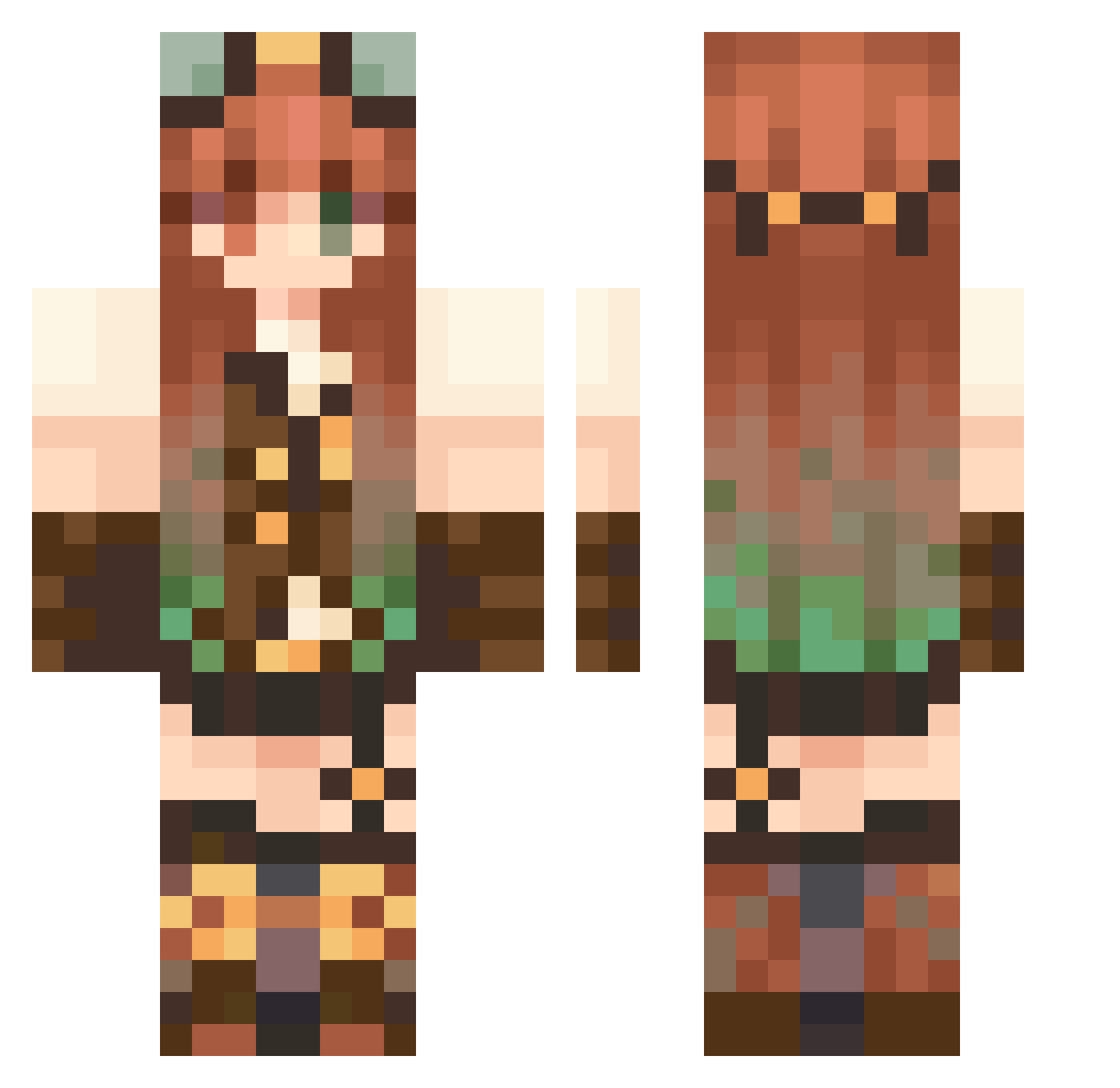
Current Minecraft skin of the player Dominique98, loaded from the official Mojang API. Rotate the 3D model with your mouse or finger, then download the skin as a PNG file and use it in Minecraft: Bedrock Edition or Java Edition for free. When Dominique98 changes their skin, this page updates automatically and the old skin stays in the history below.
Other players with this skin (108)
Dominique98 was the 76th player we have seen with this skin, first spotted on 26.09.2026. The same skin was seen on these players. Open a nickname to see their current skin and skin history.
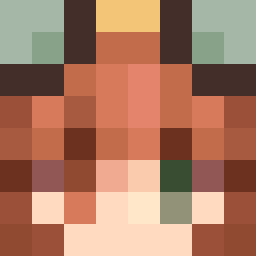 Astronamo CITYWALK888 Exdeus sl33py_Lok1 Mariezziee Yushaa sonianella Cookies_N_M1lk Jadoc Jutanna eightykate BruStars pumpkin_katt zStar_Wolf birchtree4 applecandy21 mockingbirds1 mercyoverwatch2 Ace_star42 Bread_Car Hippie_Alex kY0un1 Phoenix1570 Han8ga tayssiia LontYX MinkleCrinkle mwchickin TTV________ATLAS kopels tempus_redux Flami_ slimedefeated yirin sarbear2_ Anjle charzibear Mononykus Lucresiaa sny_fly _Scarl3tt_ WizardVG 24k_minecraft Haniao2 MWMW1123 bekqrs Natyfail A2UREE SuzieLovesYou
 Kashtlin09 MochiiClover Farolito67 Junkoxa Lawnmewer Nikitf 41sha dpreioxx ShockE1416 ctrlaltlexi ashbash01
More Steampunk Minecraft skins
How to install the Dominique98 skin
- Press the Download button above to save the skin as a PNG file.
- Minecraft: Bedrock Edition (PE): open the Dressing Room from the main menu (or tap your character → Edit Character), go to Classic Skins → Owned, press the + (new skin) button, choose the downloaded PNG and pick the Classic (Steve) model. Works on PC and mobile; consoles cannot import custom skins.
- Minecraft: Java Edition: open the Minecraft Launcher, go to the Skins tab, click New Skin, load the PNG, pick the Classic (Steve) model and press Save & Use. You can also upload it at minecraft.net → Profile → Change Skin.
The skin does not show up after import - what should I do?
Restart Minecraft and open the Dressing Room again - imported skins sometimes appear only after a restart. Also make sure you selected the imported skin and picked the Classic (Steve) model.
Which model should I choose, Classic or Slim?
This skin is designed for the Classic (Steve) model. If you pick the wrong model, the arms of the skin will look stretched or squeezed.
Is the skin of Dominique98 free to download?
Yes. Press Download, save the PNG file and use it in Minecraft: Bedrock Edition or Java Edition - no payment or registration needed. The skin also works on multiplayer servers and Realms.
More skins
Looking for more? Go back to all Minecraft skins and check the top skins of the week, month and all time, or find any player's skin by nickname.