
Dollo_10 - Minecraft Skins & Skin History
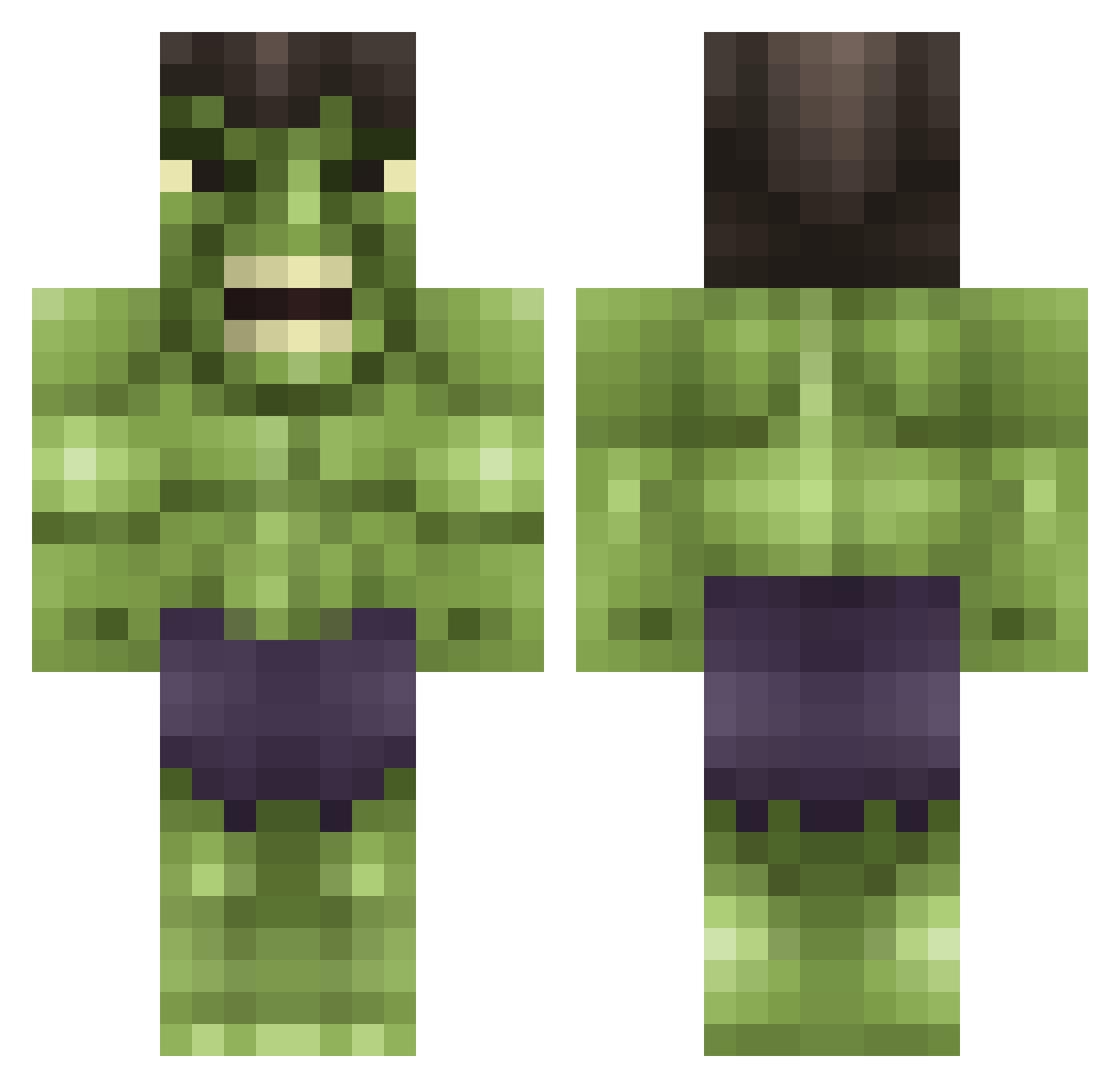
Current Minecraft skin of the player Dollo_10, loaded from the official Mojang API. Rotate the 3D model with your mouse or finger, then download the skin as a PNG file and use it in Minecraft: Bedrock Edition or Java Edition for free. When Dollo_10 changes their skin, this page updates automatically and the old skin stays in the history below.
Other players with this skin (95)
Dollo_10 was the 73rd player we have seen with this skin, first spotted on 01.10.2026. The same skin was seen on these players. Open a nickname to see their current skin and skin history.
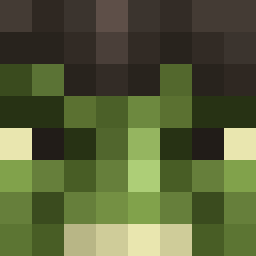 dragon25 KrossKraven BennyDragon FlixxxyDDOS jonasfcb0704 toxicswag1 Saarin16 _wony_ WillIisAwesome kryb21 pedro1701e dylan_difran MiniHulk2007 Lolairis Pelysius alangley345 lujaluja FinaLxRage boflipper rktghkd Evan_Frost ghost24793 Seven_Gamer Tumbler1013 StainosMcgrainos CharlieGeorge_1 Oscii13 Aeriander BigFuckingJoe danger47 MH_Elite Krellis12 Rapidplague fidus111 KingMobATX FUDEGEE PwNaGeDaN youshh_cheeezuss Rotgrip Aminkfan wildechild Swans_1011 Bajanben1812 xLuuc Standard_HD picklepig15 renzososo RicAlmeida13 missiemoo_90 kingmand Patriot116 PrincessSmartas Cautionlex hugo55_99 DCOCH Incredible_Spike Dead_Panter Garbull3 xXNitrusXx kingkeyani
More Hulk Minecraft skins
How to install the Dollo_10 skin
- Press the Download button above to save the skin as a PNG file.
- Minecraft: Bedrock Edition (PE): open the Dressing Room from the main menu (or tap your character → Edit Character), go to Classic Skins → Owned, press the + (new skin) button, choose the downloaded PNG and pick the Classic (Steve) model. Works on PC and mobile; consoles cannot import custom skins.
- Minecraft: Java Edition: open the Minecraft Launcher, go to the Skins tab, click New Skin, load the PNG, pick the Classic (Steve) model and press Save & Use. You can also upload it at minecraft.net → Profile → Change Skin.
The skin does not show up after import - what should I do?
Restart Minecraft and open the Dressing Room again - imported skins sometimes appear only after a restart. Also make sure you selected the imported skin and picked the Classic (Steve) model.
Which model should I choose, Classic or Slim?
This skin is designed for the Classic (Steve) model. If you pick the wrong model, the arms of the skin will look stretched or squeezed.
Is the skin of Dollo_10 free to download?
Yes. Press Download, save the PNG file and use it in Minecraft: Bedrock Edition or Java Edition - no payment or registration needed. The skin also works on multiplayer servers and Realms.
More skins
Looking for more? Go back to all Minecraft skins and check the top skins of the week, month and all time, or find any player's skin by nickname.