
Doccnes - Minecraft Skins & Skin History
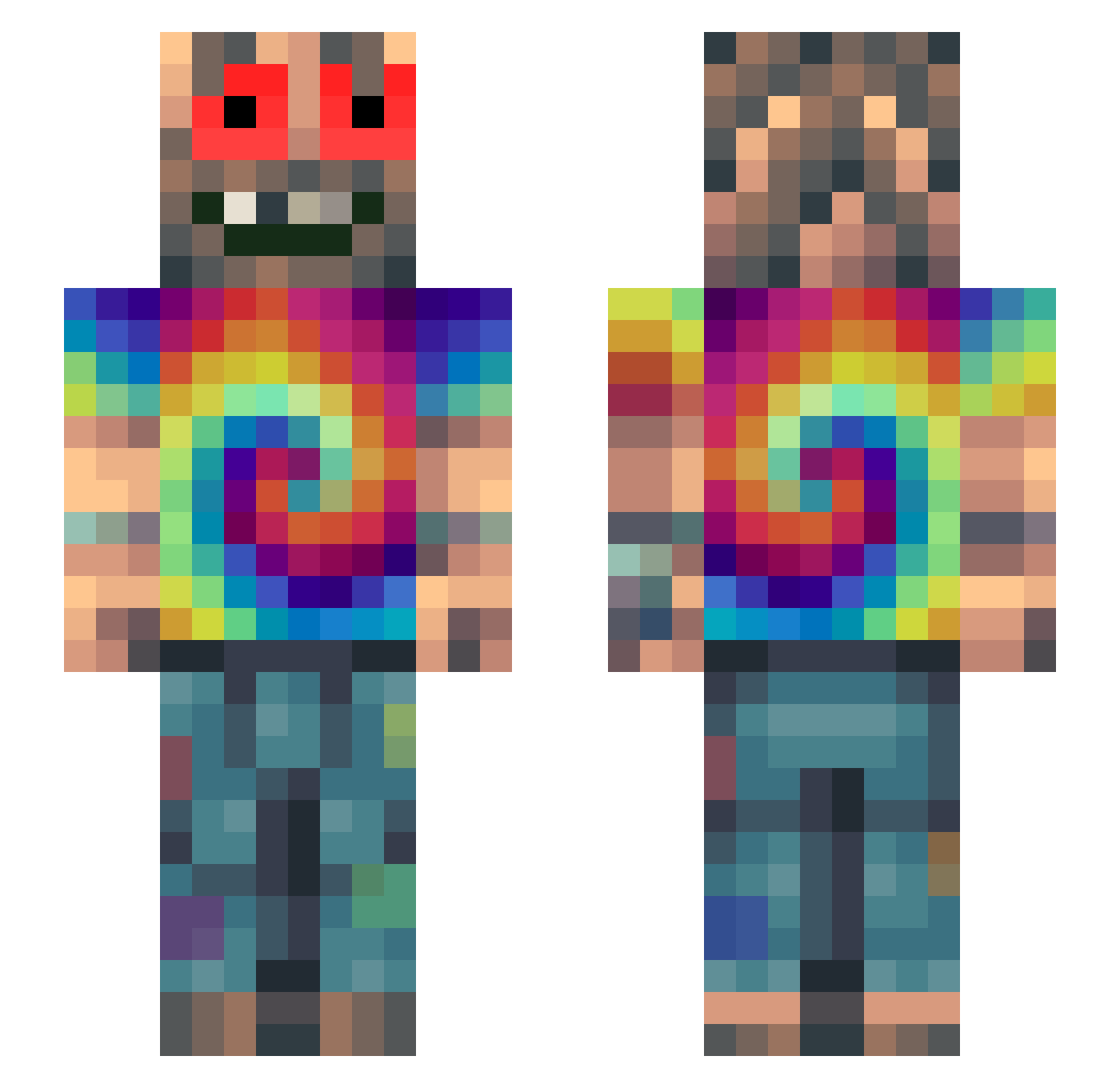
Current Minecraft skin of the player Doccnes, loaded from the official Mojang API. Rotate the 3D model with your mouse or finger, then download the skin as a PNG file and use it in Minecraft: Bedrock Edition or Java Edition for free. When Doccnes changes their skin, this page updates automatically and the old skin stays in the history below.
Other players with this skin (330)
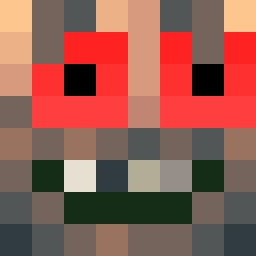
Doccnes was the 324th player we have seen with this skin, first spotted on 30.10.2026. The same skin was seen on these players. Open a nickname to see their current skin and skin history.
 Diozit0 WeedSmok3r420 _Adino MrStupidHK joehoe_ AqUiNoX_42 Stinky_Idiot69 antoniotm Saulot firestcks Krexo AlphonseDal Dzendryl Slip8 Semvermeulen15 Ligmanuttz Okofreake DeeJay0358 _Harley_ PU66YD3STROYER Imbilli InZAir DuDunnsch1ss King_Orry NetheriteSimon 12kupka12 sirpercules DjKrmak DYLBOT2023 Chunkyyyy68 Cartan69 P4YP4UL xSchnitzel420 XxRokixX Maksimusprime wegix Magueule420 qFr3sh nicomaljean abrany 21a1trev xMuscleHamsterx RDM_Szop_Gracz27 Eshgay pqowlieur Xinc15 Duuuuuuck Itz_Angelillo Von_Richthofen01 vonoo Bodental AgusDicloii WolterJr AwkwardBowOwner bobtherocker BabaKnolle TokeMan420 bitfed chenoafranssen _Clare
How to install the Doccnes skin
- Press the Download button above to save the skin as a PNG file.
- Minecraft: Bedrock Edition (PE): open the Dressing Room from the main menu (or tap your character → Edit Character), go to Classic Skins → Owned, press the + (new skin) button, choose the downloaded PNG and pick the Slim (Alex) model. Works on PC and mobile; consoles cannot import custom skins.
- Minecraft: Java Edition: open the Minecraft Launcher, go to the Skins tab, click New Skin, load the PNG, pick the Slim (Alex) model and press Save & Use. You can also upload it at minecraft.net → Profile → Change Skin.
The skin does not show up after import - what should I do?
Restart Minecraft and open the Dressing Room again - imported skins sometimes appear only after a restart. Also make sure you selected the imported skin and picked the Slim (Alex) model.
Which model should I choose, Classic or Slim?
This skin is designed for the Slim (Alex) model. If you pick the wrong model, the arms of the skin will look stretched or squeezed.
Is the skin of Doccnes free to download?
Yes. Press Download, save the PNG file and use it in Minecraft: Bedrock Edition or Java Edition - no payment or registration needed. The skin also works on multiplayer servers and Realms.
More skins
Looking for more? Go back to all Minecraft skins and check the top skins of the week, month and all time, or find any player's skin by nickname.