
Doc_nefarti0 - Minecraft Skins & Skin History
Current Minecraft skin of the player Doc_nefarti0, loaded from the official Mojang API. Rotate the 3D model with your mouse or finger, then download the skin as a PNG file and use it in Minecraft: Bedrock Edition or Java Edition for free. When Doc_nefarti0 changes their skin, this page updates automatically and the old skin stays in the history below.
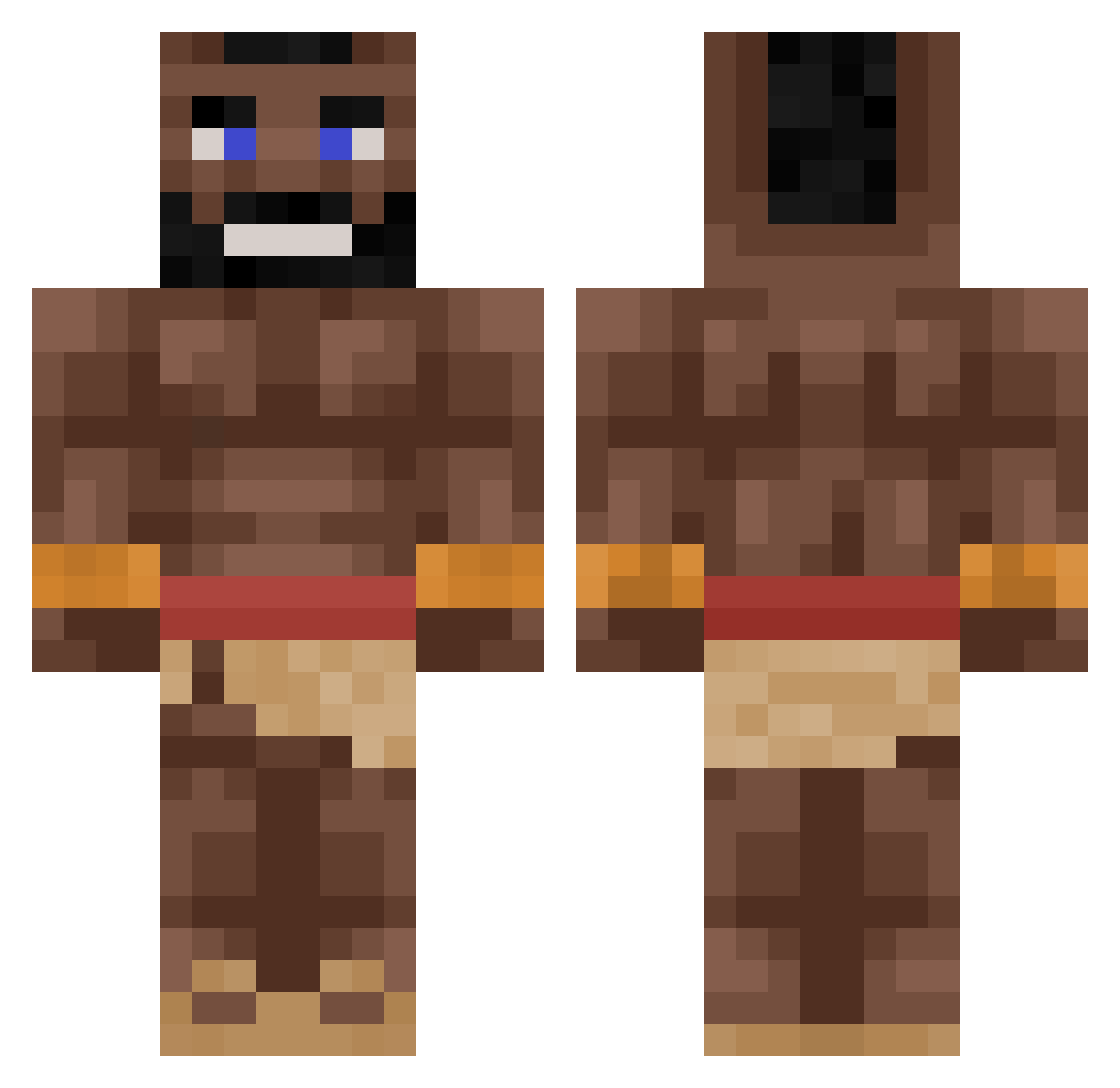
Other players with this skin (264)
Doc_nefarti0 was the 30th player we have seen with this skin, first spotted on 04.08.2026. The same skin was seen on these players. Open a nickname to see their current skin and skin history.
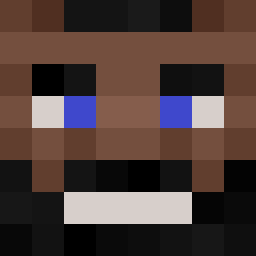 Ormi_74_is Abhiii361 NicklesInParis Dreo1099 zelbeton2115
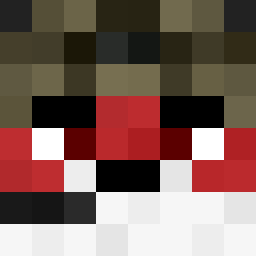 Balembo luxass_ bigbootaygyal Keith_Noberg dAnTLi kubnato ccemil pocosacha Zeitstoerung IamTomica SvanteWasHere MasterJT_76 Pacper22920 AsgerGaming69 Thekoody CornDog_3 BBlanket7446 atomictimelord Danger_arpa CledosMeal69 Banglord69 Finnster912 FattyLooLoo ChromaSkye kldchristos2 bskinner bman8569 Caralhoo Brian_34x kikou66 diabetiq
 Naxteam58 M_rte dizzoy67 999Juiceworld LysyJoe MaduekeFanboy MonkeyPbj34 Maurmaf DAZ_LM BoraChan Dexum_ Emeghara55 _kully poostainx bazarxd sh0me Hacheeb420 l_Love_Latinas Schmeb_ qetcenk B_MAN0905 Logi_Bear4 Confesssed bezdelnyk21
More Mohawk Minecraft skins
How to install the Doc_nefarti0 skin
- Press the Download button above to save the skin as a PNG file.
- Minecraft: Bedrock Edition (PE): open the Dressing Room from the main menu (or tap your character → Edit Character), go to Classic Skins → Owned, press the + (new skin) button, choose the downloaded PNG and pick the Classic (Steve) model. Works on PC and mobile; consoles cannot import custom skins.
- Minecraft: Java Edition: open the Minecraft Launcher, go to the Skins tab, click New Skin, load the PNG, pick the Classic (Steve) model and press Save & Use. You can also upload it at minecraft.net → Profile → Change Skin.
The skin does not show up after import - what should I do?
Restart Minecraft and open the Dressing Room again - imported skins sometimes appear only after a restart. Also make sure you selected the imported skin and picked the Classic (Steve) model.
Which model should I choose, Classic or Slim?
This skin is designed for the Classic (Steve) model. If you pick the wrong model, the arms of the skin will look stretched or squeezed.
Is the skin of Doc_nefarti0 free to download?
Yes. Press Download, save the PNG file and use it in Minecraft: Bedrock Edition or Java Edition - no payment or registration needed. The skin also works on multiplayer servers and Realms.
More skins
Looking for more? Go back to all Minecraft skins and check the top skins of the week, month and all time, or find any player's skin by nickname.