
Djnielso_94 - Minecraft Skins & Skin History
Current Minecraft skin of the player Djnielso_94, loaded from the official Mojang API. Rotate the 3D model with your mouse or finger, then download the skin as a PNG file and use it in Minecraft: Bedrock Edition or Java Edition for free. When Djnielso_94 changes their skin, this page updates automatically and the old skin stays in the history below.
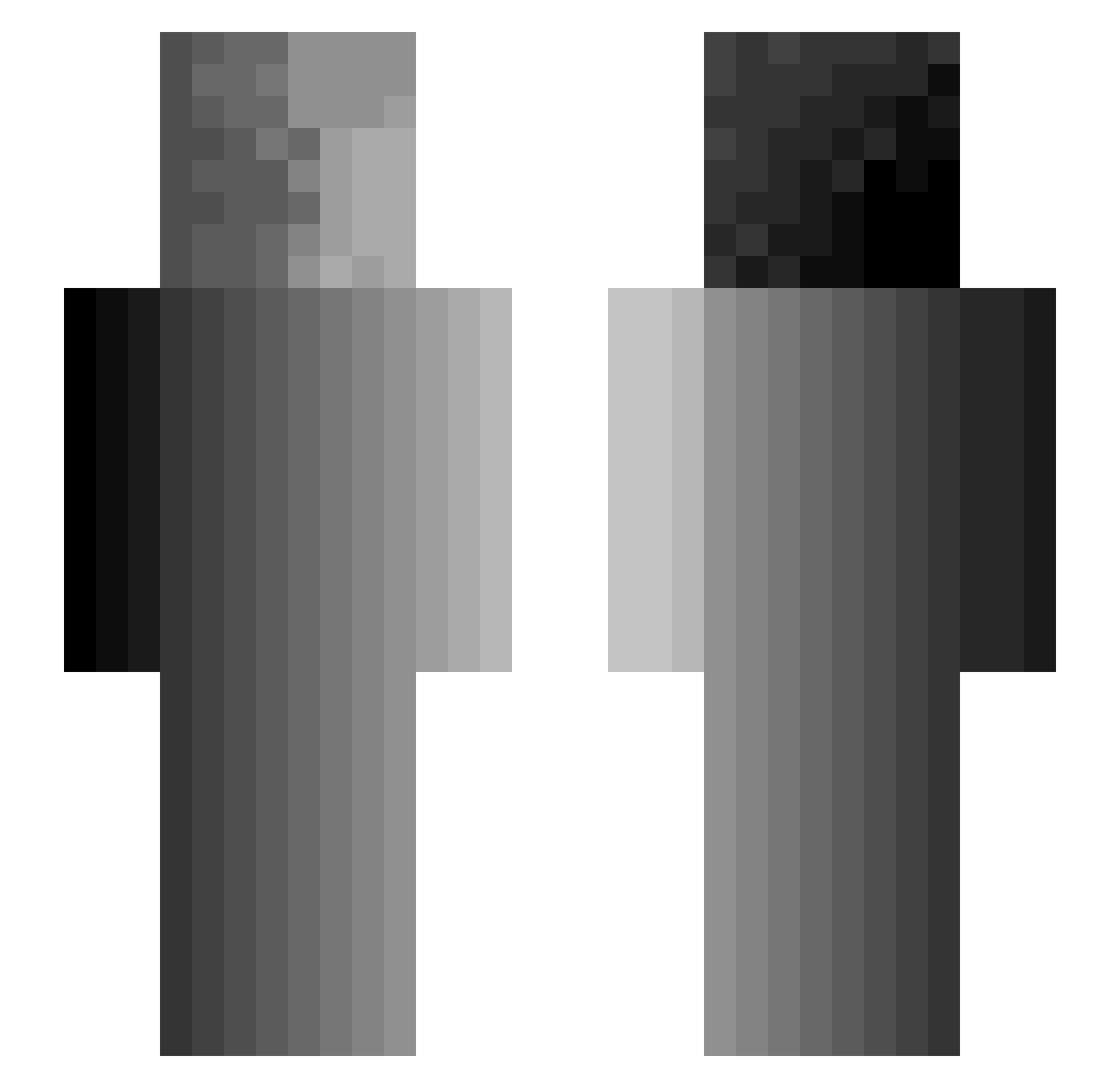
Other players with this skin (300)
Djnielso_94 was the 58th player we have seen with this skin, first spotted on 11.08.2026. The same skin was seen on these players. Open a nickname to see their current skin and skin history.
 _FeedMe_ baconmj Shro0my DeklengameX2 RuNA_RZR boba4jaz BrownRecluse420 mr_hatty kyrian0411 Byuweco magopikeru Ziharkk _vRinger aebbt608 StronkPlayer235 Rajang1 DankSh4dow CheetoDust Arcanis0 Diceplaya Agnarosh JambonBardier metaLIDL JaXobi Ehregott AlexTheGreat2709
 pupurin003 mmbrajde Jsanchez27
 Zazzamarandabo Pikuzor Mai0610 kneppe_i_kokknet FallenDummy DrakeBlood_exe Obsidio_9 pag4n kayjayyy 0Mintal0 PickleRick420 Sky_Whale0 Asp_Lime NobleNickname Woodscrue Danny_The_Dogg Wetmore5 UnknownBaguette1 Radlly PinkPiggyWiggy Greasy_5228 Swumble oggze ZapOneTapClap Geranotom ReizieE PinkGuy135 ARTFIENDS Doodieman20 blobfishunite Warvan
How to install the Djnielso_94 skin
- Press the Download button above to save the skin as a PNG file.
- Minecraft: Bedrock Edition (PE): open the Dressing Room from the main menu (or tap your character → Edit Character), go to Classic Skins → Owned, press the + (new skin) button, choose the downloaded PNG and pick the Slim (Alex) model. Works on PC and mobile; consoles cannot import custom skins.
- Minecraft: Java Edition: open the Minecraft Launcher, go to the Skins tab, click New Skin, load the PNG, pick the Slim (Alex) model and press Save & Use. You can also upload it at minecraft.net → Profile → Change Skin.
The skin does not show up after import - what should I do?
Restart Minecraft and open the Dressing Room again - imported skins sometimes appear only after a restart. Also make sure you selected the imported skin and picked the Slim (Alex) model.
Which model should I choose, Classic or Slim?
This skin is designed for the Slim (Alex) model. If you pick the wrong model, the arms of the skin will look stretched or squeezed.
Is the skin of Djnielso_94 free to download?
Yes. Press Download, save the PNG file and use it in Minecraft: Bedrock Edition or Java Edition - no payment or registration needed. The skin also works on multiplayer servers and Realms.
More skins
Looking for more? Go back to all Minecraft skins and check the top skins of the week, month and all time, or find any player's skin by nickname.