
DjayDD - Minecraft Skins & Skin History
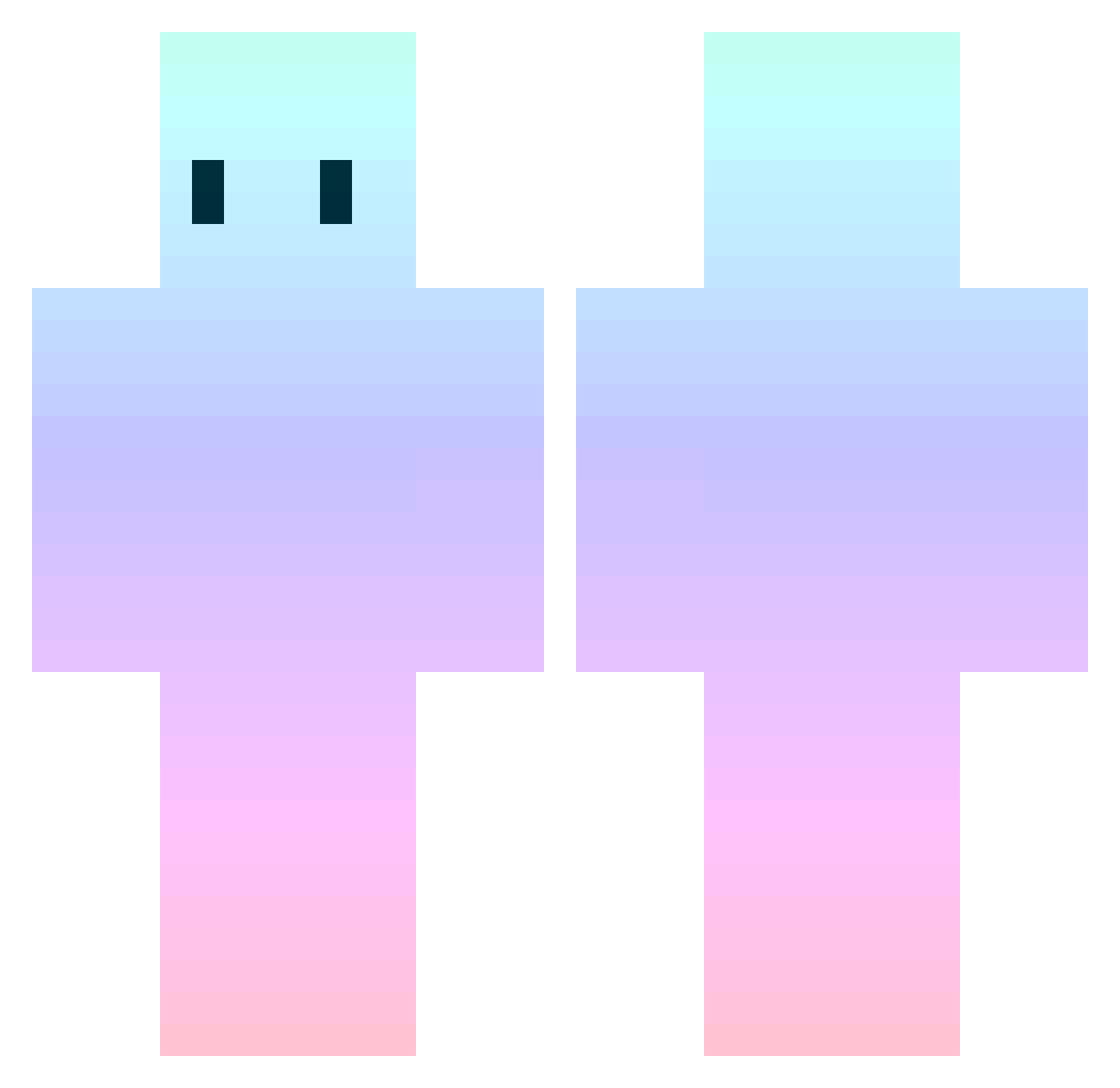
Current Minecraft skin of the player DjayDD, loaded from the official Mojang API. Rotate the 3D model with your mouse or finger, then download the skin as a PNG file and use it in Minecraft: Bedrock Edition or Java Edition for free. When DjayDD changes their skin, this page updates automatically and the old skin stays in the history below.
Other players with this skin (553)
DjayDD was the 225th player we have seen with this skin, first spotted on 05.09.2026. The same skin was seen on these players. Open a nickname to see their current skin and skin history.
 Noob_Moka16 emicreations Small_Dove ckharv Callous01 Flaming0411 zlllch MyTKensei RXRKXK Thego_ pika_hwijong crocomou ryuta_24 Shasskharr Hvosheobrazniy nosens4 Softbalpitcher15 saitonnnn mnlr ANANSS ThomasT22 wooheock louipeace ArbiterXVIXVI S4ngw0n 13148787 younghoCclass skop1x MiniHaff unkomannnnnnn Jiggels38 ishark888 inu_ka_i Remilia_Flandre XxXBambaXxX Burris__ honey_m2 ARIA022 NinjaManHaz GrosBelix Gho5t33 Lohta MegA_ToxiCity orneuwu Risoinbianco lemmeq coomguy9000 Karl_MLG ParsonPanG Mr_PLUTO_ zin1111 ElliotTired ef031c jarxdfox g_gking7 Kitten_on_Head Vickers356 Pure_No3 BaRiww_ Samuellsl
How to install the DjayDD skin
- Press the Download button above to save the skin as a PNG file.
- Minecraft: Bedrock Edition (PE): open the Dressing Room from the main menu (or tap your character → Edit Character), go to Classic Skins → Owned, press the + (new skin) button, choose the downloaded PNG and pick the Classic (Steve) model. Works on PC and mobile; consoles cannot import custom skins.
- Minecraft: Java Edition: open the Minecraft Launcher, go to the Skins tab, click New Skin, load the PNG, pick the Classic (Steve) model and press Save & Use. You can also upload it at minecraft.net → Profile → Change Skin.
The skin does not show up after import - what should I do?
Restart Minecraft and open the Dressing Room again - imported skins sometimes appear only after a restart. Also make sure you selected the imported skin and picked the Classic (Steve) model.
Which model should I choose, Classic or Slim?
This skin is designed for the Classic (Steve) model. If you pick the wrong model, the arms of the skin will look stretched or squeezed.
Is the skin of DjayDD free to download?
Yes. Press Download, save the PNG file and use it in Minecraft: Bedrock Edition or Java Edition - no payment or registration needed. The skin also works on multiplayer servers and Realms.
More skins
Looking for more? Go back to all Minecraft skins and check the top skins of the week, month and all time, or find any player's skin by nickname.