
Dinglesin - Minecraft Skins & Skin History
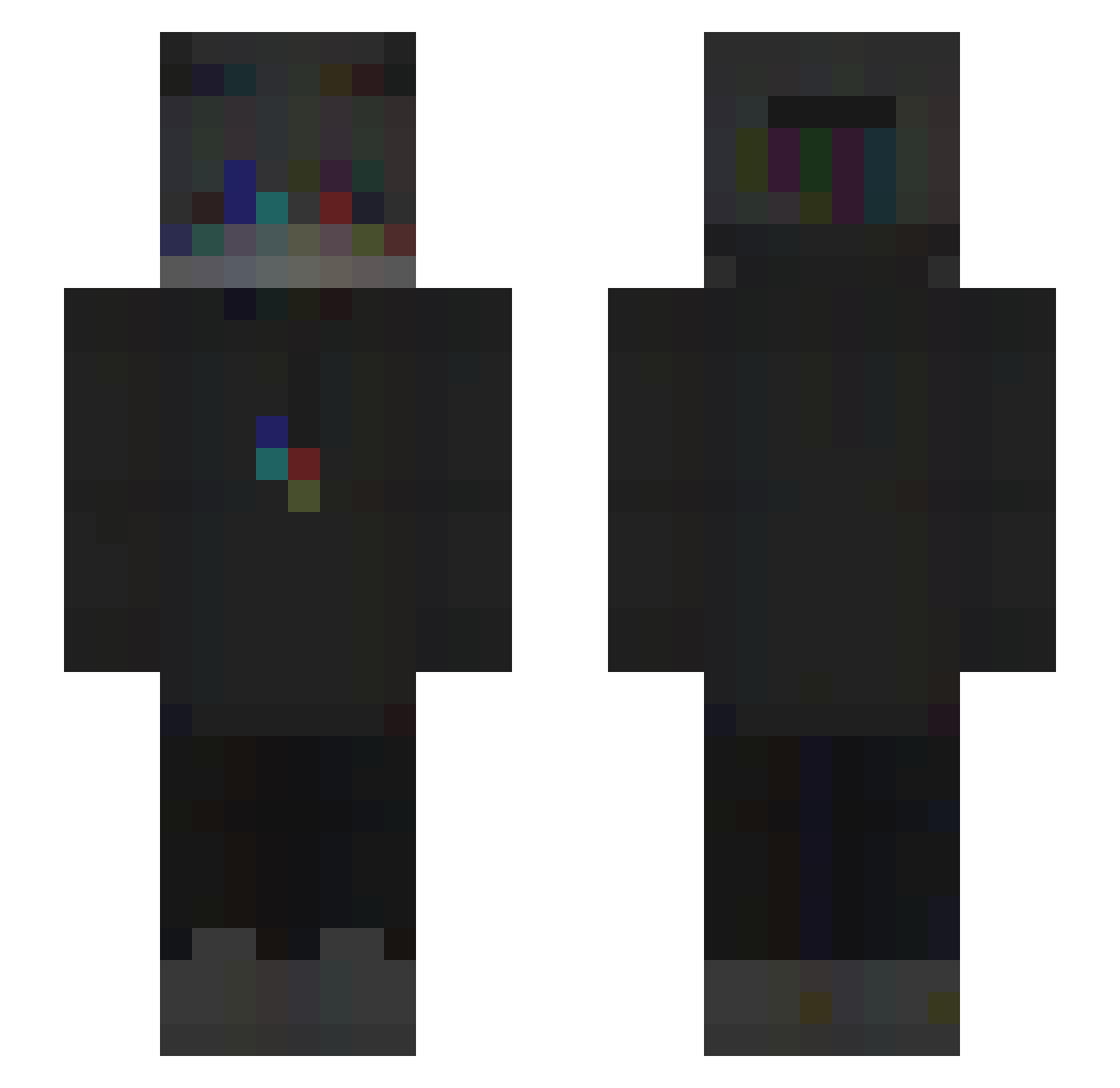
Current Minecraft skin of the player Dinglesin, loaded from the official Mojang API. Rotate the 3D model with your mouse or finger, then download the skin as a PNG file and use it in Minecraft: Bedrock Edition or Java Edition for free. When Dinglesin changes their skin, this page updates automatically and the old skin stays in the history below.
Other players with this skin (178)
Dinglesin was the 36th player we have seen with this skin, first spotted on 11.08.2026. The same skin was seen on these players. Open a nickname to see their current skin and skin history.
 ZXCgus_0120 RGpp RotuzolaManYT Mleczor _Sh4dow_x AkstralDoBrazil Crone_ ZLOY_ BxBoun ebillpt KakaB2007 Chenquiloque DxScOnNeCt FOikas zexyeaa Dapped BahyTV aimnulpoto Sodium10 Alpha_Dingo Bubble_xm guillaume6030 Eviiuge Vokez Flardy HermessBelt Lrochette yleon777 Dorian_FR Theboy172 _Nilow_ Nayrod_974 PhilCrime_ Rom1du74 Zeynep007 __dog___ LeyahTheDemon DarkGhoulz unknxw _noxkiiw Arcanistic plokken CR7IstDerGoat Armore ZetsuMoin Leqaier Josh_Amaya ShedoFX MANGEUR2BEAT SoneXYZ HayesBroTwo XysTz YoUrbAbYyyGiiirL Yxtashi_ NaimMay vztrl 1Pinpinn koka2003 AbusingXanax d3rzy
How to install the Dinglesin skin
- Press the Download button above to save the skin as a PNG file.
- Minecraft: Bedrock Edition (PE): open the Dressing Room from the main menu (or tap your character → Edit Character), go to Classic Skins → Owned, press the + (new skin) button, choose the downloaded PNG and pick the Slim (Alex) model. Works on PC and mobile; consoles cannot import custom skins.
- Minecraft: Java Edition: open the Minecraft Launcher, go to the Skins tab, click New Skin, load the PNG, pick the Slim (Alex) model and press Save & Use. You can also upload it at minecraft.net → Profile → Change Skin.
The skin does not show up after import - what should I do?
Restart Minecraft and open the Dressing Room again - imported skins sometimes appear only after a restart. Also make sure you selected the imported skin and picked the Slim (Alex) model.
Which model should I choose, Classic or Slim?
This skin is designed for the Slim (Alex) model. If you pick the wrong model, the arms of the skin will look stretched or squeezed.
Is the skin of Dinglesin free to download?
Yes. Press Download, save the PNG file and use it in Minecraft: Bedrock Edition or Java Edition - no payment or registration needed. The skin also works on multiplayer servers and Realms.
More skins
Looking for more? Go back to all Minecraft skins and check the top skins of the week, month and all time, or find any player's skin by nickname.