
DieInsel - Minecraft Skins & Skin History
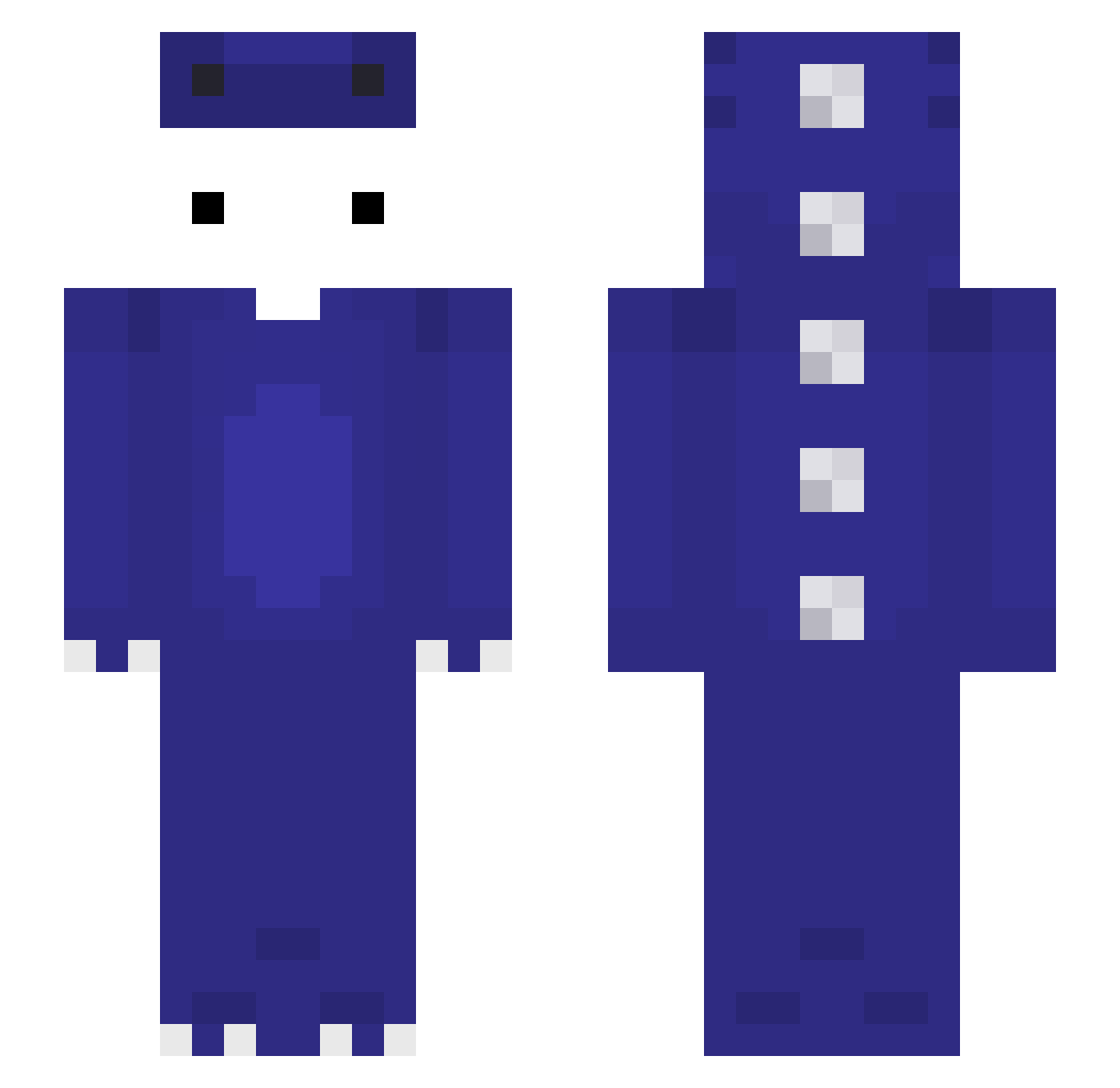
Current Minecraft skin of the player DieInsel, loaded from the official Mojang API. Rotate the 3D model with your mouse or finger, then download the skin as a PNG file and use it in Minecraft: Bedrock Edition or Java Edition for free. When DieInsel changes their skin, this page updates automatically and the old skin stays in the history below.
Other players with this skin (143)
DieInsel was the 133rd player we have seen with this skin, first spotted on 13.11.2026. The same skin was seen on these players. Open a nickname to see their current skin and skin history.
 ValorousPX cncnekgp 520N _foggyy_ bobrikmolodec IREYMONI TribbleLyzer link2578 kkangtong0112 Leooobruh_ radondo49 R4zemigue Kromia2299 Dominik1561 Latte_manjuu k1ng_257 Alonsitojunior fugou2 DaniCruck keeyann Cukikie shayan777 FZFZD HexRK1 Jay_v2 sperman67 cyriak16 Ignacioez Masko9999 MisingM__ Alefs Mick_bannanaja iksemf J_jon ghsytgfcfzxi itzRumble_ zLiuz VVV1145514 Dillom14 iteNext thienmc4857 KyzerZy Il_Mark3ssino hajm3181 Abyss386 CesarRC_ FlewCPVP CozyNookz K_1xx TNGamer perrfectttt Ta_shuoqukanhai ahmet2343131 _OfoO_ qiqiyi carreproroblox PendeLi Sajmon97 gamblemommy h4dv
More Dinosaur Minecraft skins
How to install the DieInsel skin
- Press the Download button above to save the skin as a PNG file.
- Minecraft: Bedrock Edition (PE): open the Dressing Room from the main menu (or tap your character → Edit Character), go to Classic Skins → Owned, press the + (new skin) button, choose the downloaded PNG and pick the Slim (Alex) model. Works on PC and mobile; consoles cannot import custom skins.
- Minecraft: Java Edition: open the Minecraft Launcher, go to the Skins tab, click New Skin, load the PNG, pick the Slim (Alex) model and press Save & Use. You can also upload it at minecraft.net → Profile → Change Skin.
The skin does not show up after import - what should I do?
Restart Minecraft and open the Dressing Room again - imported skins sometimes appear only after a restart. Also make sure you selected the imported skin and picked the Slim (Alex) model.
Which model should I choose, Classic or Slim?
This skin is designed for the Slim (Alex) model. If you pick the wrong model, the arms of the skin will look stretched or squeezed.
Is the skin of DieInsel free to download?
Yes. Press Download, save the PNG file and use it in Minecraft: Bedrock Edition or Java Edition - no payment or registration needed. The skin also works on multiplayer servers and Realms.
More skins
Looking for more? Go back to all Minecraft skins and check the top skins of the week, month and all time, or find any player's skin by nickname.