
DiddyMan6834 - Minecraft Skins & Skin History
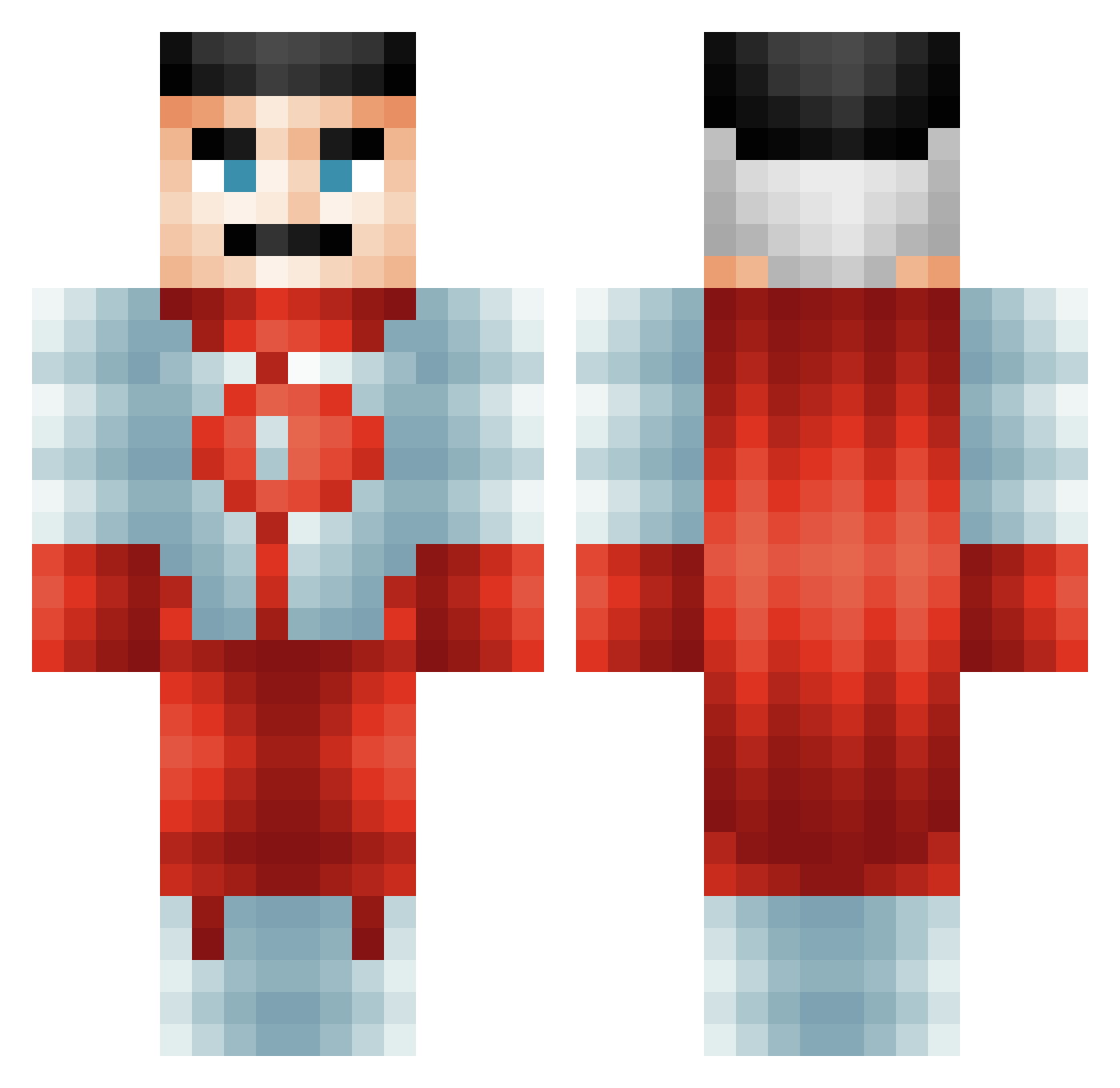
Current Minecraft skin of the player DiddyMan6834, loaded from the official Mojang API. Rotate the 3D model with your mouse or finger, then download the skin as a PNG file and use it in Minecraft: Bedrock Edition or Java Edition for free. When DiddyMan6834 changes their skin, this page updates automatically and the old skin stays in the history below.
Other players with this skin (485)
DiddyMan6834 was the 368th player we have seen with this skin, first spotted on 29.09.2026. The same skin was seen on these players. Open a nickname to see their current skin and skin history.
 burgerguy28 Aleviolaz JoskoBiBocko sjhqwer Anggo KrMBO_ Baguettios DarlydSigmold Milodash1 Repiks_ 0BLITZ1 WeariedWind8116 Gaspar71 TacoDestroyer21 Machmalmuuh 67netherite TheManInBlackTLV Donovanno talmaster talasofobia EmoSamurai4444 Antosix123 hossboss_ Omegain mormors_hemd mohl43 thewokks crispy79 oninomen TonyTruand34 andrewdgrant MadMan3218 ZillaHats xdallenm23x xX_Laz3r_Xx Frostsicles too_small_kidlol Chatherton99 Fares695 Tortilla2223 mrboomstick66 TheBrownDuckling jookydemo MegFamyGuy Anwerd _Solarist_ SmokeDatBreezyTV osk2210 dezoneim doge8000 TruMoo135 CakedUpOmniMan Up2Mump HeiwaSan Xbilzz Magooly69 ChefAlvin Rikley Waltareus SillyGuyO_O
More Omni Man Minecraft skins
How to install the DiddyMan6834 skin
- Press the Download button above to save the skin as a PNG file.
- Minecraft: Bedrock Edition (PE): open the Dressing Room from the main menu (or tap your character → Edit Character), go to Classic Skins → Owned, press the + (new skin) button, choose the downloaded PNG and pick the Classic (Steve) model. Works on PC and mobile; consoles cannot import custom skins.
- Minecraft: Java Edition: open the Minecraft Launcher, go to the Skins tab, click New Skin, load the PNG, pick the Classic (Steve) model and press Save & Use. You can also upload it at minecraft.net → Profile → Change Skin.
The skin does not show up after import - what should I do?
Restart Minecraft and open the Dressing Room again - imported skins sometimes appear only after a restart. Also make sure you selected the imported skin and picked the Classic (Steve) model.
Which model should I choose, Classic or Slim?
This skin is designed for the Classic (Steve) model. If you pick the wrong model, the arms of the skin will look stretched or squeezed.
Is the skin of DiddyMan6834 free to download?
Yes. Press Download, save the PNG file and use it in Minecraft: Bedrock Edition or Java Edition - no payment or registration needed. The skin also works on multiplayer servers and Realms.
More skins
Looking for more? Go back to all Minecraft skins and check the top skins of the week, month and all time, or find any player's skin by nickname.