
Dhalsh - Minecraft Skins & Skin History
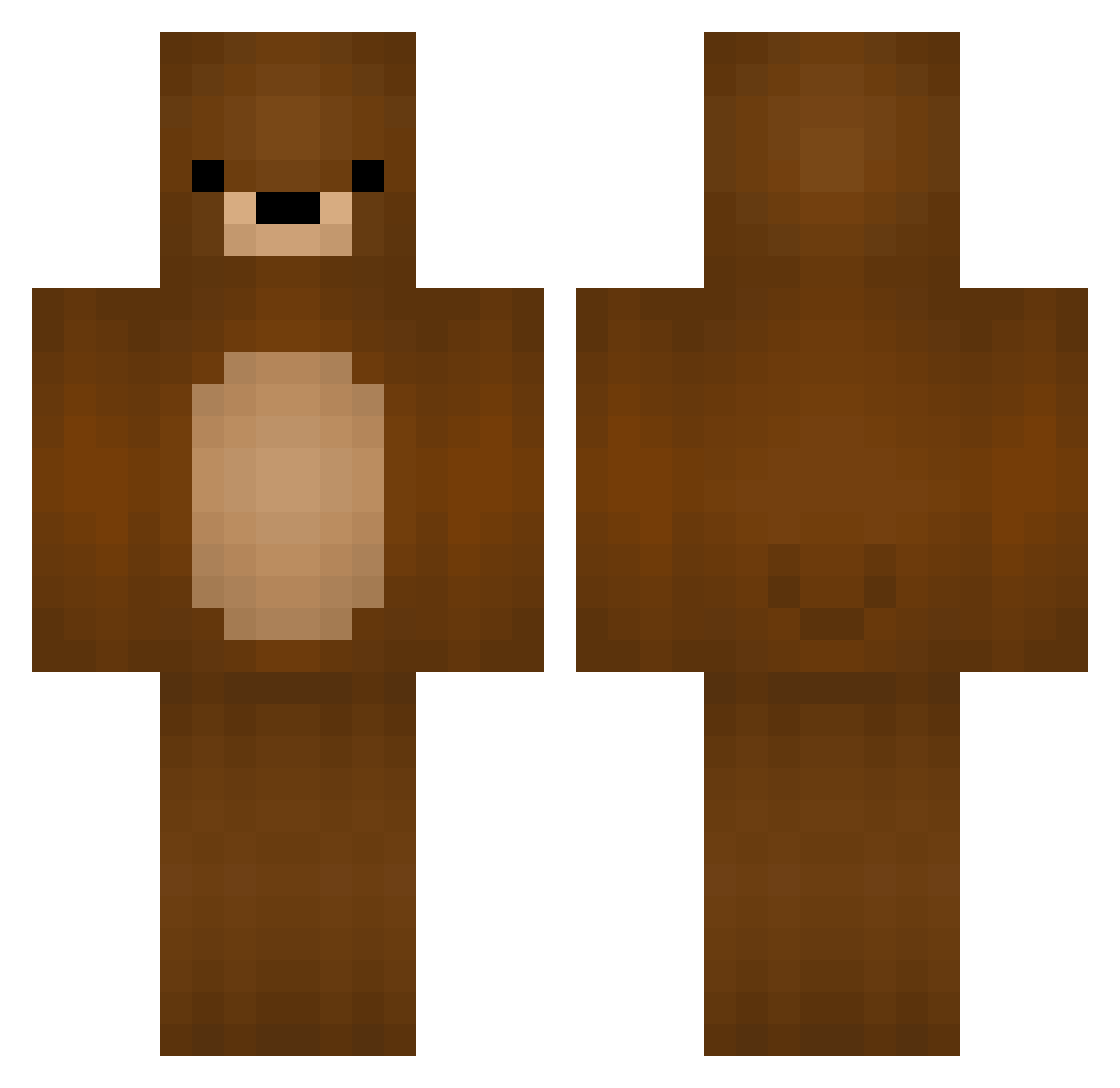
Current Minecraft skin of the player Dhalsh, loaded from the official Mojang API. Rotate the 3D model with your mouse or finger, then download the skin as a PNG file and use it in Minecraft: Bedrock Edition or Java Edition for free. When Dhalsh changes their skin, this page updates automatically and the old skin stays in the history below.
Other players with this skin (329)
Dhalsh was the 249th player we have seen with this skin, first spotted on 12.10.2026. The same skin was seen on these players. Open a nickname to see their current skin and skin history.
 DudusinhKlausBR Oliviasuomi 0livier LeSide_ Octans_9 xXLizardxX420 luckycharmr_yt Catus6969 ogp1ssbaby Al_Capwn_ kittycraft105 BaluBear0652 LemurMommy sandrafrq Martynzaa xDratuSx N11X liloulbrd Felbru ROHxD zombiek1ller07 gaylegant Tranzu1200 RedDragonCologne yagabedobeogagdo btrflywings BadNounours HoneyOs Xopson HakanGerdekbasan PeterPardo_YT GodLumPy Shiverbone Scrub_Nub_Noob zewol5 bigbear514 fuzzybearballs Kahl22 V33N444 Amicica Baloo0980 KittyJagusia BIngedal Starly519 ftyinm1 VanniPuh SneakyMagicBear JustJ4cky skylomilo OZNE_2008 GimmeThemToesBoy Bruno_Braunber tallesdasilva boomwastaken girafuz hblee0919 Cade_Higgins ZaurFii hamukiti1219 Poutrannce
More Teddy Bear Minecraft skins
How to install the Dhalsh skin
- Press the Download button above to save the skin as a PNG file.
- Minecraft: Bedrock Edition (PE): open the Dressing Room from the main menu (or tap your character → Edit Character), go to Classic Skins → Owned, press the + (new skin) button, choose the downloaded PNG and pick the Classic (Steve) model. Works on PC and mobile; consoles cannot import custom skins.
- Minecraft: Java Edition: open the Minecraft Launcher, go to the Skins tab, click New Skin, load the PNG, pick the Classic (Steve) model and press Save & Use. You can also upload it at minecraft.net → Profile → Change Skin.
The skin does not show up after import - what should I do?
Restart Minecraft and open the Dressing Room again - imported skins sometimes appear only after a restart. Also make sure you selected the imported skin and picked the Classic (Steve) model.
Which model should I choose, Classic or Slim?
This skin is designed for the Classic (Steve) model. If you pick the wrong model, the arms of the skin will look stretched or squeezed.
Is the skin of Dhalsh free to download?
Yes. Press Download, save the PNG file and use it in Minecraft: Bedrock Edition or Java Edition - no payment or registration needed. The skin also works on multiplayer servers and Realms.
More skins
Looking for more? Go back to all Minecraft skins and check the top skins of the week, month and all time, or find any player's skin by nickname.