
DevP2005 - Minecraft Skins & Skin History
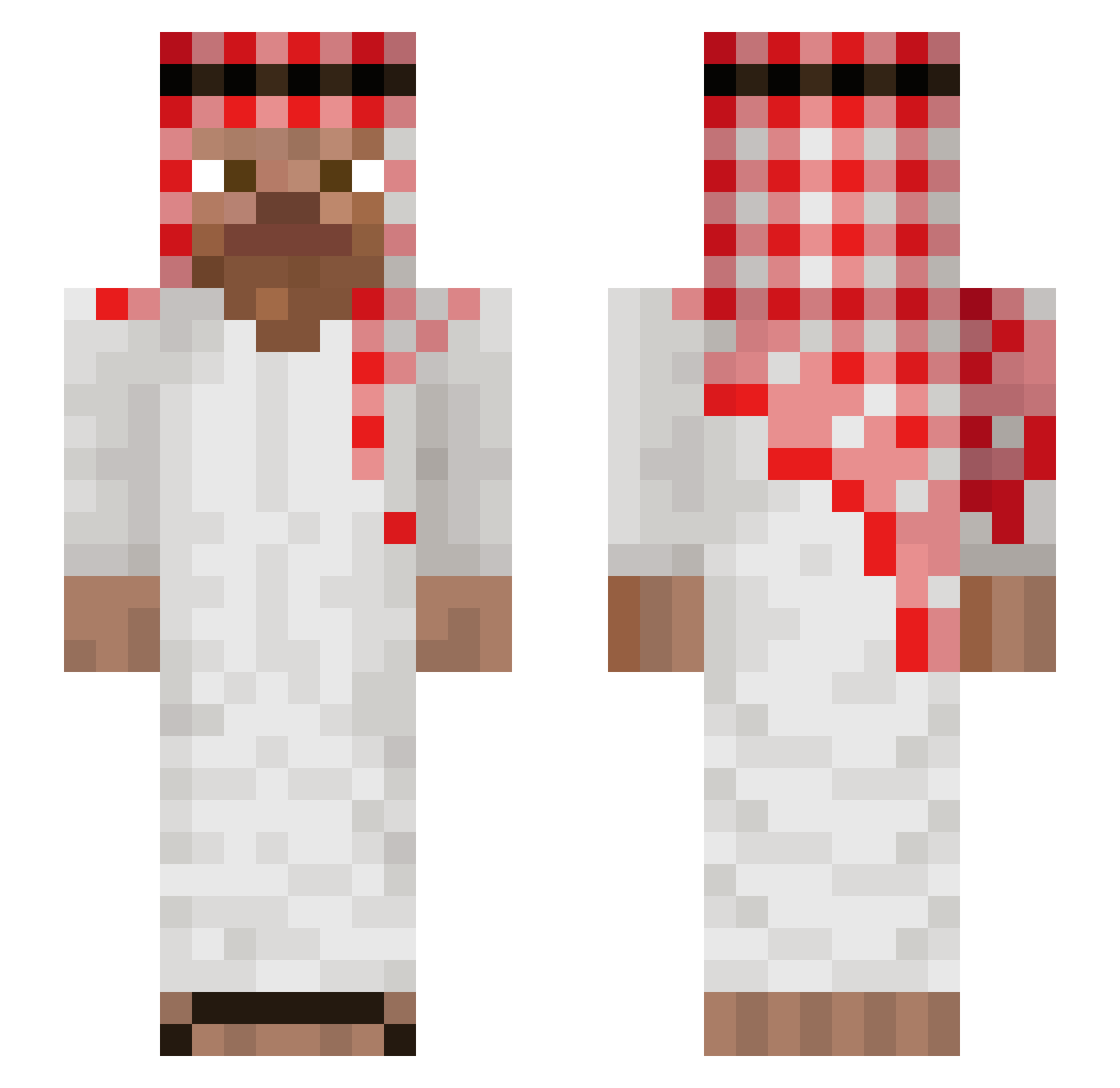
Current Minecraft skin of the player DevP2005, loaded from the official Mojang API. Rotate the 3D model with your mouse or finger, then download the skin as a PNG file and use it in Minecraft: Bedrock Edition or Java Edition for free. When DevP2005 changes their skin, this page updates automatically and the old skin stays in the history below.
Other players with this skin (953)
DevP2005 was the 139th player we have seen with this skin, first spotted on 07.08.2026. The same skin was seen on these players. Open a nickname to see their current skin and skin history.
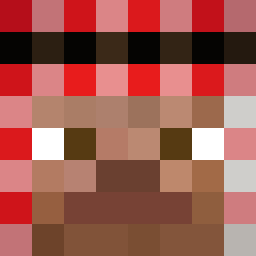 scoldxut123 RicardoJr123 DUETz Omar_Habibi Room335_07
 IbraBMZ Thiagocrr14 zero4807 37rhn SampSa34 DanielOmer 24u131 PeIvan77 GENZIARA_16 steinsholt1 notmeiam Mixi041 4K1R4_1 franc_kolop Icecxld Tim1967
 sunanao7 Onairdaa11 junnass francesco9866 DuskyRelic53303 Putter_Amsorry niejasin NikGazano Florinel03 MarcinTrenbolon CanTav cisekkk JOJOKiNGZ Hamderlars__ Dunkelman AntoineCestMoii UTOPYIA mangustavo Exploit_Sky ninjay997 CPVP_Miah Zebellan samiel_12 TommieCommie Yahya_ Ipragazim Mossad__ Fuub_ Joe_Cruse jarribombarri Timor23 TarzanJim ilovecpak nhomm seqle PatPatY ykpaunec E7Roberto XXXCHICKENCURRY
More Arabic Minecraft skins
How to install the DevP2005 skin
- Press the Download button above to save the skin as a PNG file.
- Minecraft: Bedrock Edition (PE): open the Dressing Room from the main menu (or tap your character → Edit Character), go to Classic Skins → Owned, press the + (new skin) button, choose the downloaded PNG and pick the Slim (Alex) model. Works on PC and mobile; consoles cannot import custom skins.
- Minecraft: Java Edition: open the Minecraft Launcher, go to the Skins tab, click New Skin, load the PNG, pick the Slim (Alex) model and press Save & Use. You can also upload it at minecraft.net → Profile → Change Skin.
The skin does not show up after import - what should I do?
Restart Minecraft and open the Dressing Room again - imported skins sometimes appear only after a restart. Also make sure you selected the imported skin and picked the Slim (Alex) model.
Which model should I choose, Classic or Slim?
This skin is designed for the Slim (Alex) model. If you pick the wrong model, the arms of the skin will look stretched or squeezed.
Is the skin of DevP2005 free to download?
Yes. Press Download, save the PNG file and use it in Minecraft: Bedrock Edition or Java Edition - no payment or registration needed. The skin also works on multiplayer servers and Realms.
More skins
Looking for more? Go back to all Minecraft skins and check the top skins of the week, month and all time, or find any player's skin by nickname.